SignalShark User Manual
54
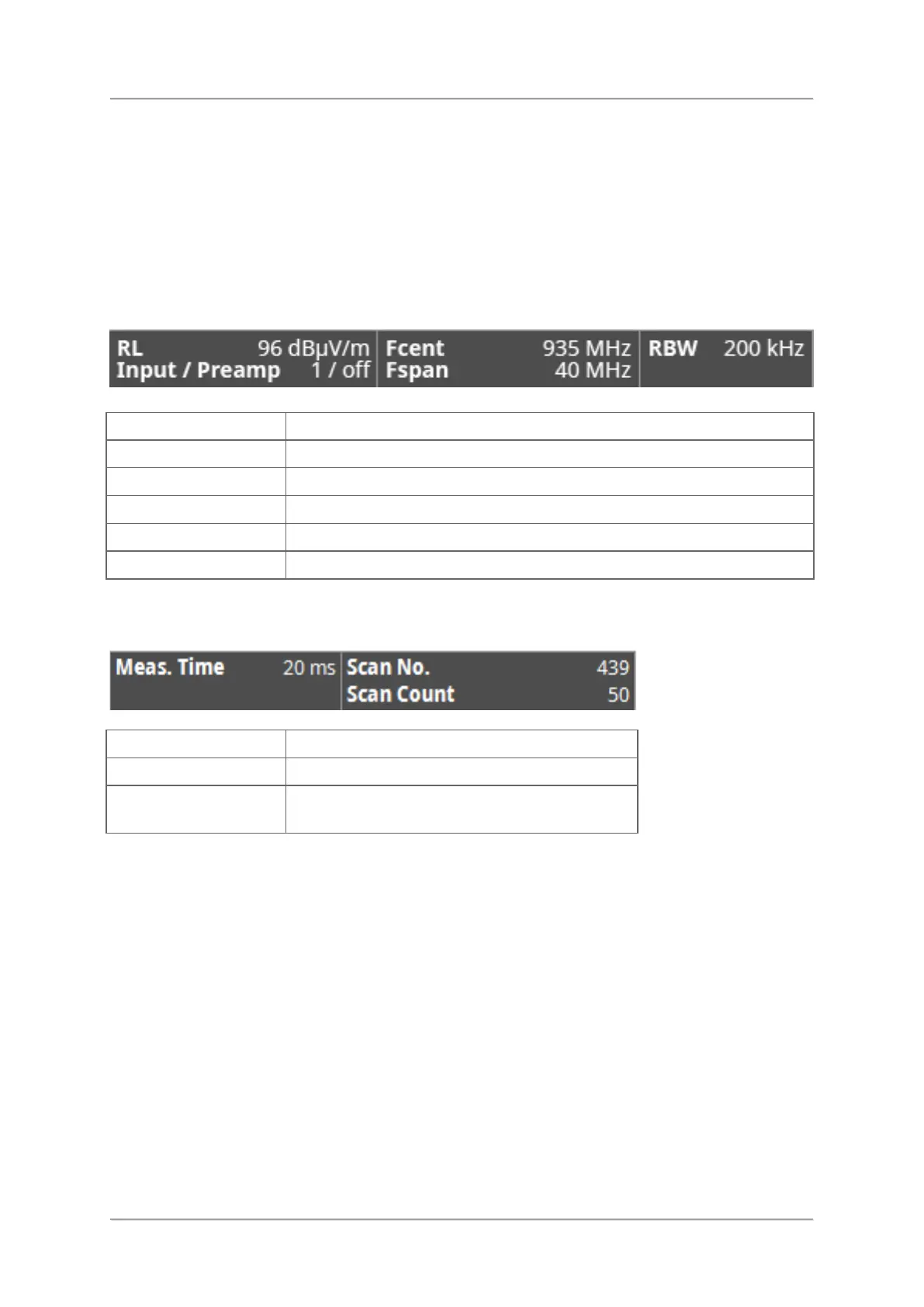
Measurement info bar
The measurement info bar on the bottom of the screen gives information about the current
measurement. The contents of the display may vary, depending on the operating mode.
Measurement settings
The displayed parameters depend on the selected application.
Preamplifier in handle on / off
Status of running measurement
Elapsed time of current measurement
Current scan of running test
Total amount of scans made since last
measurement start



 To Next Page