Basic Operation
39
Operation from AC adapter / charger
The SignalShark can also be operated and powered from the AC adapter / charger.
However, this is not recommended for general use, as the measurement characteristics can
be significantly affected by the presence of the power supply cable in the electromagnetic
field when the SignalShark is operated with the AC adapter / charger connected to it.
Keypad and keyboard
Integrated keypad
The device will be operated mainly via the touchscreen and the integrated keypad.
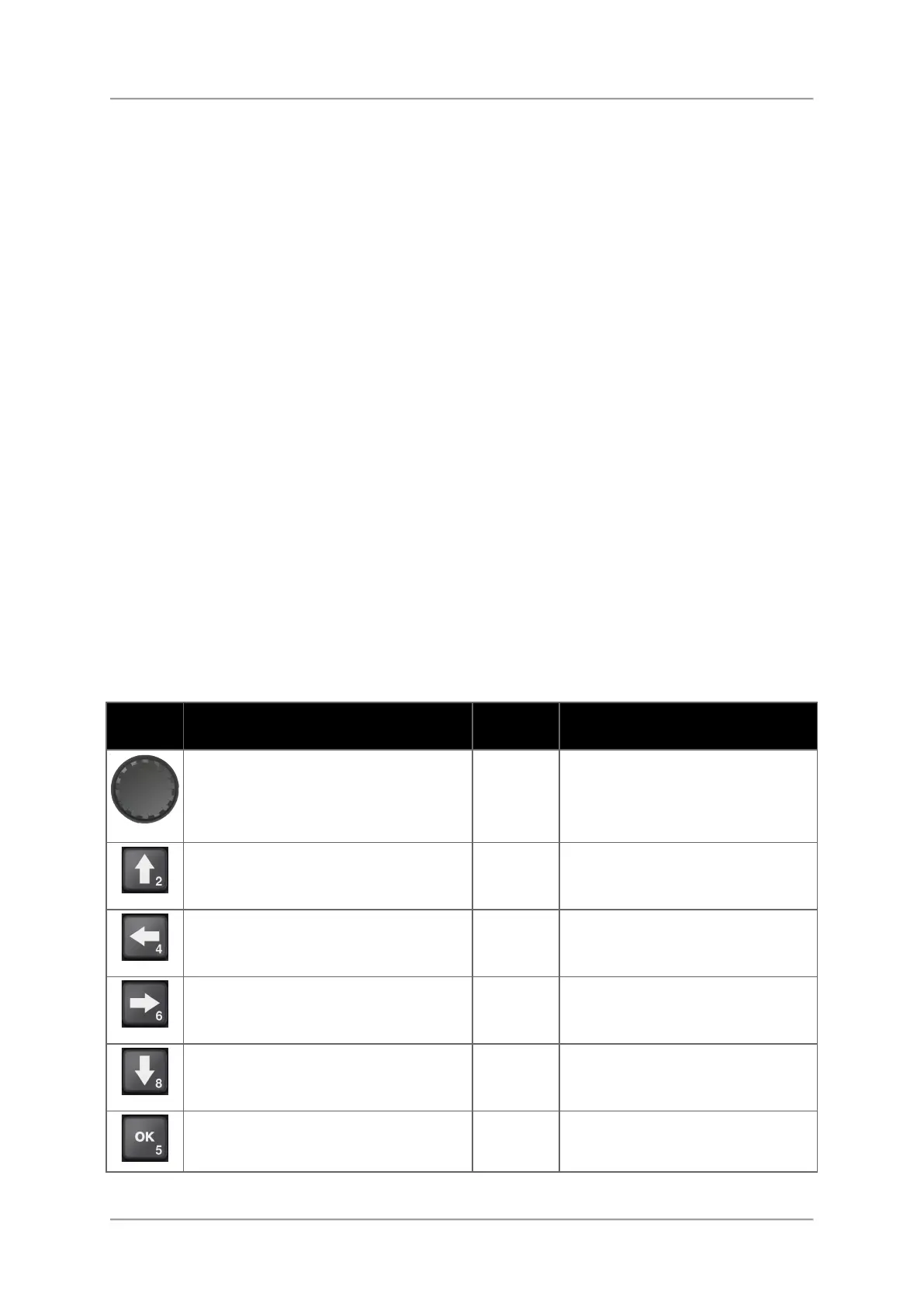
The following table explains all elements that can be found on the integrated keypad as well
as the corresponding shortcuts when using an external USB-keyboard.
External USB keyboard
You may additionally connect an external USB keyboard to comfortably enter characters or
navigate through the views.
Shortcuts allowing access to the functions of the integrated keypad are listed in the last
column of the table.
Connecting a USB keyboard:
⇒ Plug in the USB plug of the keyboard to one of the two USB sockets.
Table:
Keys of the integrated keypad and shortcuts of external USB keyboard
External keyboard short cuts
Set quickly the frequency, select
functions and values, navigate and
zoom on maps, move limits and
markers, etc.
When using an external mouse
the scroll wheel will have the
same function as the
Rotary knob.
Move up, select items from lists,
select bearings, set the
demodulation volume, etc.
2 Up
Move left in entry boxes, select items
from lists, select bearings, set the
demodulation volume, etc.
4 Left
Move right in entry boxes, select
items from lists, select bearings, set
the demodulation volume, etc.
6 Right
Move down, select items from lists,
select bearings, set the
demodulation volume, etc.
8 Down
Confirm changed settings, select
functions, etc
5
Shift + F10 = long press



 To Next Page