95
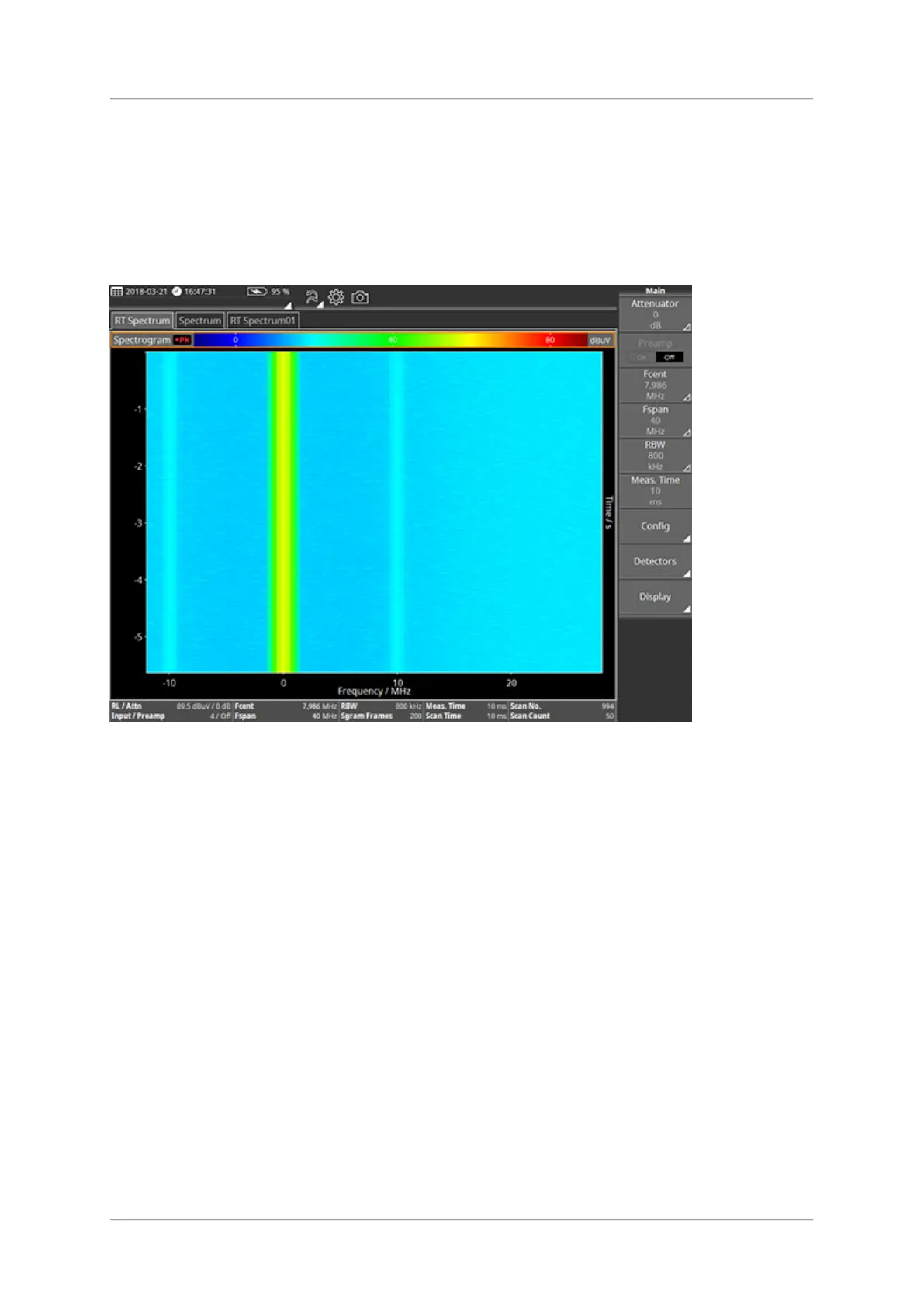
Spectrogram View
The spectrogram allows the display of the signal strength over time of a spectrum while
colors represent the signal level.
RMS, +Pk and -Pk are available as detectors. Detectors compress the high-speed real time
spectra to the selected time resolution.
Available buttons
For information about the different types of buttons and how to select them see Button bar.
⇒ Tap a button to change setting or to open the submenu.
Ref. Level / Attenuator
Fcent/Fspan, Fstart/Fstop
RBW / EBW
Meas. Time
Config
Detectors
Display



 To Next Page