Basic Operation
43
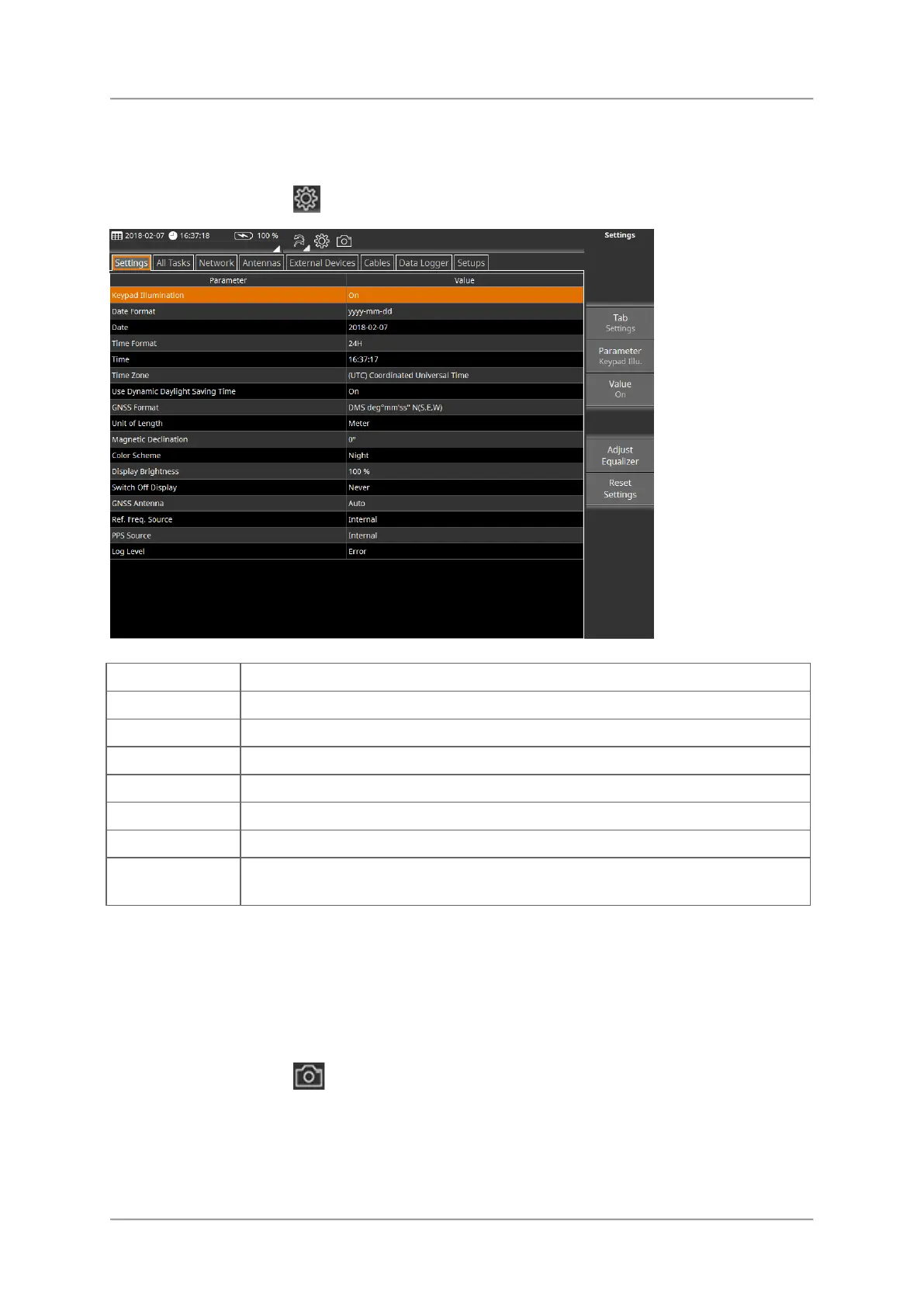
Changing general settings
⇒ In the toolbar tap the button.
Change general device parameters like date, time or display brightness.
Set listed measurement parameters related to all tasks.
Set antenna configuration parameters.
Set configuration parameters for external devices.
Set cable configuration parameters.
View and select stored data sets and screenshots.
Manage your setups. In a setup you can store and recall your device
settings (e.g. tasks and views).
To close a menu or view:
⇒ Press the Esc key or tap the header of the button bar.
Creating a screenshot
⇒ In the toolbar tap the button.
A screenshot of the active window is stored to the memory.
Stored screenshots can be found in this folder:
D:\Narda_SignalShark\Datalogger\Screen Shots



 To Next Page