Screen Overview
51
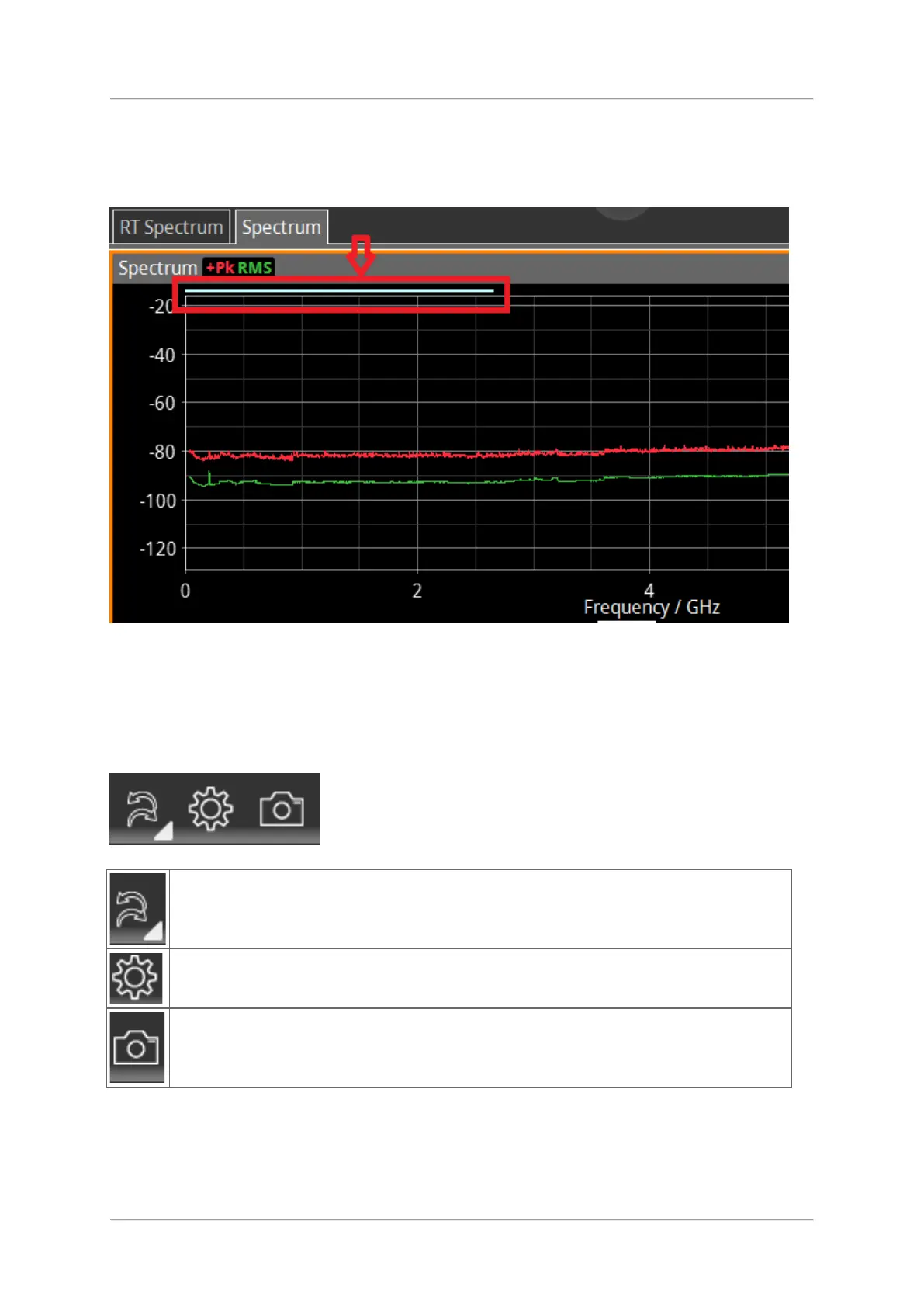
Progress bar
The progress of a measurement is displayed in the progress bar above the graph:
⇒ For displaying detailed system information, see Displaying detailed system information.
Toolbar
In the toolbar the general settings menu and other frequently used functions are grouped.ddd
Last / next action in history.
Tapping the dropdown icon opens the action history.
⇒ See Changing general settings.
Tap to get a screenshot from the current display.



 To Next Page