4.4 Sorting the Part (Comparator)
4-19 ZM2376
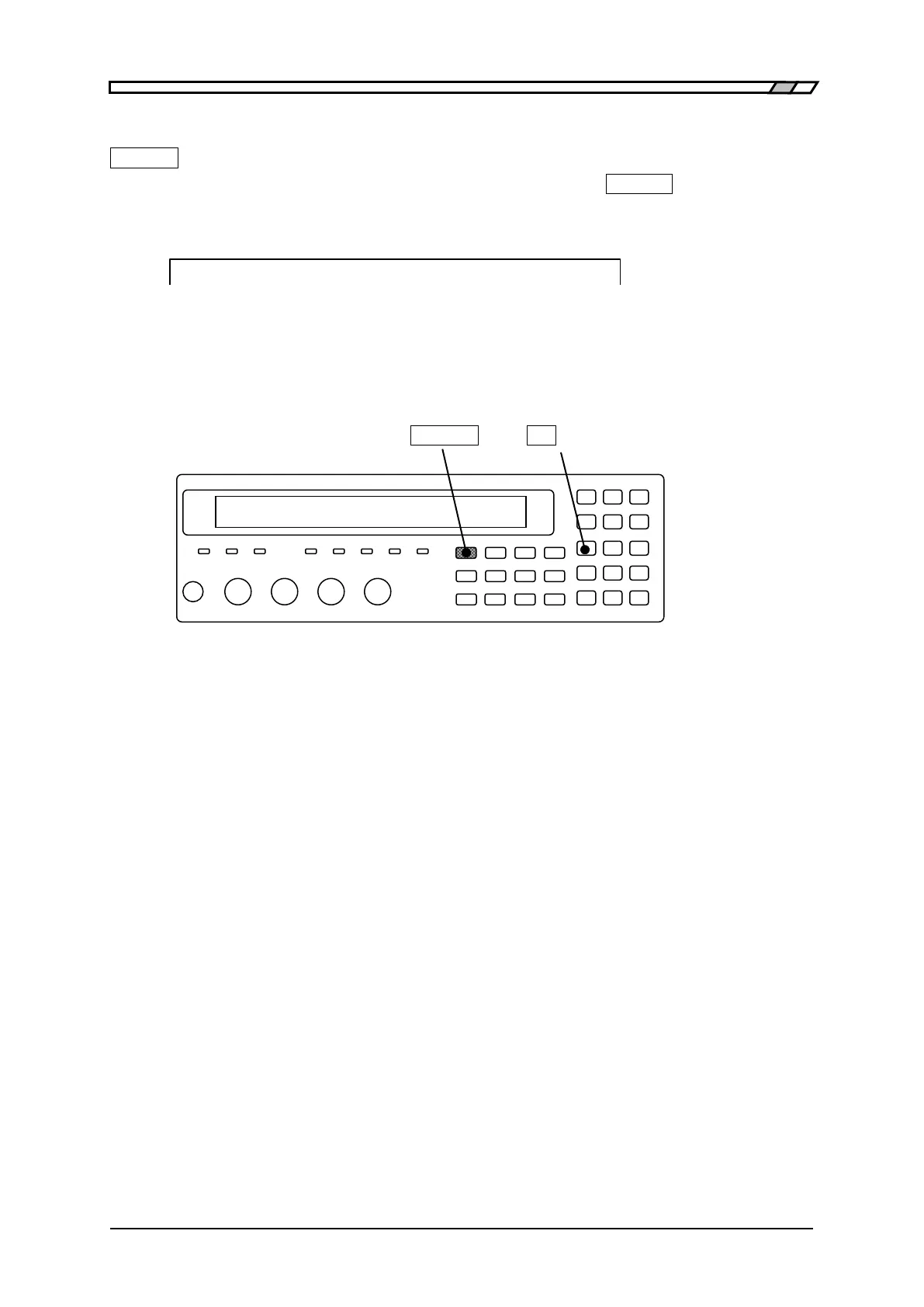
Disabling only either side of lower or upper limit
_SHIFT_
+ [ NO LIMIT ]
With the comparator upper/lower limit setting menu, pressing the
_SHIFT_
+ [NO LIMIT] keys
causes the comparison of the lower or upper limit value on cursor to be disabled and the
comparison is not conducted.
<BIN2 ON Lo:+1.23456µF Hi: No limit>
Once both of lower and upper limit values for the Bin (primary parameter) are disabled, it becomes
the same state as is the case when the range comparison of Bin is disabled.
Once both of lower and upper limit values for the secondary parameter are disabled, it becomes the
same state as is the case when the range comparison of secondary parameter is disabled.
_SHIFT_ _1_
| [NO LIMIT]


 To Next Page
 Loading...

