4.4 Sorting the Part (Comparator)
4-20 ZM2376
Sounding the beep sound depending on the comparator result
It is able to sound the beep sound according to the comparator result.
The beep sound can be set in the system setting menu.
_SHIFT_
+ [ SYSTEM ]
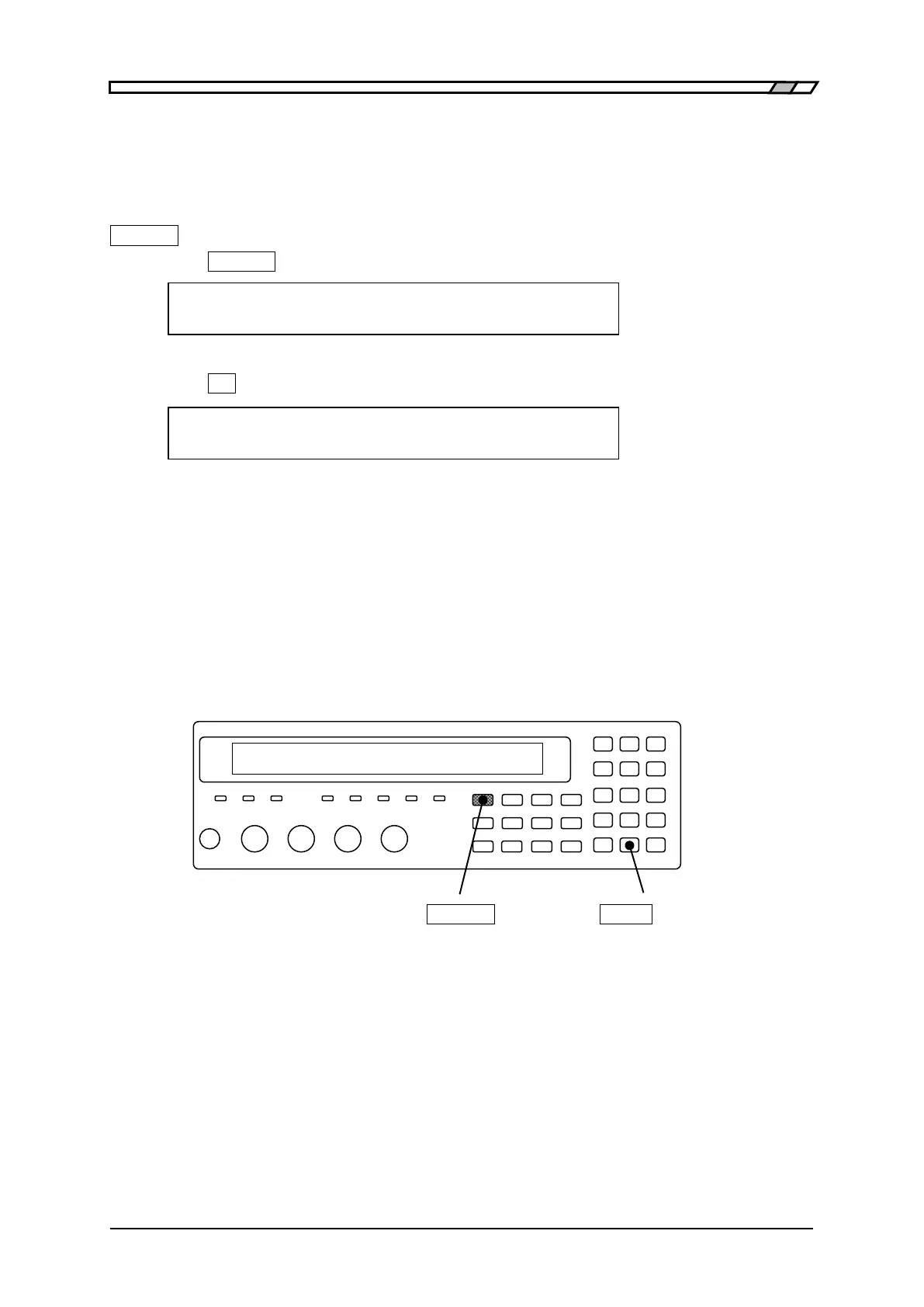
Press the _SHIFT_
+ [SYSTEM] keys to display the system setting menu.
SYSTEM setting
0)INTERFACE 1)BEEPER >NEXT Options (first page)
Press the _1_ key to select the BEEPER, and the beeper setting menu is displayed.
BEEPER:OFF Current setting
0)OFF 1)FAIL 2)PASS Options
OFF Disables the beeper (Beep sound stops).
FAIL When the comparator result is failed (other than BIN1 to BIN14), sounds the beeper.
PASS When the comparator result is passed (BIN1 to BIN14), sounds the beeper.
In case that the limit comparison is enabled: it should be regarded as “PASS” when
comparison result is IN or be regarded as “FAIL” in other cases.
After setting, the results are displayed for a short time and return to one-previous menu.
Perform the EXIT operation to return to one-previous menu.
_SHIFT_
_EXP_
| [SYSTEM]



 To Next Page