3.5 Basic Operations
3-22 ZM2376
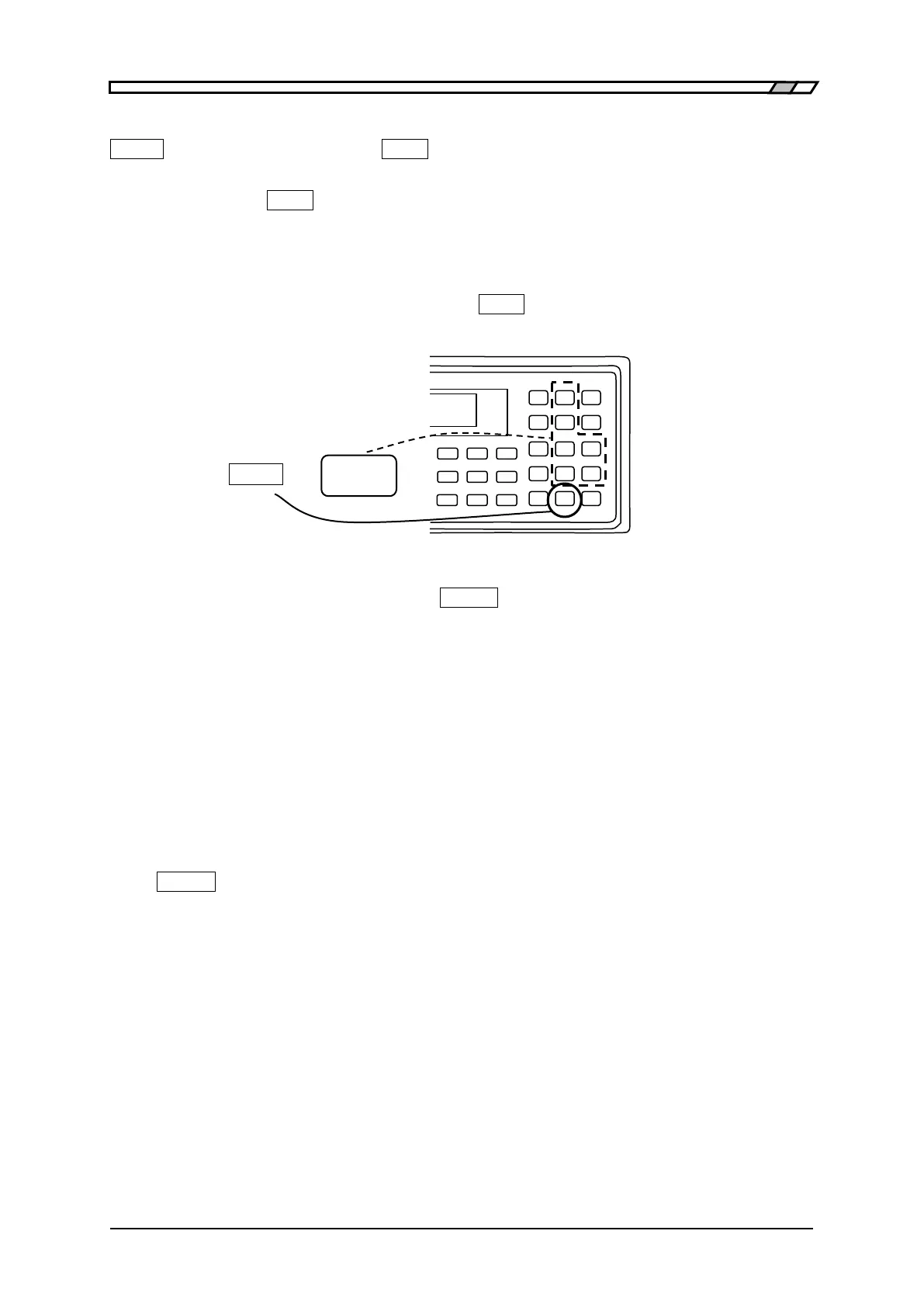
Input of exponential part
_EXP_ + [_x_] Indicates that after the
_
EXP
_
key is pressed, the key expressed as x on the right side
is pressed.
If the
_
EXP
_
key is pressed during input of a numeric value, EXP is displayed at the
bottom right of display, waiting for input of exponential part. In this state, press any
key, so that exponential part x written on the right side of that key can be input.
Available exponential parts: p (10
-12
), n (10
-9
), µ (10
-6
), m (10
-3
), k (10
3
), M (10
6
).
If the exponential part is input or the
_
EXP
_
key is pressed again, the exponential part
input waiting state is cancelled.
EXIT operation With the setting menu, if the
_
ENTR
_
| [EXIT] key is pressed without setting or
selecting a value, one-previous menu is returned. However, depending on the
parameter, the setting menu is closed and the measurement screen comes back.
There are some parameters that automatically returns to one-previous menu or
measurement screen without executing the EXIT operation, after a value was set or
selected.
Reset of error message
An error message may be displayed when, for instance, the input value exceeds the setting range.
The error message can be reset by pressing any key. After confirming the contents of an error, press
the
_
ENTR
_
| [EXIT] key at the bottom right for instance to reset the error message.



 To Next Page