3.5 Basic Operations
3-38 ZM2376
Automatic selection or hold of measurement range
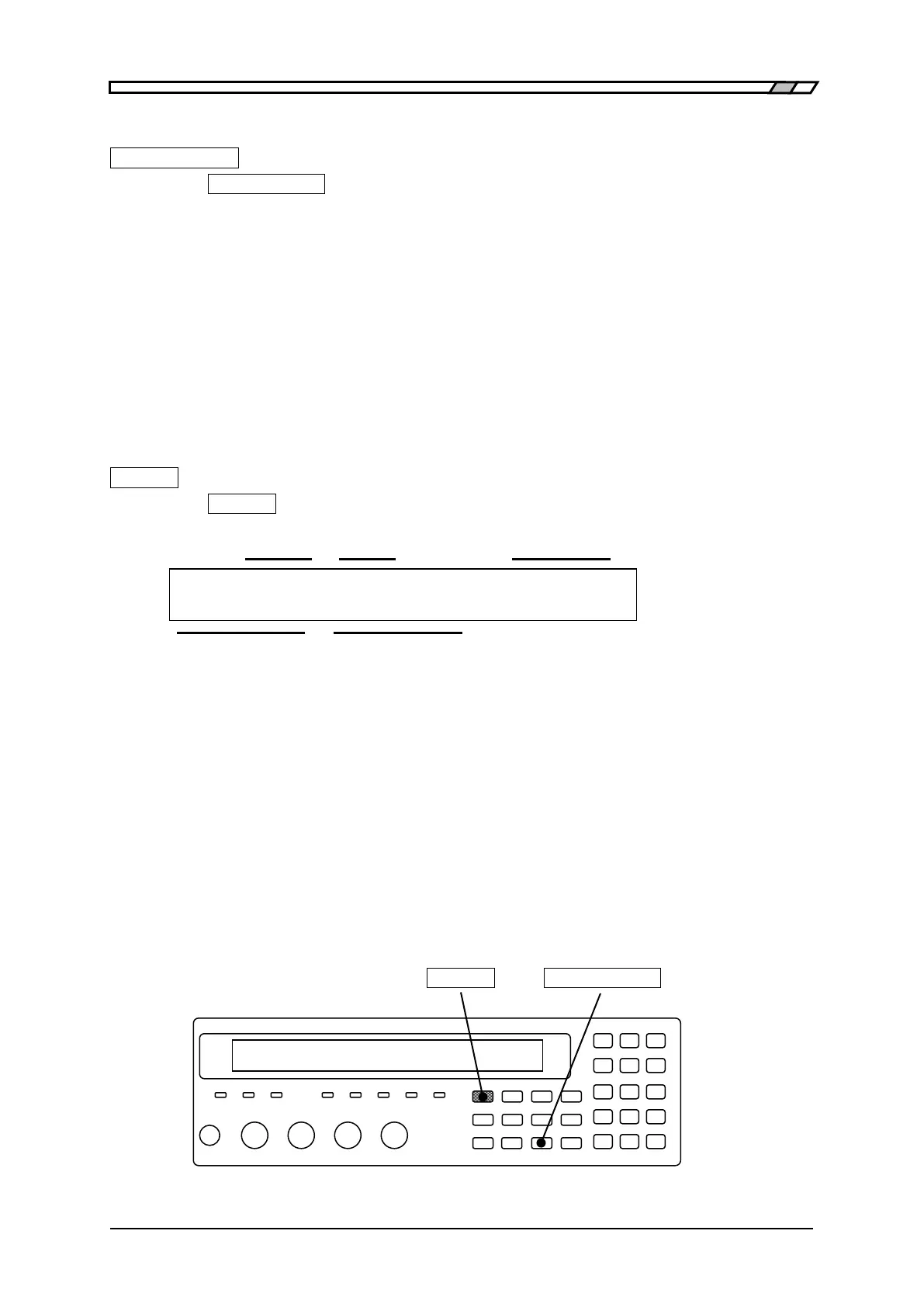
_AUTO / HOLD_
Press the _AUTO/HOLD_
key, and the measurement range is switched between automatic
selection (AUTO) and hold (HOLD).
When the measurement range is held, it can be selected manually. When holding the measurement
range, select a measurement range within the recommended range if possible, considering the
variations of DUT.
For the DUT having large variations or strong nonlinearity, automatic selection may fail. Also, in
the measurement of large capacitance or inductance, the settling of signal will take time. Several
measurements may be required until correct measurement range is set in automatic selection and
the measured value becomes stable.
Manual selection of measurement range
_SHIFT_
+ [ RANGE ]
Press the _SHIFT_
+ [RANGE] keys to display the measurement range setting menu.
Auto / Manual Current range Minimum output impedance
RANGE : Manual 1kΩ Rd:25Ω-1 Current setting
0)DOWN 1)UP 100mΩ to 1MΩ 2)Rd-min Options
Selectable operations Selectable range
Auto Displayed when the measurement range is automatically selected.
Manual Displayed when the measurement range is manually selected (hold).
DOWN Switches the measurement range to a range having lower impedance by zero.
UP Switches the measurement range to a range having higher impedance by one.
Rd-min Displays the minimum output impedance setting menu of drive signal source.
The measurement range can be changed with a numeric key, one step at a time. If DOWN or UP is
operated, the measurement range is held (manual selection). Note that the measurement range of
impedance should be lowered when measuring larger capacitance C or admittance |Y|.
Perform the EXIT operation to return to the measurement screen.
_SHIFT_ _AUTO/HOLD_ | [RANGE]



 To Next Page