prw2101a0600p_01
37 / 105
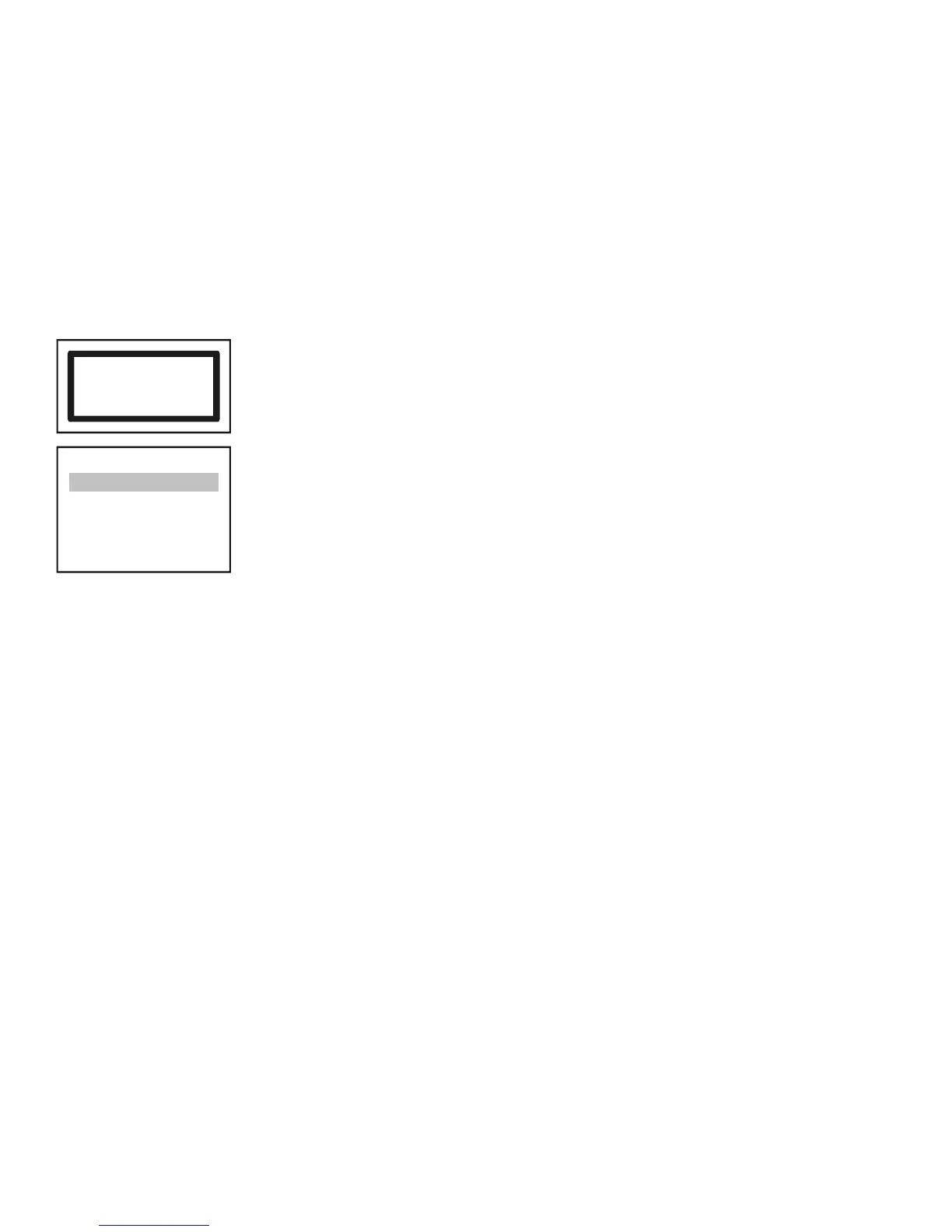
Searching result may be the following:
No HART device
Press OK
No device was found in the loop
DEV detect
37
- - - -
>
SAVE
<
- - - -
2: SEA-360 (- -)
3: SEA-360 (07)
4: SPA-380 (08)
1: ST-300 (01)
Device is found in the loop:
The devices above the ---SAVE--- line are the ones already included in the list. This list is empty if the unit is either
newly manufactured or if reset („Main menu”/”Default”). The units under this line are not in the list, but have
responded to a query. The „Short Address” (Polling Address) appears in brackets. Whereby a unit in the list responds,
the „Short Address” will appear in brackets, otherwise a (--) will appear instead.
Upon selecting any unit that has responded (either above or below the line) an pressing „OK”, the „Short Tag” can be changed.
MultiCONT only handles units above the line.
Note:
If the number of the devices in the loop is known and MultiCONT detected them already, detection process can be interrupted by pressing the button
(the button should be pressed until „DEV detection end” message appears).


 To Next Page