prw2101a0600p_01
39 / 105
1: ST300 M 1 LEV
2006.04.04
2.452 m
A 11:46
2: SE300 M 2 VOL
2006.04.04
41.18 m
3
A 11:46
Once back in measurment mode the measured values of the
devices found during detection are displayed one after another on the display.
For the meanings of the captions on the display see 5.10 (Measurement mode)
If the measured data of a given device are not needed temporarily, no need to delete it
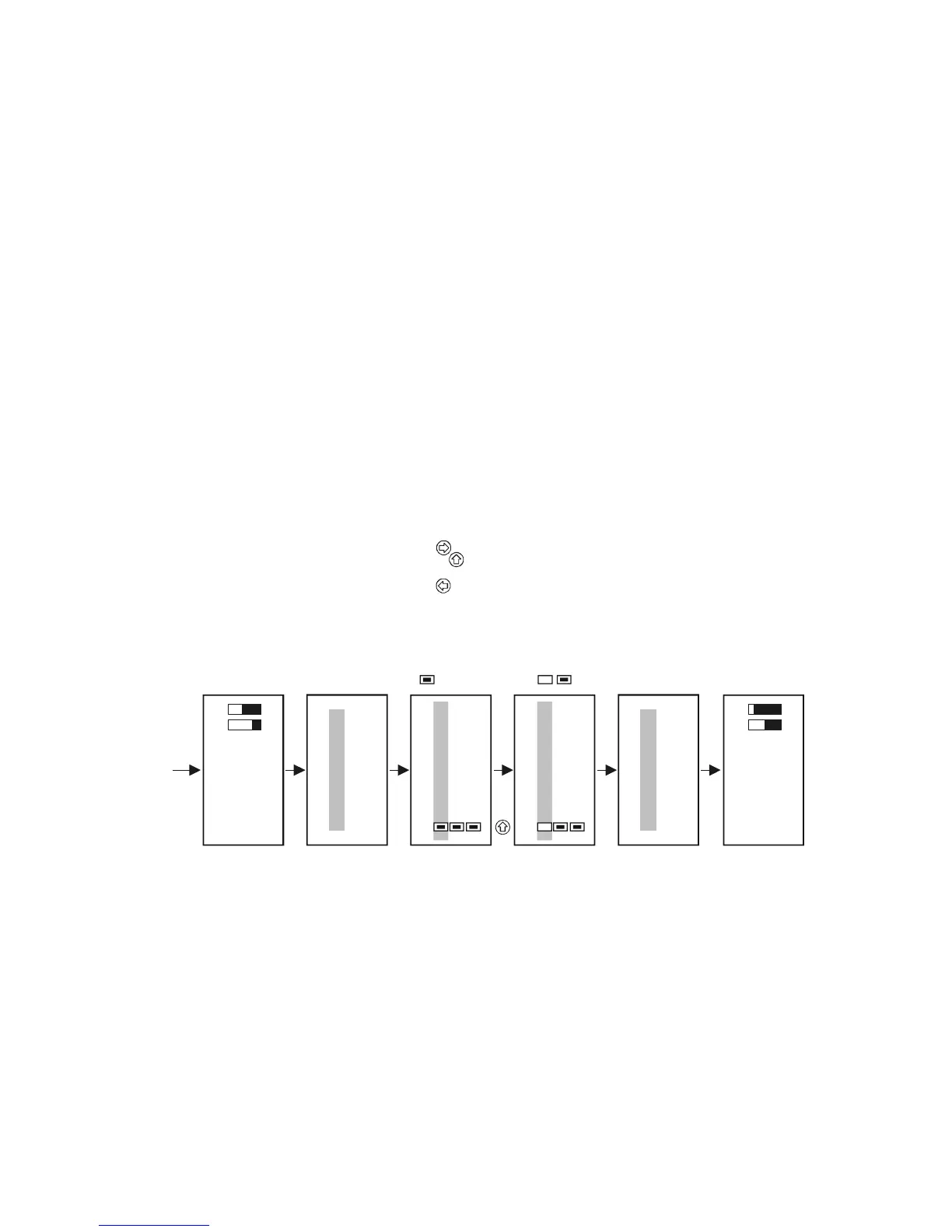
from the list, it is enough to inactivate it in the following manner.
Main menu
01
Current outs
Devices
Relays
Main menu
05
Current outs
Devices
Relays
Devices
06
02: SE300
03: ST–HCL
01: ST300
Devices
06
02: SE300
03: ST–HCL
01: ST300
"OK"
"OK"
"ESC"
"ESC"
Upon re-entering measuring mode the measured values of
the inactive device are not shown on the display and
states of assigned relays and current outputs do not change.
Device is active
Select the device with and
and deactivate it by pressing
Inactive device
ctive device A


 To Next Page