2-2
CHAPTER 2 DIAGNOSIS
PROBABLE CAUSE(S)
Power cord not plugged in or properly
connected to balance or defective.
Display module not connected prop-
erly.
Defective display PC Board.
Defective membrane switch.
IC U11 defective.
Display module cable defective.
Internal cables may be touching a
moving part of the transducer.
Weigh below cover may have col-
lected debris and is touching internal
hook.
Defective membrane switch.
Zero has changed.
Defective power supply board.
Defective membrane switch.
Defective power supply board.
Defective cable.
Defective membrane switch.
Balance was not re-zeroed before
weighing.
Balance not properly calibrated.
Defective/damaged Transducer.
Print menu settings not properly set
up.
Cable connections.
Defective main PC Board.
Microprocessor locks up.
Defective main PC Board.
Defective Display PC Board.
SYMPTOM
Unit will not turn on.
Balance drifts.
When balance is turned ON, "CAL"
shows on the display.
Error 3.0 on a high capacity (12000g-
32000g) balance.
High capacity (12000g-32000g) bal-
ance will not turn on.
Voyager Low and High capacity units
start in Print menu.
Incorrect weight reading.
RS232 interface not working.
Random segments displayed or dis-
play locks up.
REMEDY
Check/replace power cord connec-
tions.
Check display module connections.
Replace display PC Board.
Replace membrane switch.
Replace IC U11.
Replace cable.
Re-route cables.
Clean or replace cover.
Replace membrane switch.
Perform manufacturing calibration.
Replace power supply board.
Replace membrane switch.
Replace power supply board.
Replace cable.
Replace membrane switch.
Press
with no weight on the
pan, then weigh item.
Recalibrate correctly.
Troubleshoot & repair Transducer.
Verify interface settings in RS232
menu correspond to those of periph-
eral device.
Check cable connections.
Replace main PC Board.
Turn power off, then turn on again. If
condition persists, unit must be ser-
viced.
Replace main PC board.
Replace Display PC Board.
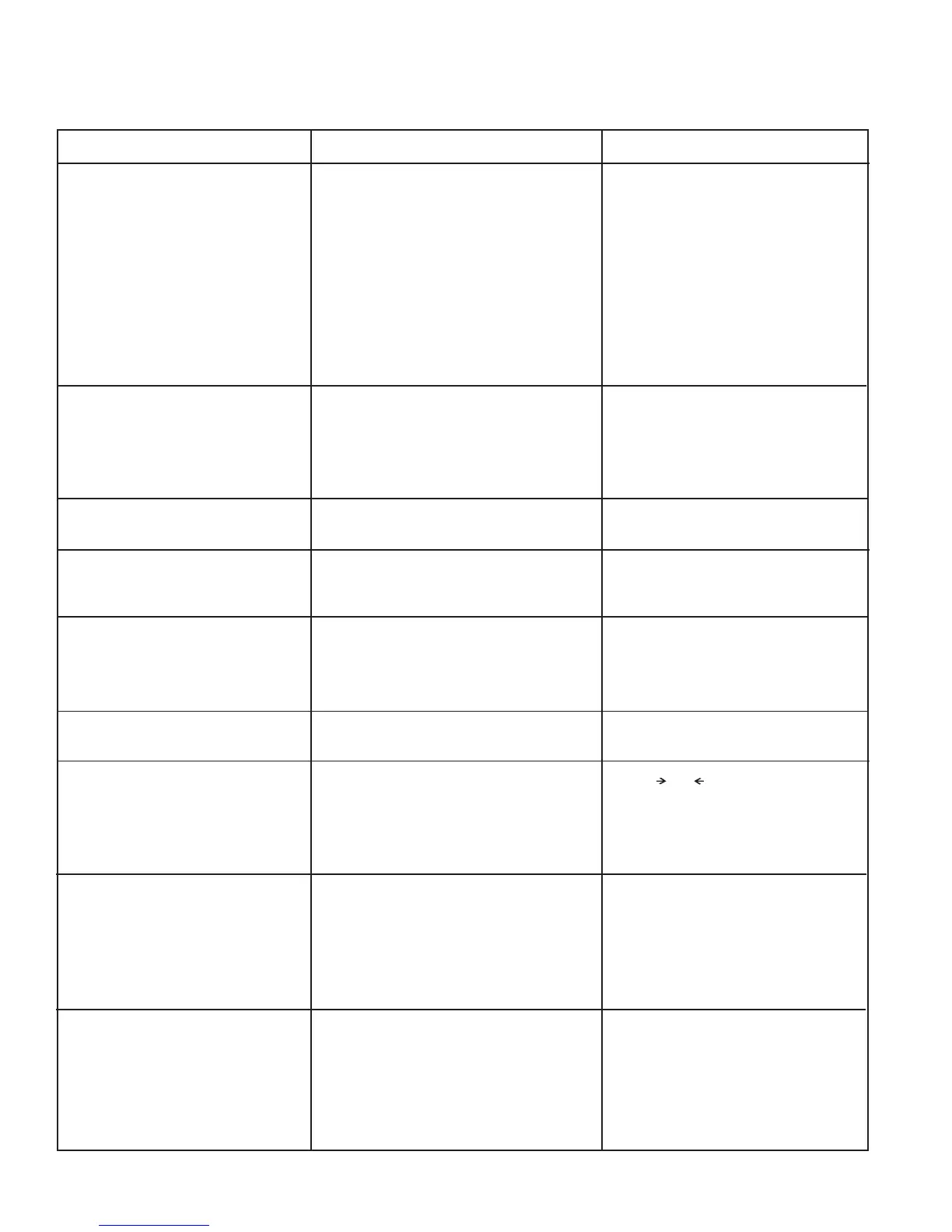
TABLE 2-1. DIAGNOSTIC GUIDE













 To Next Page