SOCT Copernicus PLUS - Service Manual
12.9.1 Exchange of scanner driver boards
Unplug device from power supply.
Open cover (see: Opening cover).
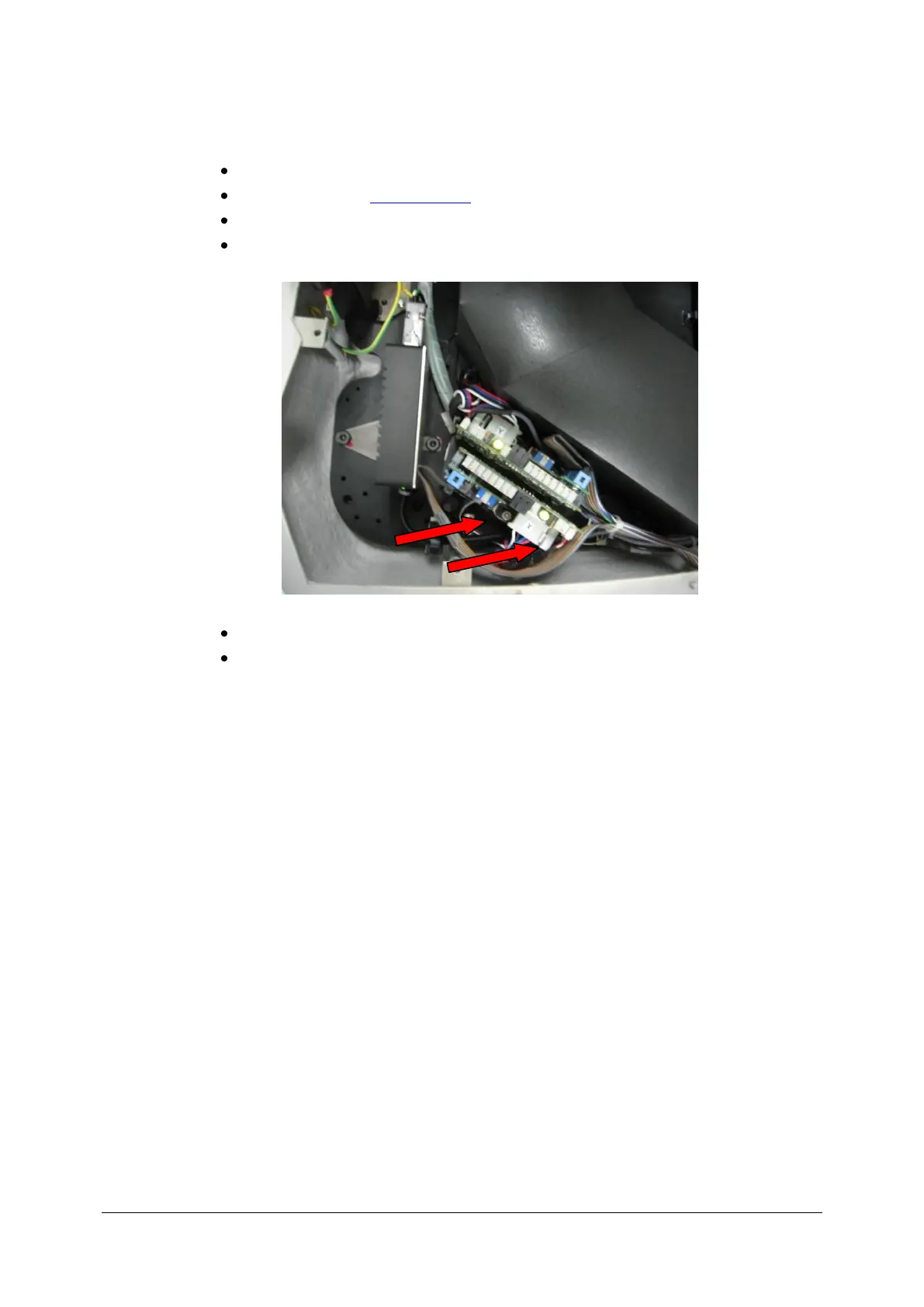
Dethatch all plugs from boards.
Unscrew 2 screws on each board.
Detach old and attach new boards.
Connect plugs to proper connectors.



 To Next Page