SOCT Copernicus PLUS - Service Manual
9.2 Electronic troubleshooting
1. Device does not
turn on.
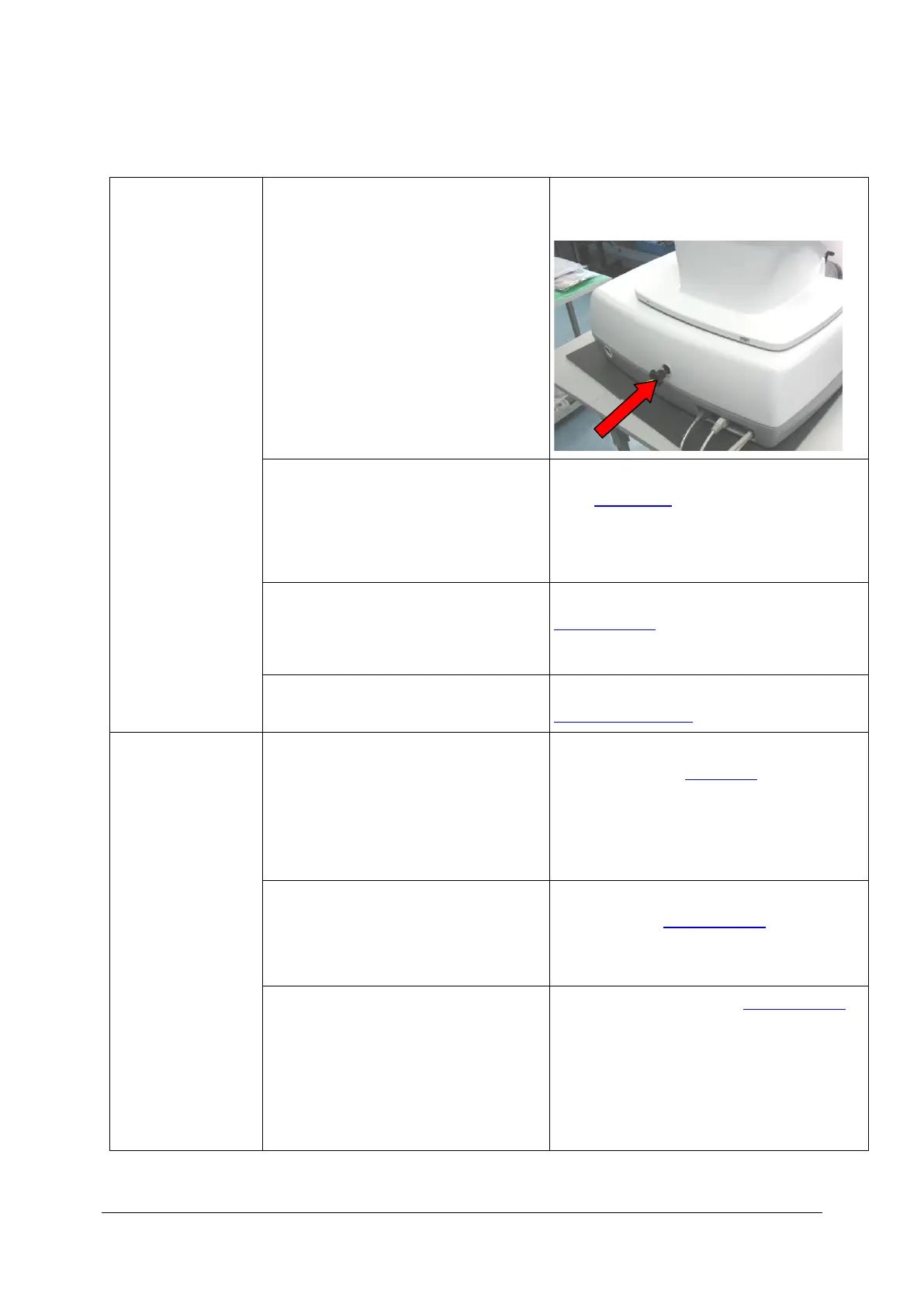
1.1. Protect handler is still in device.
CCW undo protect handler with is on the
back of device and remove it
1.2. Device is not plugged into Power
supply grid.
Check the Power supply cable connection –
(see: Rear panel) If the cable is connected
correctly – ensure that power supply is in
the main.
Replace the fuses from rear panel- (see:
Fuse exchange).
1.4. Broken Switch source power supply
or broken fuses on Power supply board.
Check the Switch source power supply (see:
Power supply board).
2. No
communication with
device.
2.1. Device not connected to the main
grid.
Check if the Power supply cable connected
to the main. (see: rear panel) Switch on the
power switch. (Switch has to light on light-
green colour).
2.2. Device not connected to the
computer by the USB cable
Check if device is connected to the
computer (see: Board 151-126).
2.3. Broken board 151-126
Check board 151-126 (see: Board 151-126).



 To Next Page