SOCT Copernicus PLUS - Service Manual
12.15 Programming the CPU
Before you start the programming procedure contact Optopol technology service department.
Prepare the following information: serial number of the device taken from the scantest, or SOCT
software patient tab(all numbers). Request programming files, it will be prepared and sent to you via
e-mail.
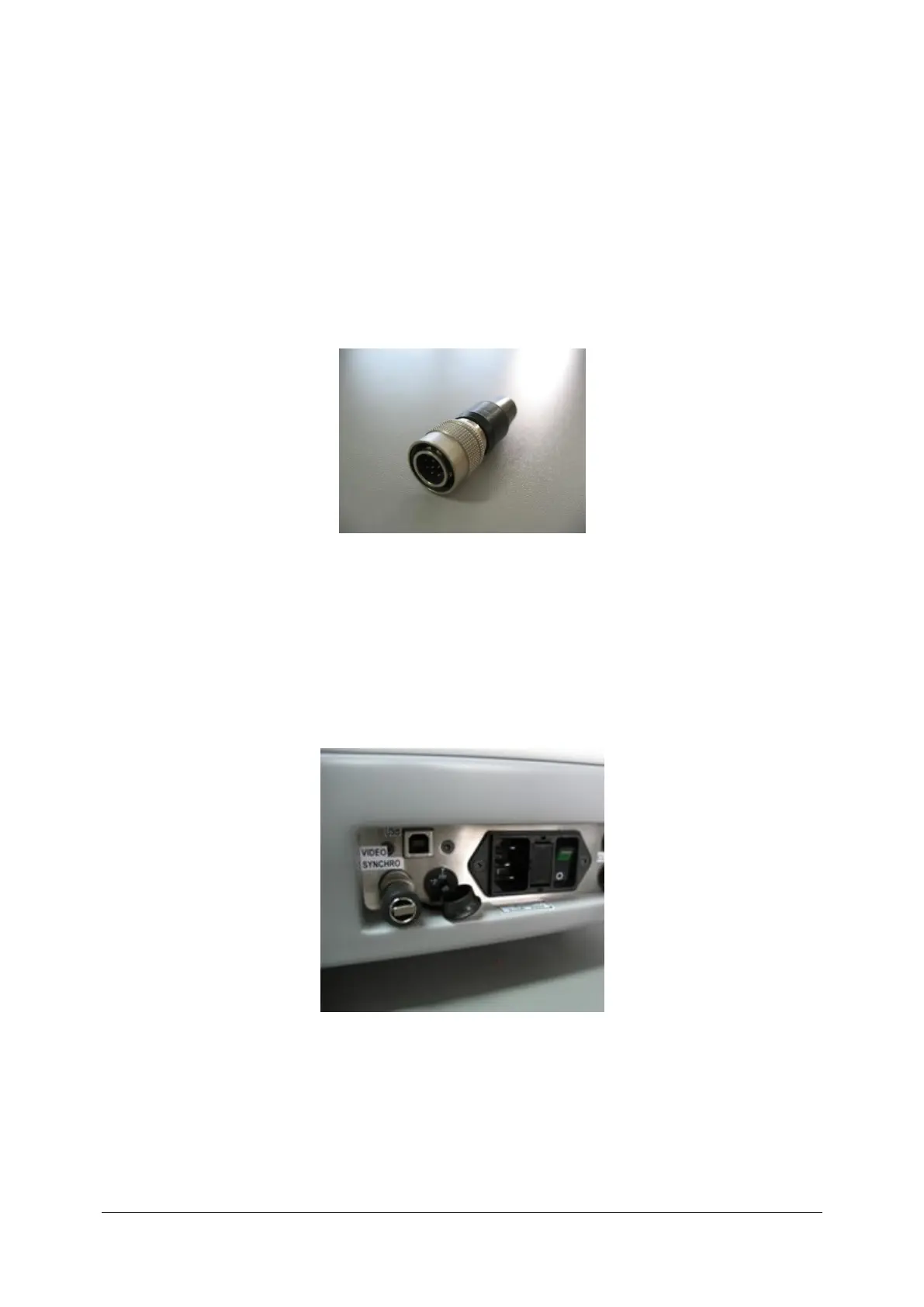
Programming connector.
1. Check in scantest_lt software which COM port is used to communication with SOCT. Default
value is COM1. If necessarily different com number will have to be changed in the
programming application.
2. Turn off the device.
3. Unplug the synchronisation cable.
4. Plug programming jumper to empty socket or connect PIN7 with PIN8 via resistor [1k Ohm].



 To Next Page