SOCT Copernicus PLUS - Service Manual
9.3 Optical troubleshooting
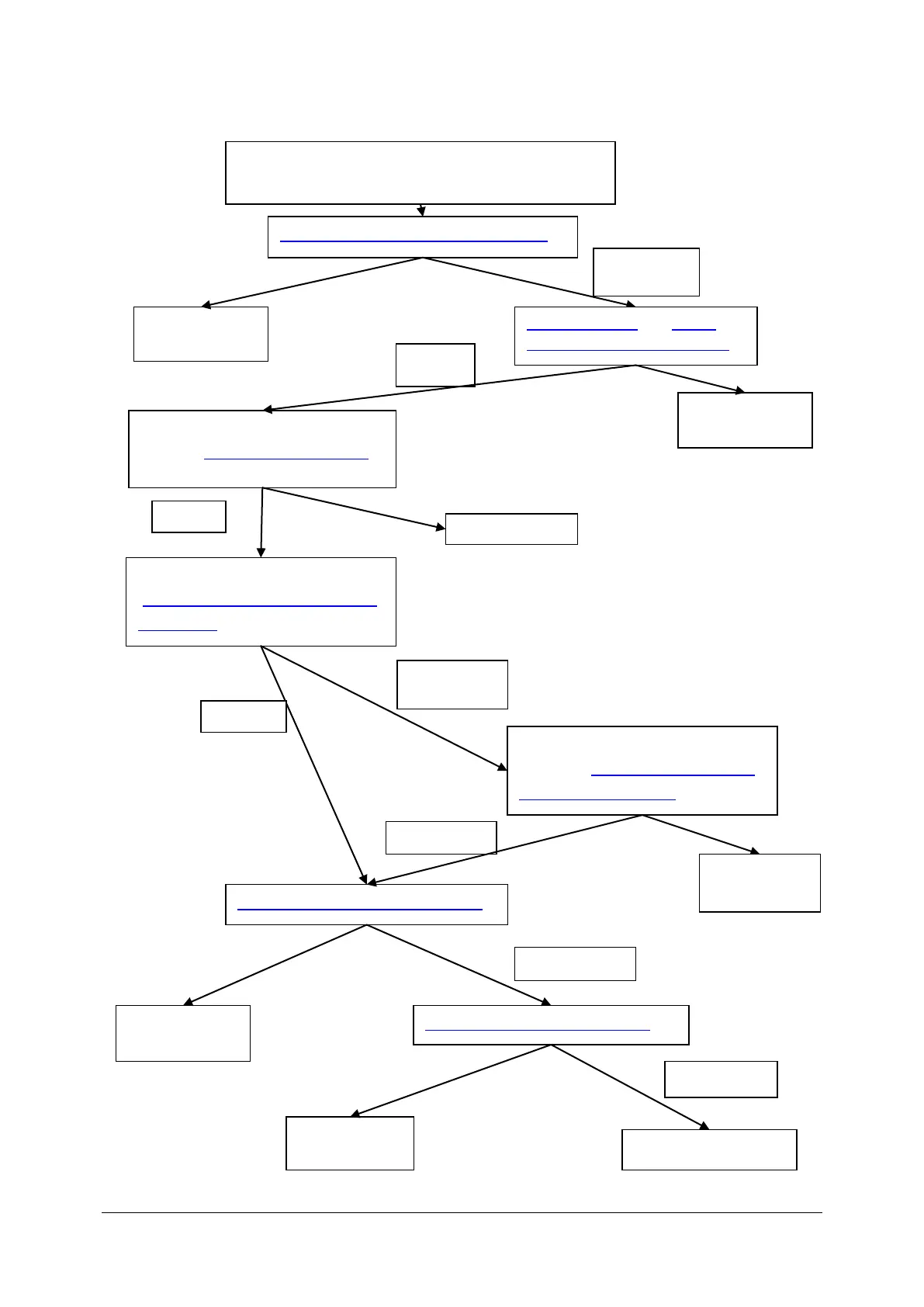
POOR IMAGE QUALITY
(Bad saturation, lower sensibility)
Check the spectrometer’s adjustments
Check if outgoing beam is centered
(Checking, adjusting and exchange
of scanners points 12-17)
Check the polarization adjustments
Reference lane filter adjustment
Clean the optics and Check
output power on the objective
ane
Check the fixation point (points 1-
12 from: Setting fixation point to
the centre of the cross
Just fixation point to the centre of
the cross (Setting fixation point to
the centre of the cross )



 To Next Page