SOCT Copernicus PLUS - Service Manual
8.3 Drivers installation
8.3.1 NI Vision Acquisition Software installation
Turn the computer on.
Insert a CD disc with SOCT Copernicus+ software to the CD-ROM.
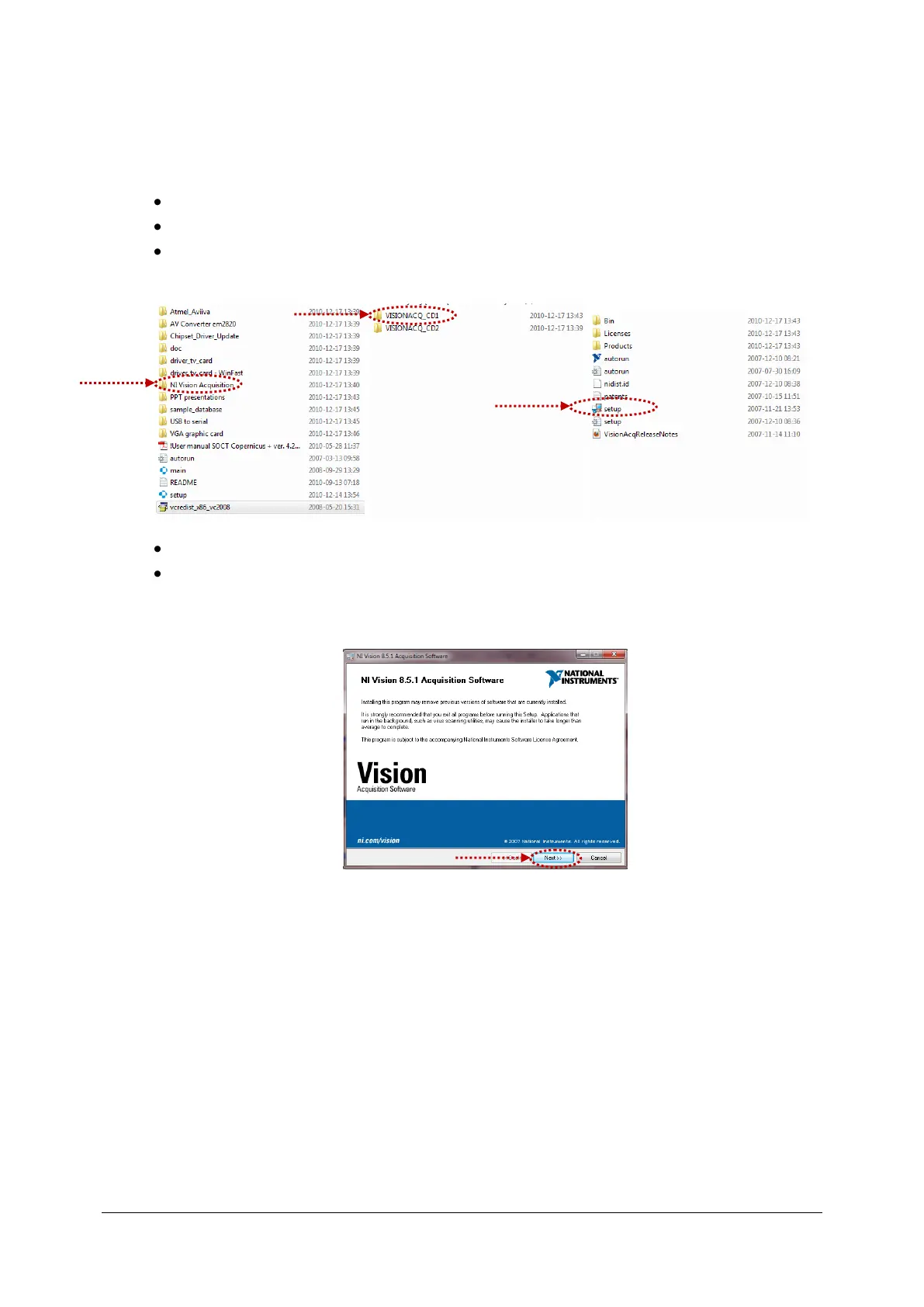
Open the CD and find the NI software files. Disc:\NI Vision Acquisition\VISIONACQ_CD1.
Double click on the setup.exe.
After initialization finishes, press Next>>.



 To Next Page