SOCT Copernicus PLUS - Service Manual
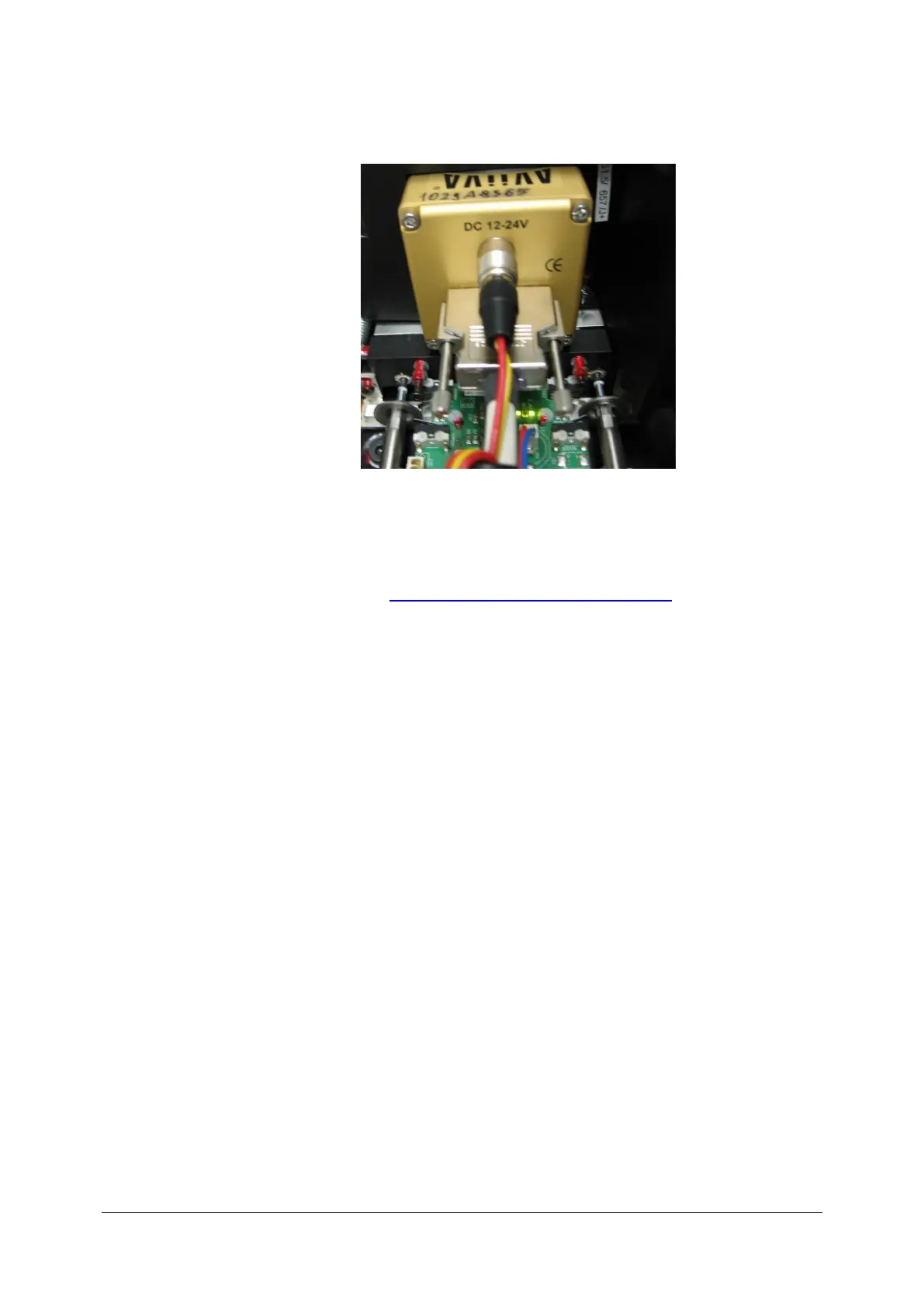
12.12 Checking AVIVA camera power supply
Proper connection of Aviva camera is signalized by shining LED diode. If after
powering device diode stays off, check power supply board (see: Switch source
power supply) and check camera plug. If power supply board works and camera
connection is proper and diode stays off, most probably camera is broken – contact
authorised service (see: Contact to Optopol Technology Sp. z o.o.).



 To Next Page