SOCT Copernicus PLUS - Service Manual
13.6 Checking and adjusting power on objective lane
Tools needed to do activities shown in this instruction: Power meter; program skantest; hexagonal
keys 1,5; 2.
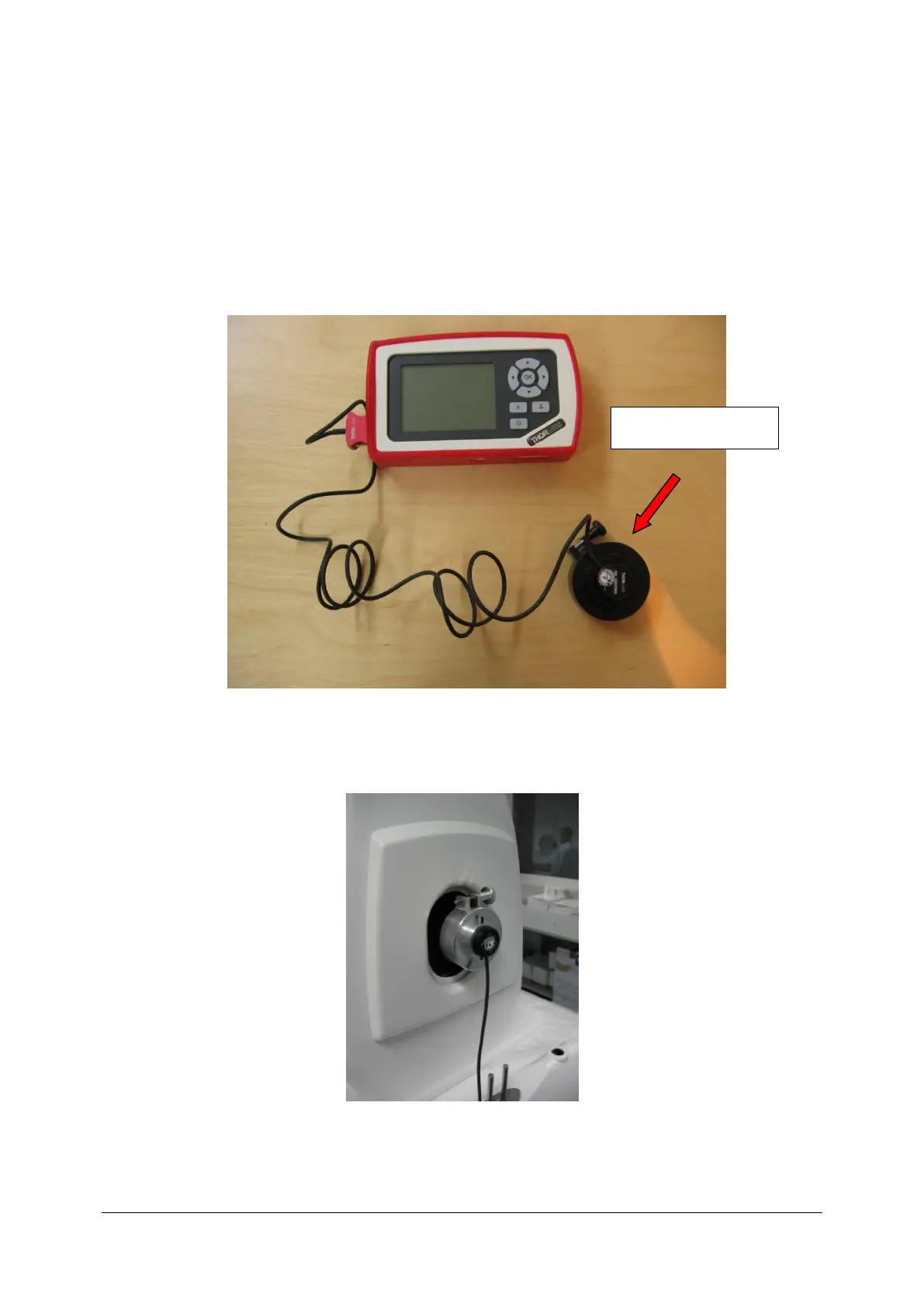
1. Prepare the power meter.
2. Set wavelength at 840nm.
3. The head of Power meter install on objective lens of SPOCT Copernicus and turn up screw.



 To Next Page