SOCT Copernicus PLUS - Service Manual
13.8 Checking and adjusting the polarization
Tools needed to do activities shown in this instruction:
-program skantest;
-artificial eye;
- spanner size 5.5
-hexagonal key size 2
1. Open the SOCT cover (see: Opening cover ).
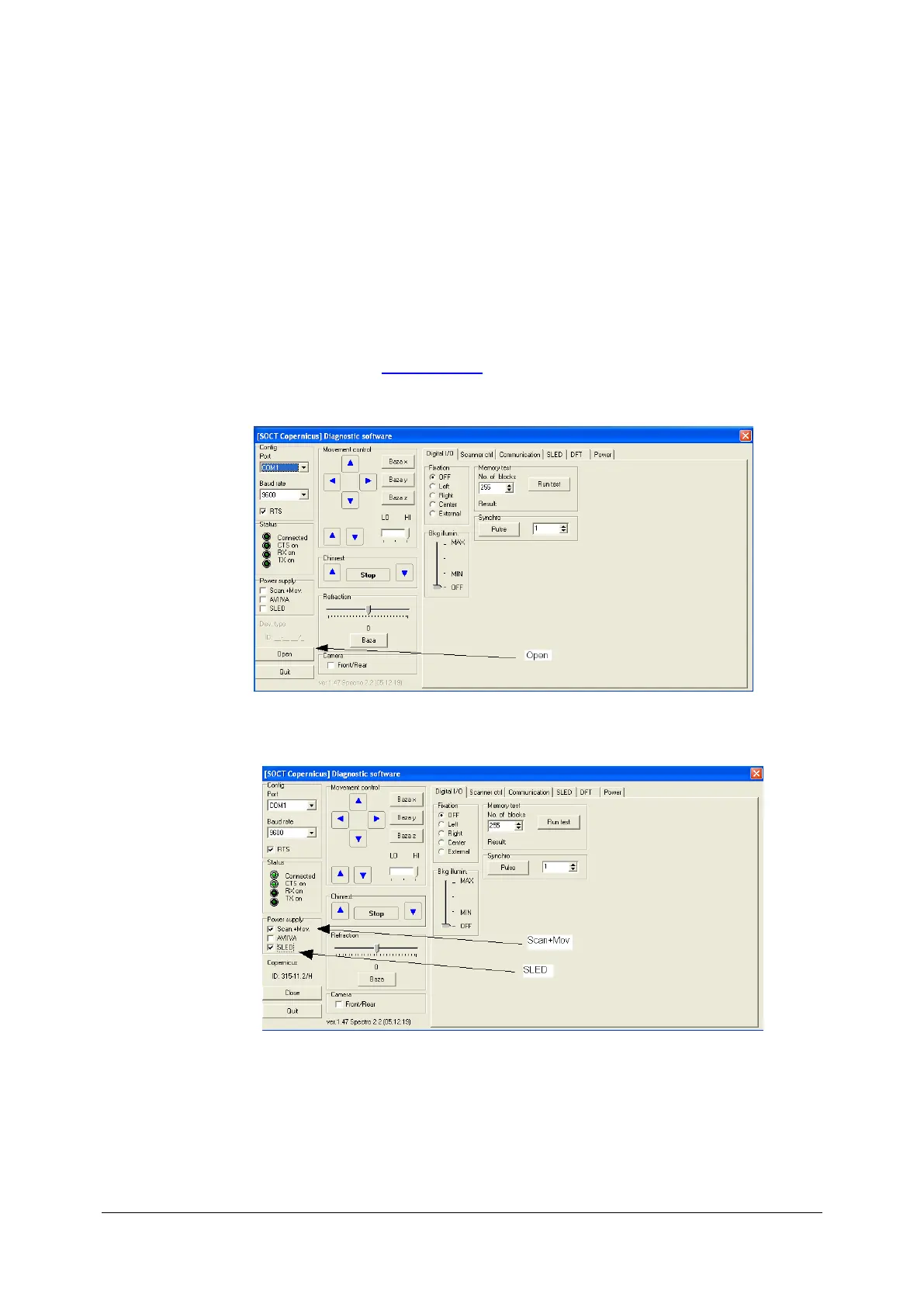
2. Run skantest program.
3. Mark scan+Mov and then SLED. and go to the SLED tab.
4. Mark make sure that device is in base position.



 To Next Page