SOCT Copernicus PLUS - Service Manual
22. If fixation point is moved left/right then detaching mirror will be needed.
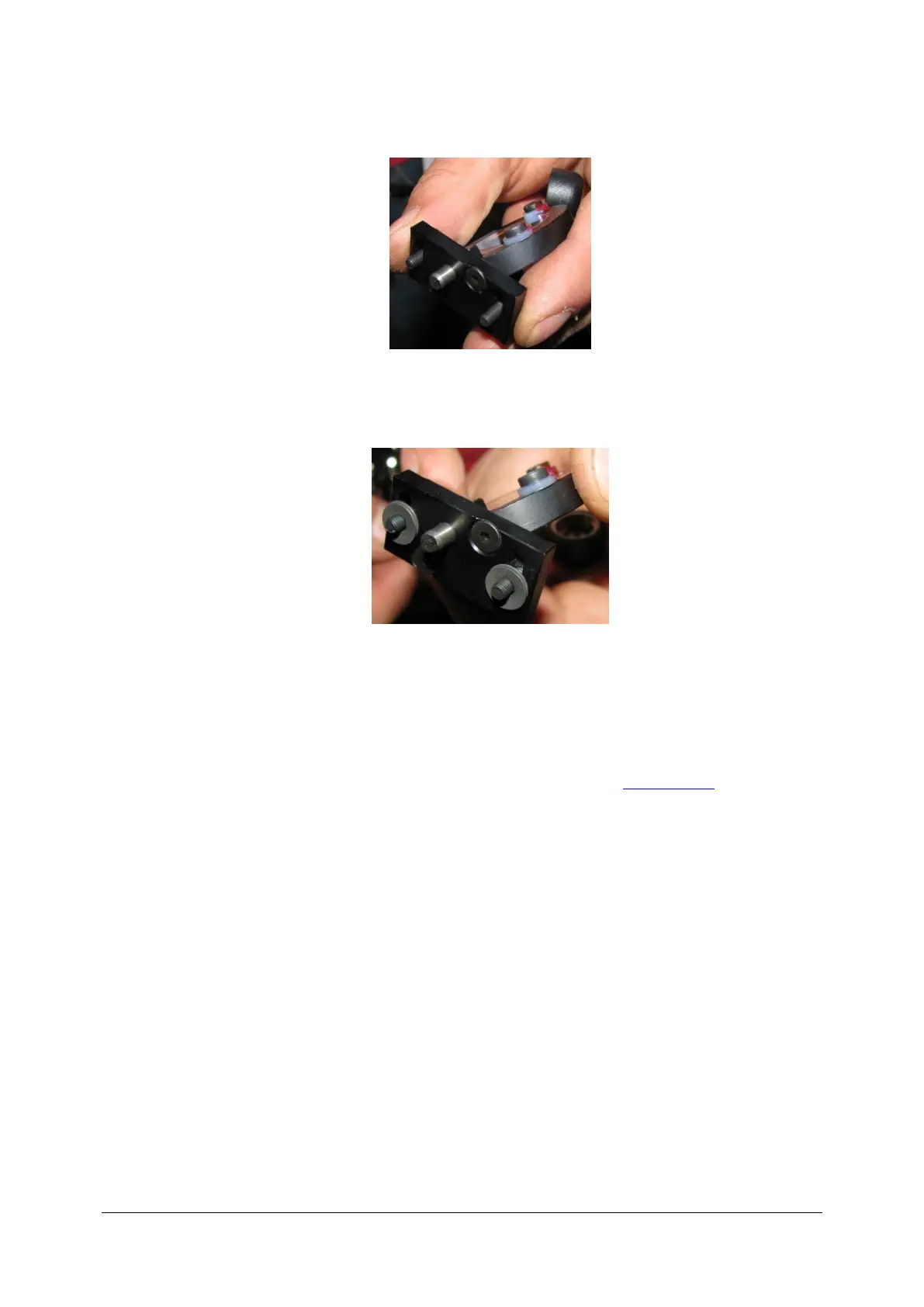
23. While mirror is detached, add or take off some pads in order to set fixation in proper point.
Adding pads will move fixation to the left and taking them off will move it to the right.
24. Attach mirror back to the unit and set the fixation to the proper point.
25. Run the Skantest application, turn on ‘SLED’ and ‘scan+move’. In the ‘Scanner Ctrl’ tab select
‘Cross’ checkbox and press ‘Run’ button.
26. In the ‘Digital/ I0’ tab select fixation to be ‘Center’.
27. Look into the Copernicus lens and check if the fixation is in the centre of scanning cross.
28. Turn off the Skantest application and mount back the cover (see: Closing cover).
29. Run SPOCT Copernicus software and perform the trial scan on human eye.



 To Next Page