SOCT Copernicus PLUS - Service Manual
16. After setting the beam in the centre of the cross, remove viewfinder.
17. If fixation point is in the centre of the cross then proceed to the point 28.
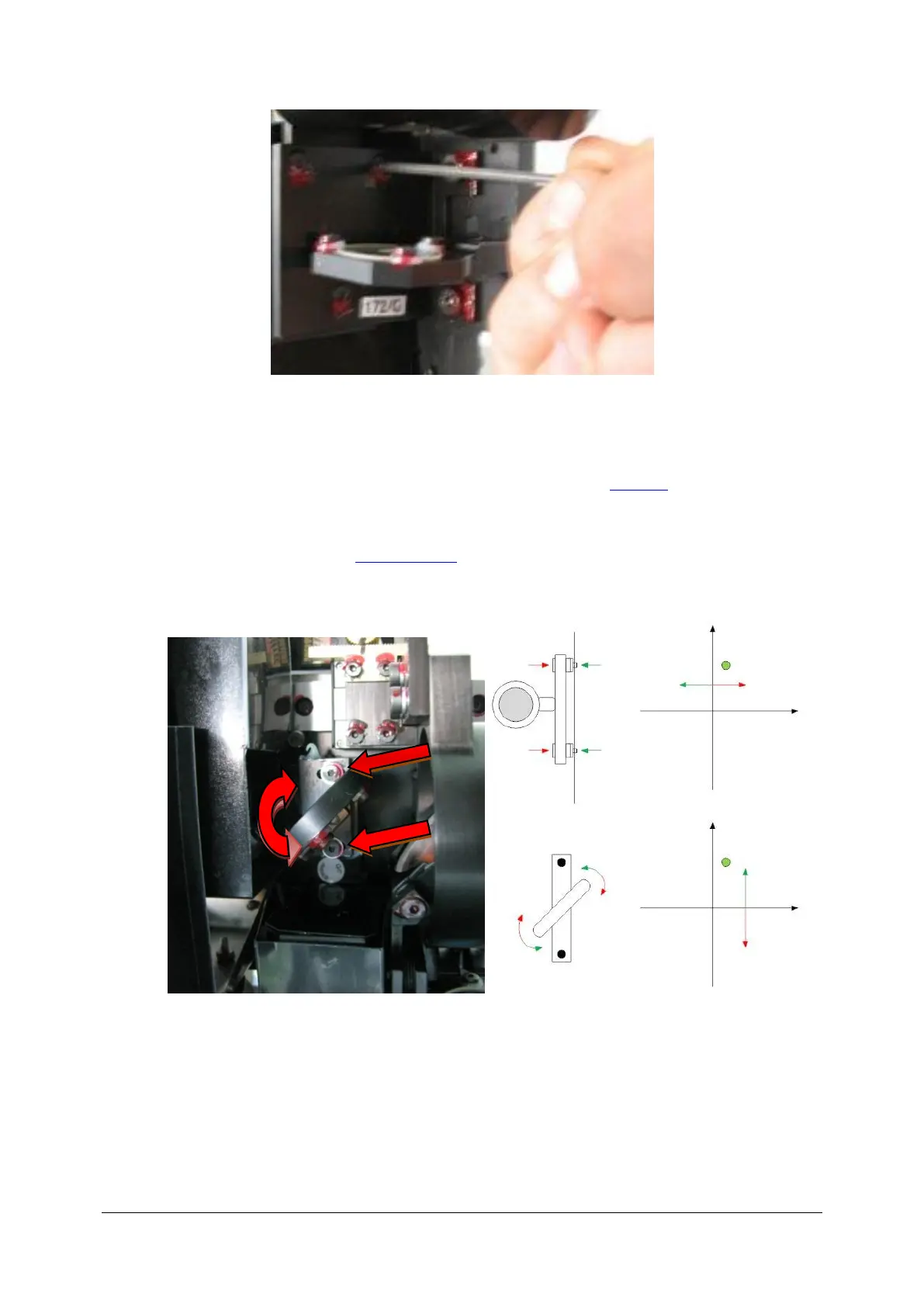
18. If beam is centered, and fixation is moved then fixation position needs to be set by regulating
of the mirror.
19. Open the SOCT cover (See: Opening cover).
20. Loosen 2 screws holding the fixation mirror.
21. If fixation is moved up/down then regulate fixation point position by changing the angle of
the mirror.



 To Next Page