SOCT Copernicus PLUS - Service Manual
12.4.Exchanging switching power supply.
12.4.1.Exchanging switching power supply.
1. Unplug power cord from device.
2. Open the cover (see: Opening cover).
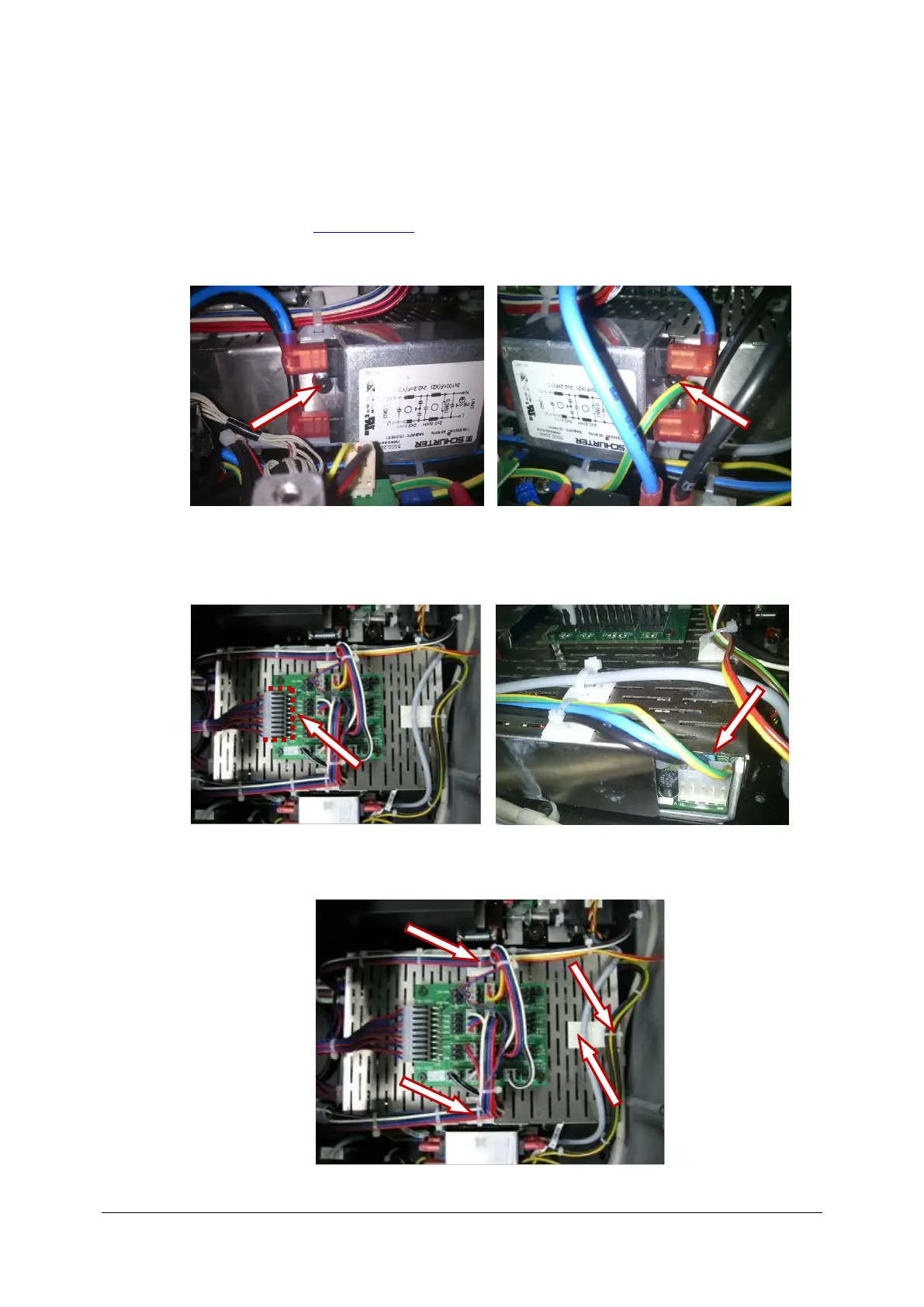
3. Undo two screws holding schurter filter.
4. Move away filter from the switching power supply.
5. Disconnect power plug from transitional board and disconnect AC voltage IN plug.
6. Cut all tie-wraps marked on picture below.



 To Next Page