SOCT Copernicus PLUS - Service Manual
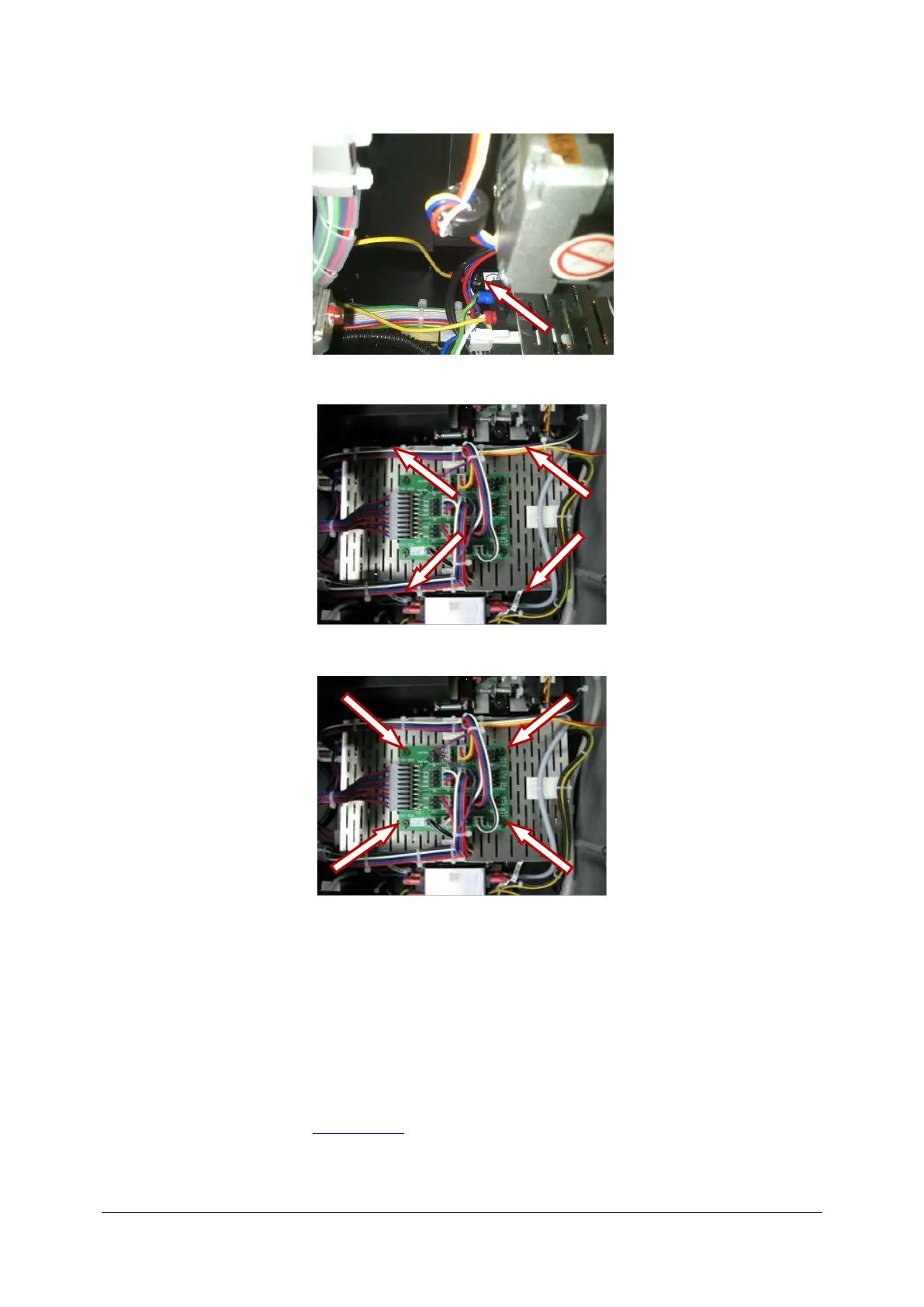
7. Undo screw holding PE cable.
8. Undo four screws holding switching power supply.
9. Undo four screws holding transitional board.
10. Take switching power supply out of device.
11. Fix new switching power supply with thermal grease.
12. Do screws holding transitional board.
13. Do screws holding switching power supply.
14. Connect power plug to transitional board and connect AC voltage IN plug.
15. Do screw holding PE cable.
16. Install new tie-wraps.
17. Install schurter filter.
18. Close the cover (see: Closing cover).



 To Next Page