SOCT Copernicus PLUS - Service Manual
13.2 No signal in skantest program
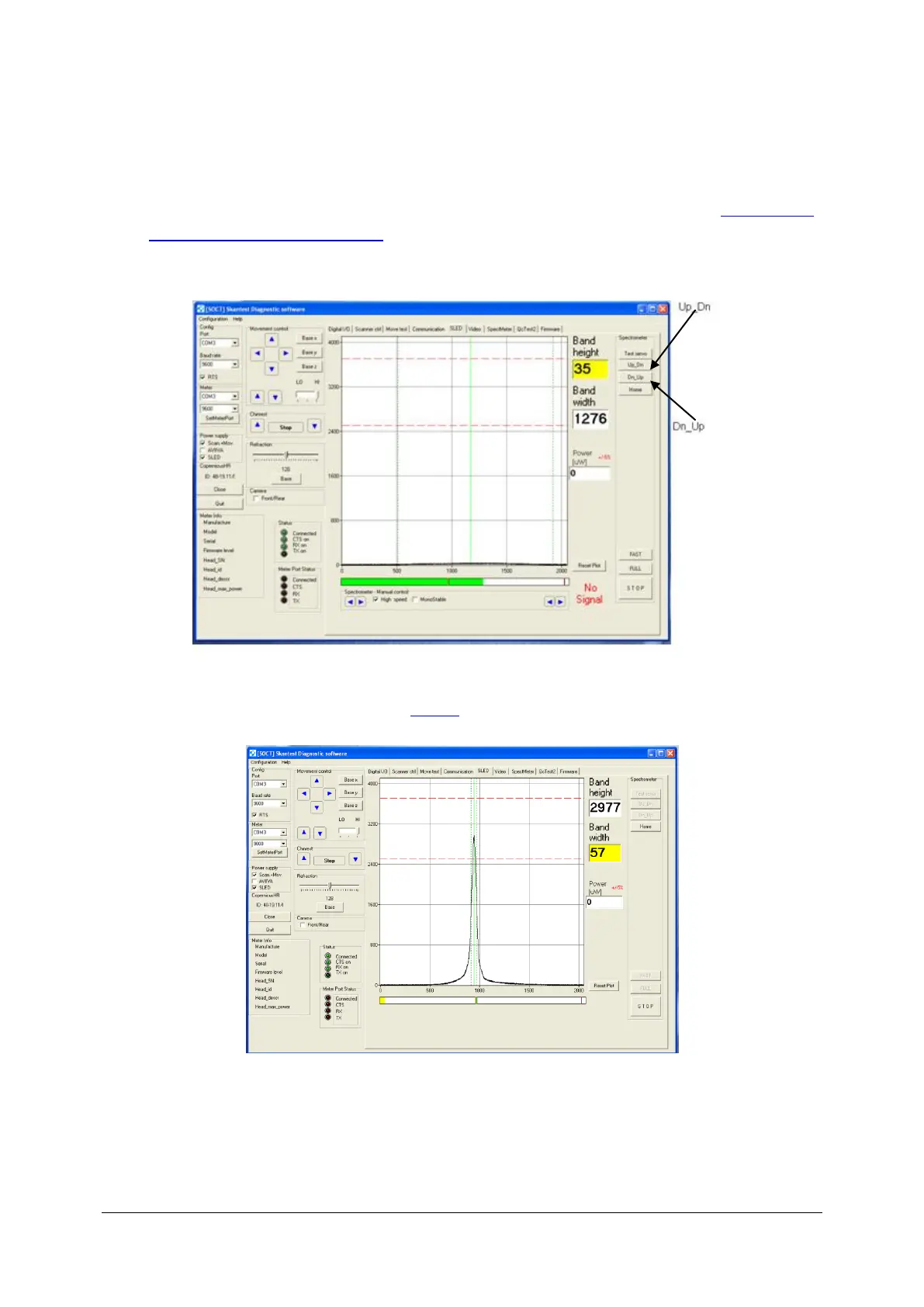
1. Turn on program skantest, run Scan + Mov and Sled then go to bookmark Sled. If there is no
signal, as it is shown below, make measurement of power in objective lane ( see: Checking and
adjusting power on objective lane). If power is correct use buttons Up_Dn or Dn_Up.
2. If you have results like below go to point 5.
If peak is moved on right or left it is not incorrect. It is important that the spectrum width cannot
exceed 80.
3. If peak on camera is too high.



 To Next Page