SOCT Copernicus PLUS - Service Manual
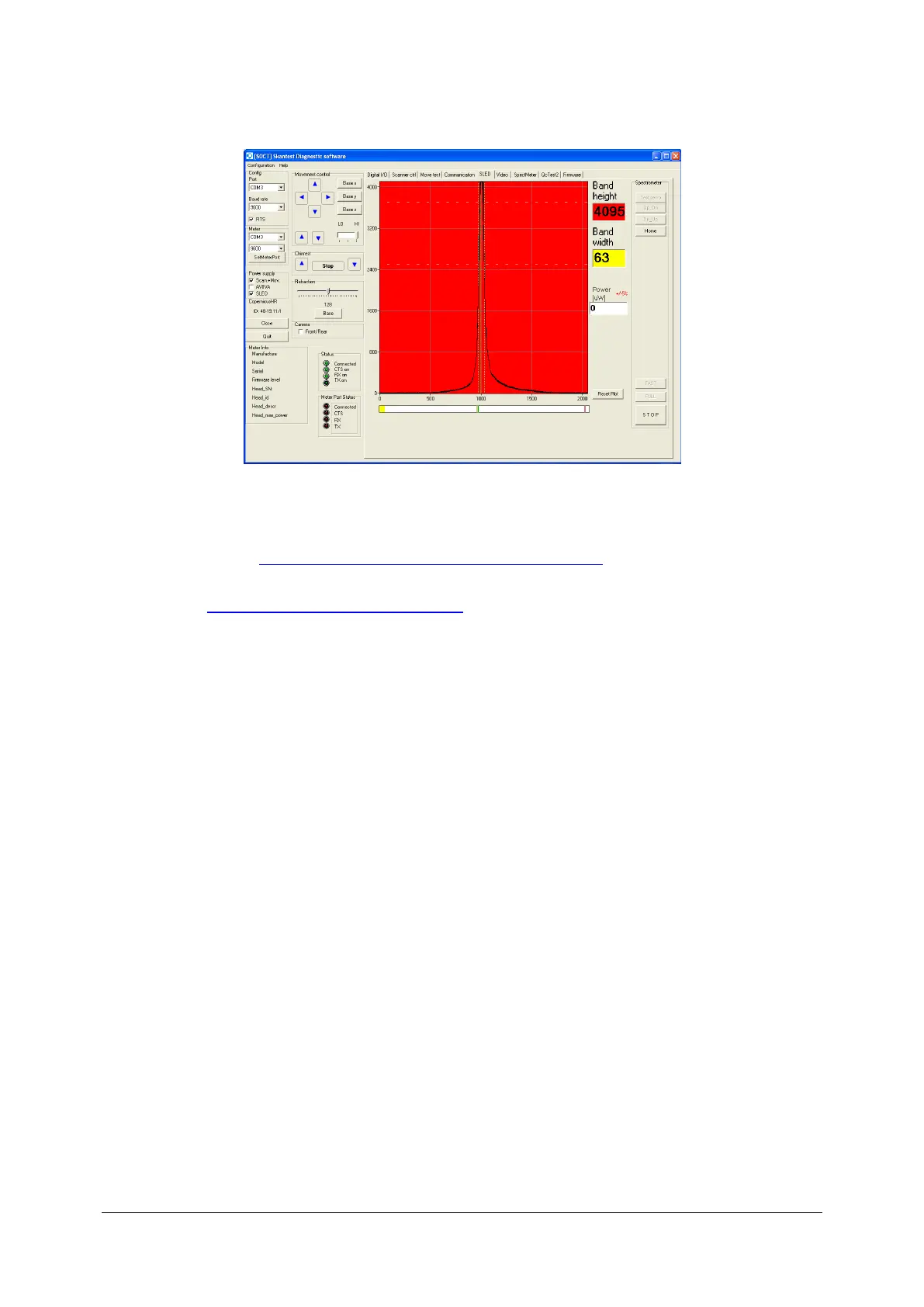
4. Check the power on objective lane if the power is incorrect arrange correct value/ the right
value. ( see: Checking and adjusting power on objective lane). Even if you arrange correct
value of power, peak is still too high you can lower its height using filter on reference lane
( see: Regulation of filter on reference lane).
5. After regulate proper value, use button full- device automatically adjust spectrum
6. Spectrum’s height achieved correct value turn off program skantest.
7. Turn on program Copernicus and perform control scan.
8. If the quality of scan is correct finish service activities.



 To Next Page