SOCT Copernicus PLUS - Service Manual
13.9 Checking, adjusting and exchange of scanners
Tools needed to do activities shown in this instruction:
-Power meter;
- IR Detector Card;
-program skantest;
- viewfinder on objective;
- hexagonal keys; 0,9; 2; 2,5.
1. Turn on Copernicus and run scantest.
2. Press Open button and mark scan+Mov and then SLED.
3. Check the signal from reference line.
4. Use the IR detector card to see signal from objective lane. You can also use the power meter to
check the output power from objective line.
5. Turn off scantest program.
6. Open the cover (see: Opening cover).
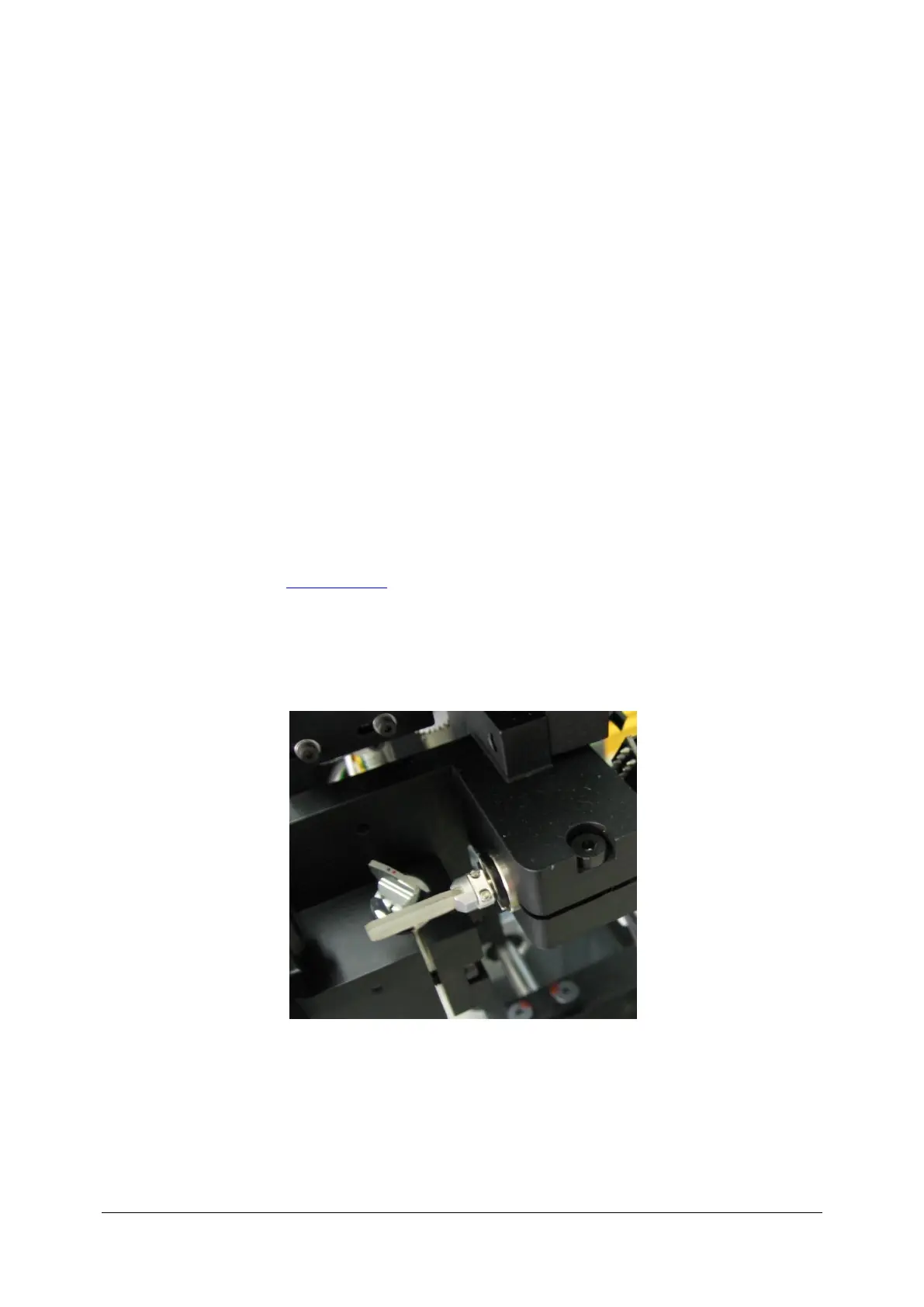
7. Check Visual or scanners are unbroken. If the scanners are unbroken then go to point 4. The
picture below shows not damaged scanners.
8. The pictures below shows broken scanner Y.



 To Next Page