SOCT Copernicus PLUS - Service Manual
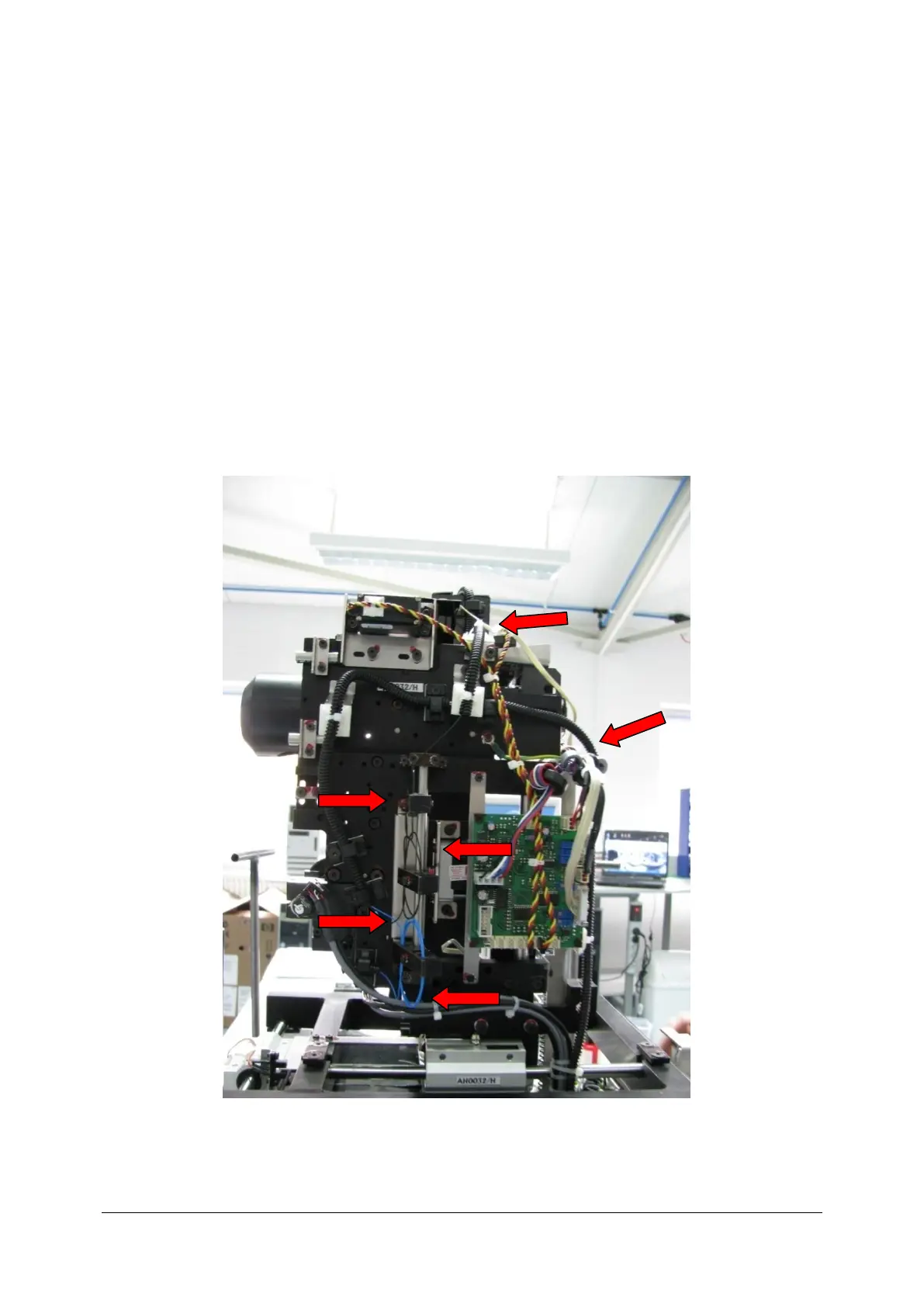
10.2 Closing cover
Tools needed to close the cover:
- hexagonal tools size: 2, 2.5, 4, 5,
- magnetic holder – just in case when screw is dropped
- Philips-head screwdriver.
1. Read Opening cover first before you close the SOCT.
2. BE CARREFUL WHEN YOU ARE CLOSE THE SOCT PLUS. DO NOT REPLACE POSITION OF
OPTIC COMPONENTS. If you move a position of optics probably you will have to send
back the unit to Optopol for calibration. Especially do not touch the optic fibre!



 To Next Page