SOCT Copernicus PLUS - Service Manual
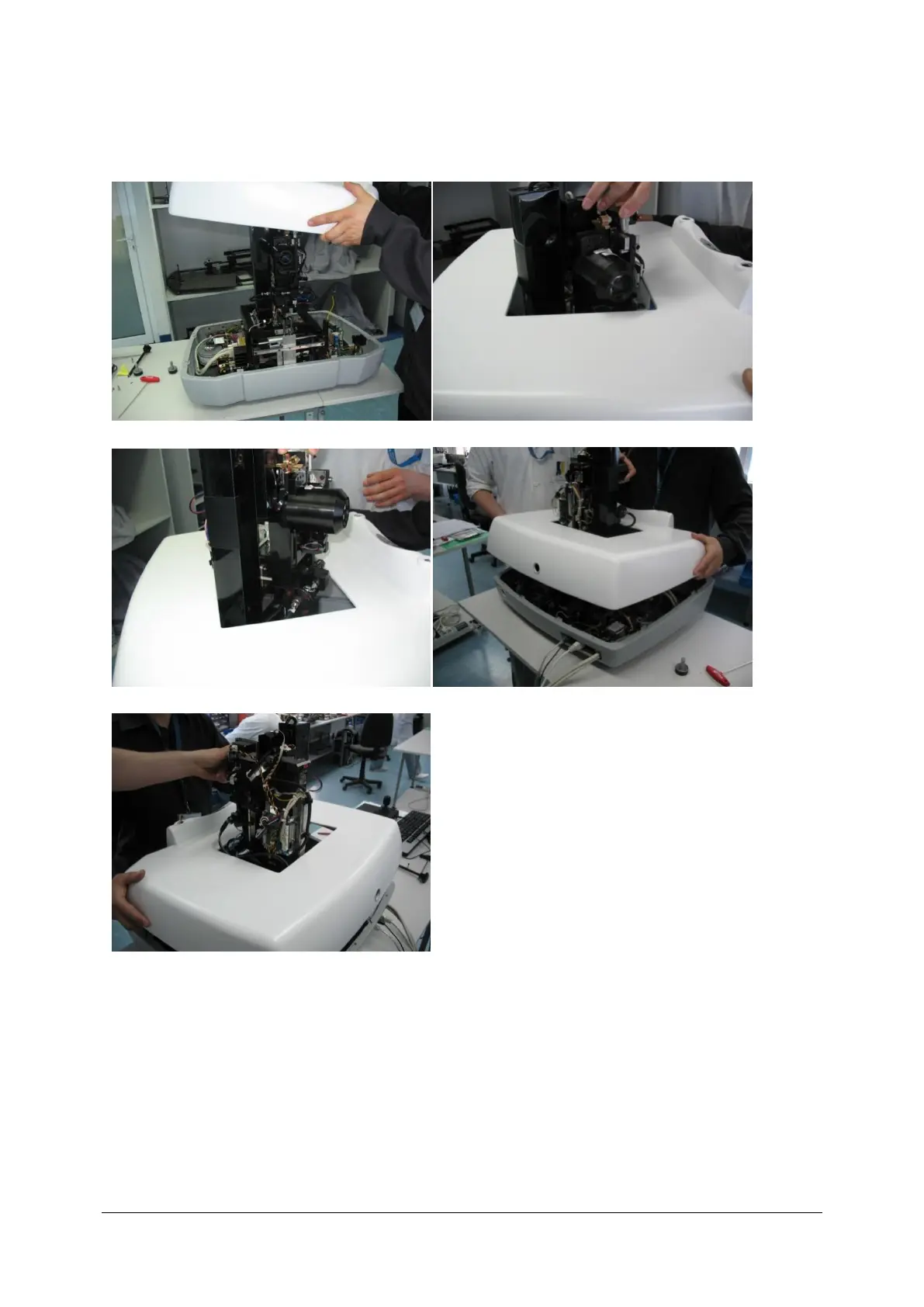
3. Mount cover on device.
a) b)
c) d)
e)
a) Place the cover on the top of the unit
b, c) Manoeuvre cover not to touch optical fibres and polarisation,
d) Turn cover in order not to damage scanners and it’s plugs,
e) Mount cover on the unit.



 To Next Page