SOCT Copernicus PLUS - Service Manual
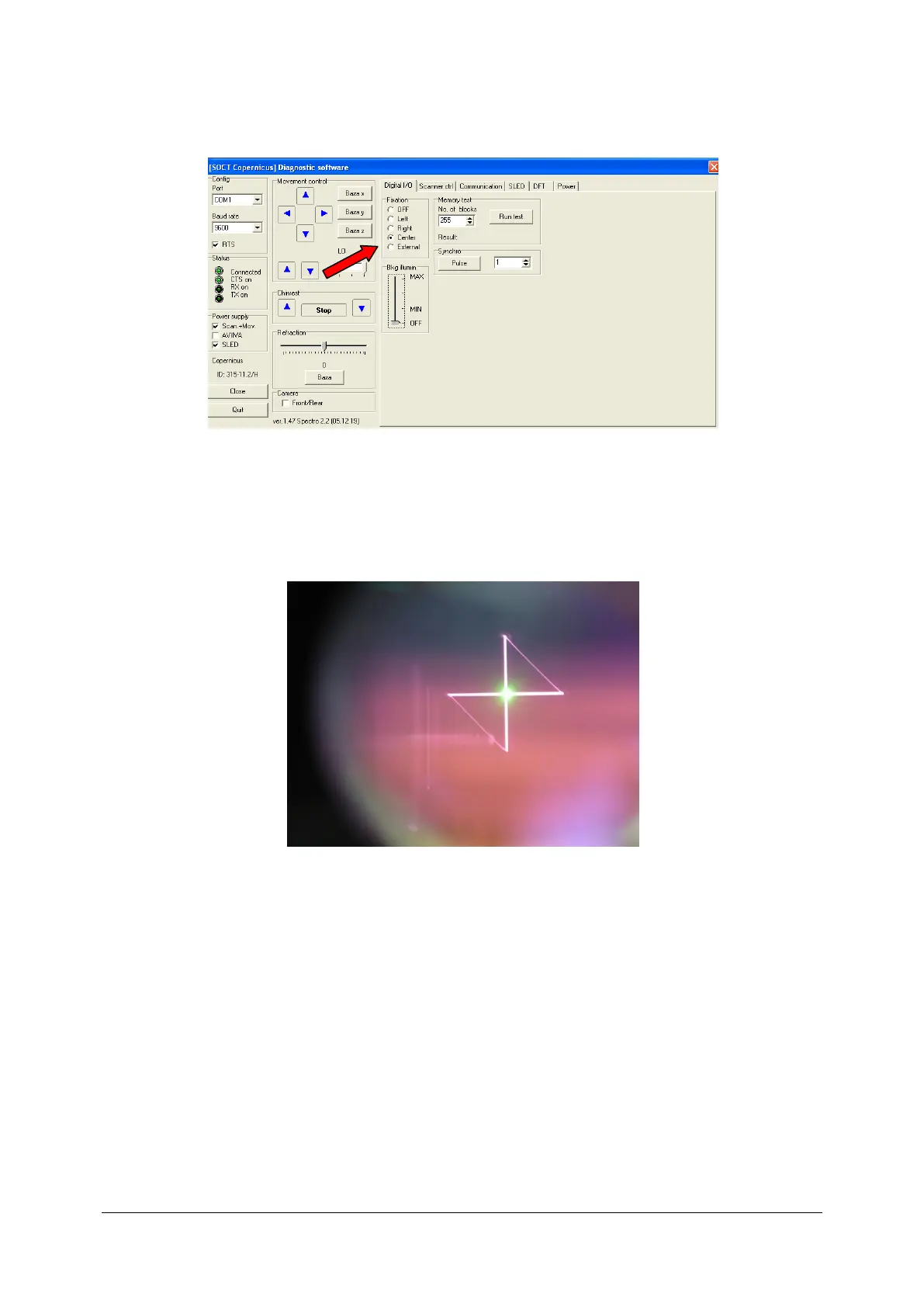
7. Go to Digital I/0 lap. Select Center in Fixation menu.
8. Look into objective lens. You will see red cross and green fixation point. If the setup is
correct, fixation point is in the centre cross. If the setup is correct don’t read this instruction,
if is incorrect go to the next point.
9. Install webcam (we use TRUST WB-3200G).



 To Next Page