SOCT Copernicus PLUS - Service Manual
- check the continuity of optical fibres does mean are there the visible cut or crease
on cover.
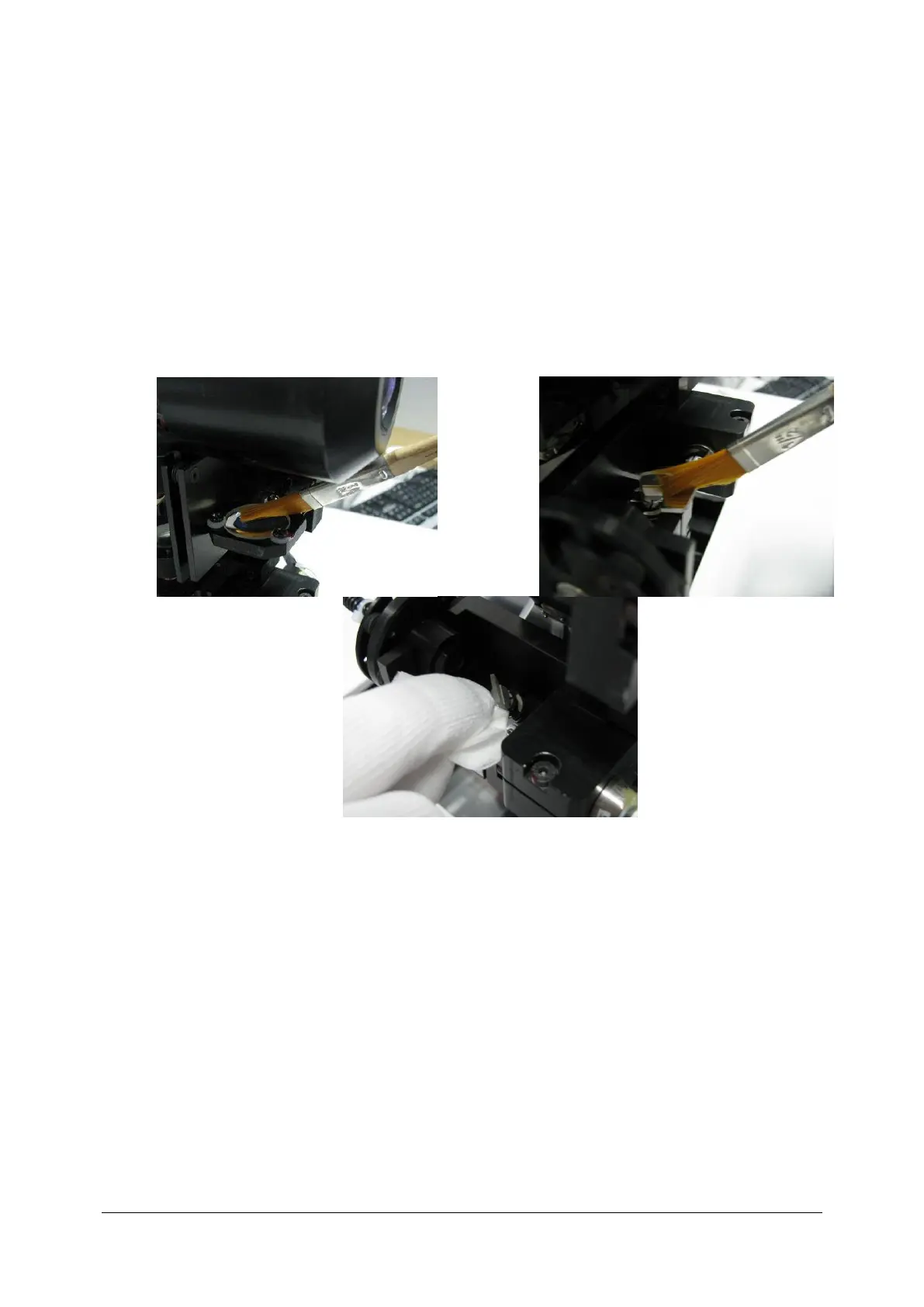
4. Cleaning the optics:
We make cleaning lens using designed to this especially tools, in dependence from
requirements:
- dust - remove by blowing surfaces with compressed air from converter, alternatively using
brush with soft natural hair.
!!!!! Unusually caution should keep during cleaning mirror surfaces of scanners. We
execute this only brush, very gently so in order not to break off mirrors !!!!!!!!
5. In case that optical elements are not only covered with dust, but fat traces are visible and
unable to be removed with brush, than use isopropyl-alcohol and soft clean microfiber cloth
Use optics cleaning tissues.
Clean in sequence: scanner Y first, - always clean the scanner mirror without pressing on it and
always in one direction only!



 To Next Page