DigitalFlow™ DF868 Multipurpose Ultrasonic Liquid Flowmeter Programming Manual (2-Channel) 3
Chapter 1. Programming Site Data
Table 1: Model DF868 Key Function
Key Unshifted Function Shifted Function
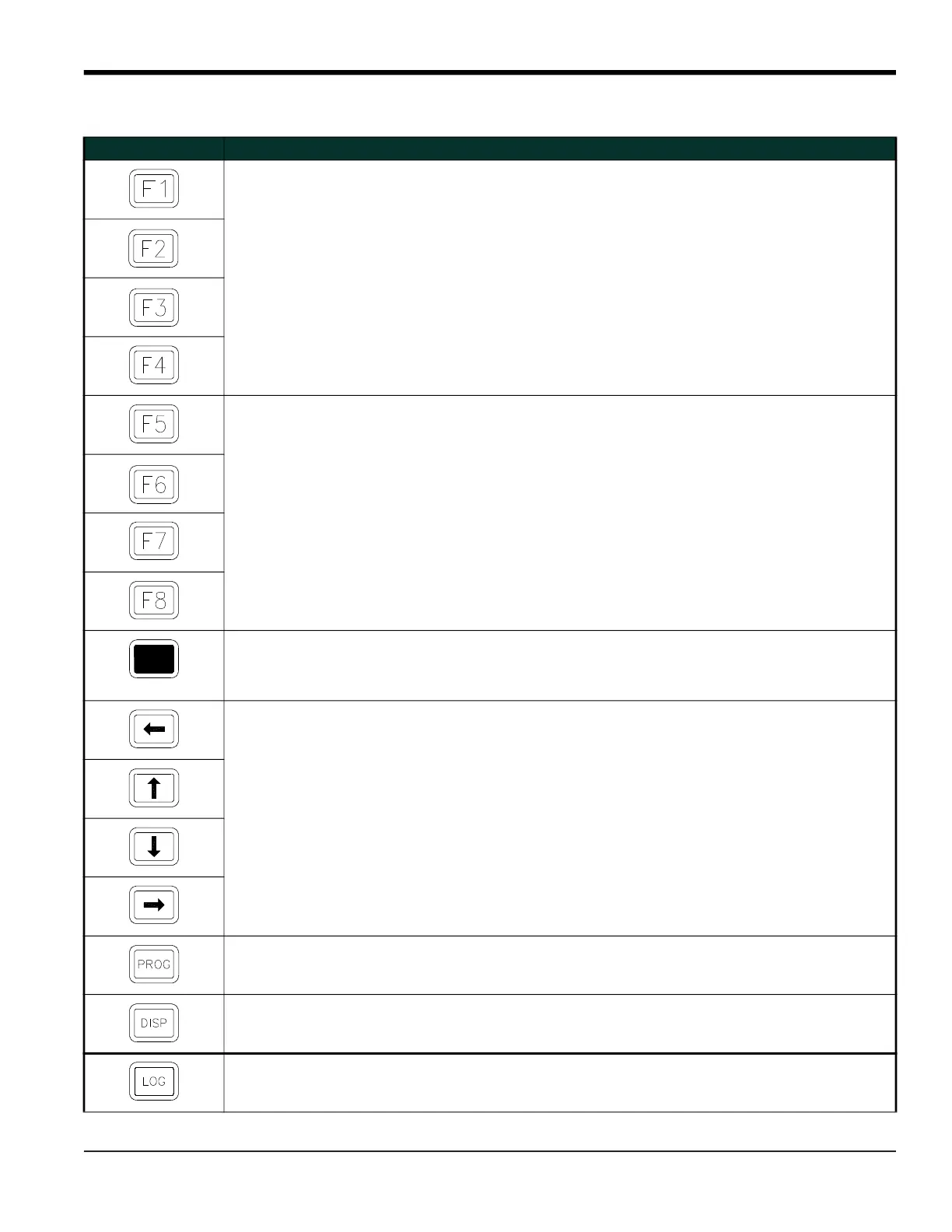
Software Function Keys - press to select the functions
displayed directly above them in the option bar. These
keys apply only to the left pane of the display screen.
None
Software Function Keys - press to select the functions
displayed directly above them in the option bar. These
keys apply only to the right pane of the display screen.
None
Shift Key - use this red key to access the shifted
function of the other keys. One press shifts the next
keystroke only, while two presses locks the keypad in
shifted mode. A third press releases the shift function.
None
Arrow Keys - in measurement mode, use to scroll through
function choices on the option bar. In
programming mode, use to scroll through menu choices.
The [
also acts as a backspace key in
programming mode.
Use to enter the letters A, B, C and D,
respectively.
Program Key - press to enter the User Program. See
page 7 for details.
Use to enter the letter Q.
Display Key - use to display data in a variety of numeric
and graphic formatting options. See page 2-1 for details.
Use to enter the letter O.
Log Key - use to set up logs. See page 3-1 for details. Use to enter the letter X.











 To Next Page