Appendix E. OPC Server
136 DigitalFlow™ DF868 Multipurpose Ultrasonic Liquid Flowmeter Programming Manual (2-Channel)
E.2 Installation (cont.)
To install the OPC Server:
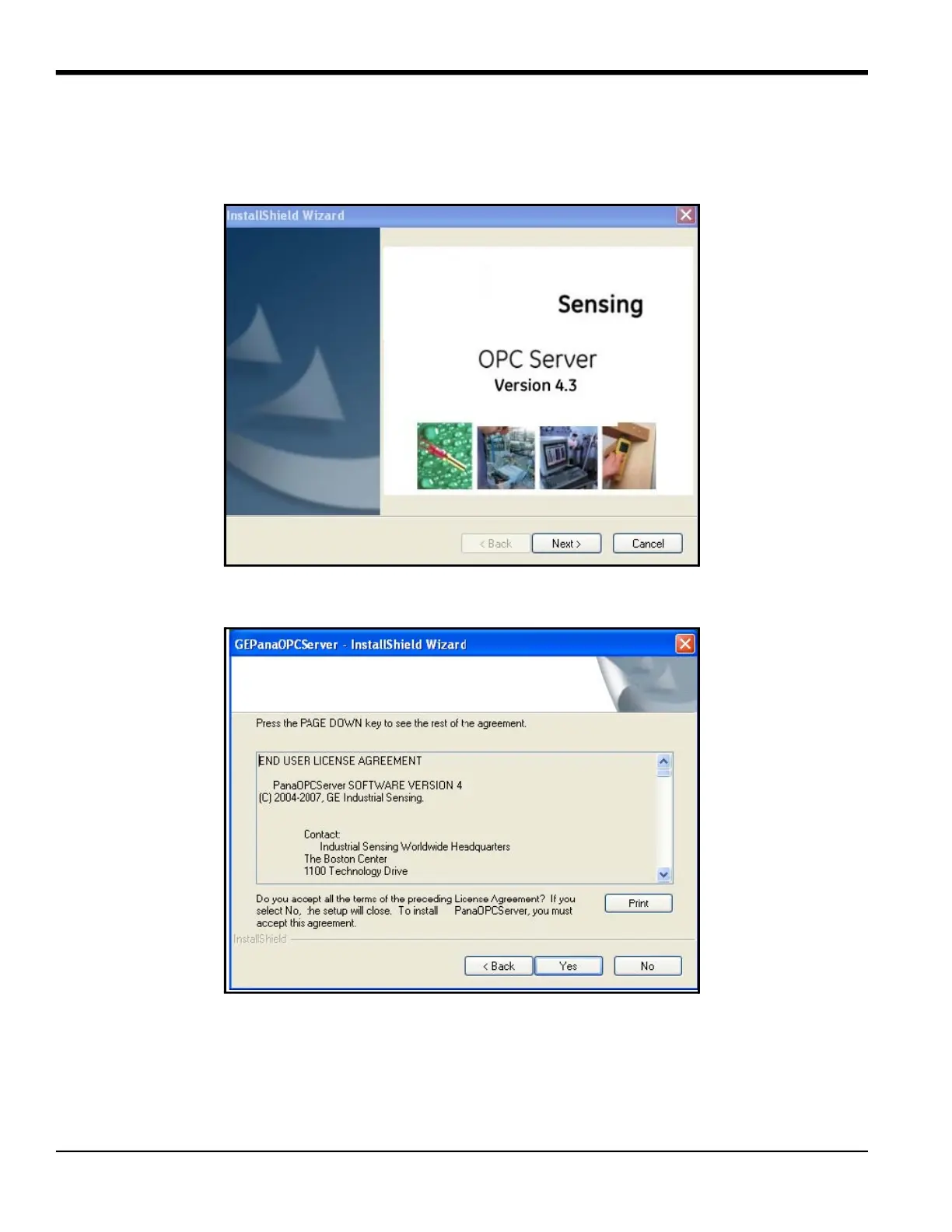
1. Double-click on the GEPanaOPCServerPackage.exe file. The InstallShield Wizard window opens, as in Figure 45.
Figure 45: Install Shield Wizard Window
2. Click Next to continue. The License Agreement window opens.
Figure 46: License Agreement Window
3. Click Yes to accept the agreement and proceed. (Clicking No halts the installation.)











 To Next Page