DigitalFlow™ DF868 Multipurpose Ultrasonic Liquid Flowmeter Programming Manual (2-Channel) 137
Appendix E. OPC Server
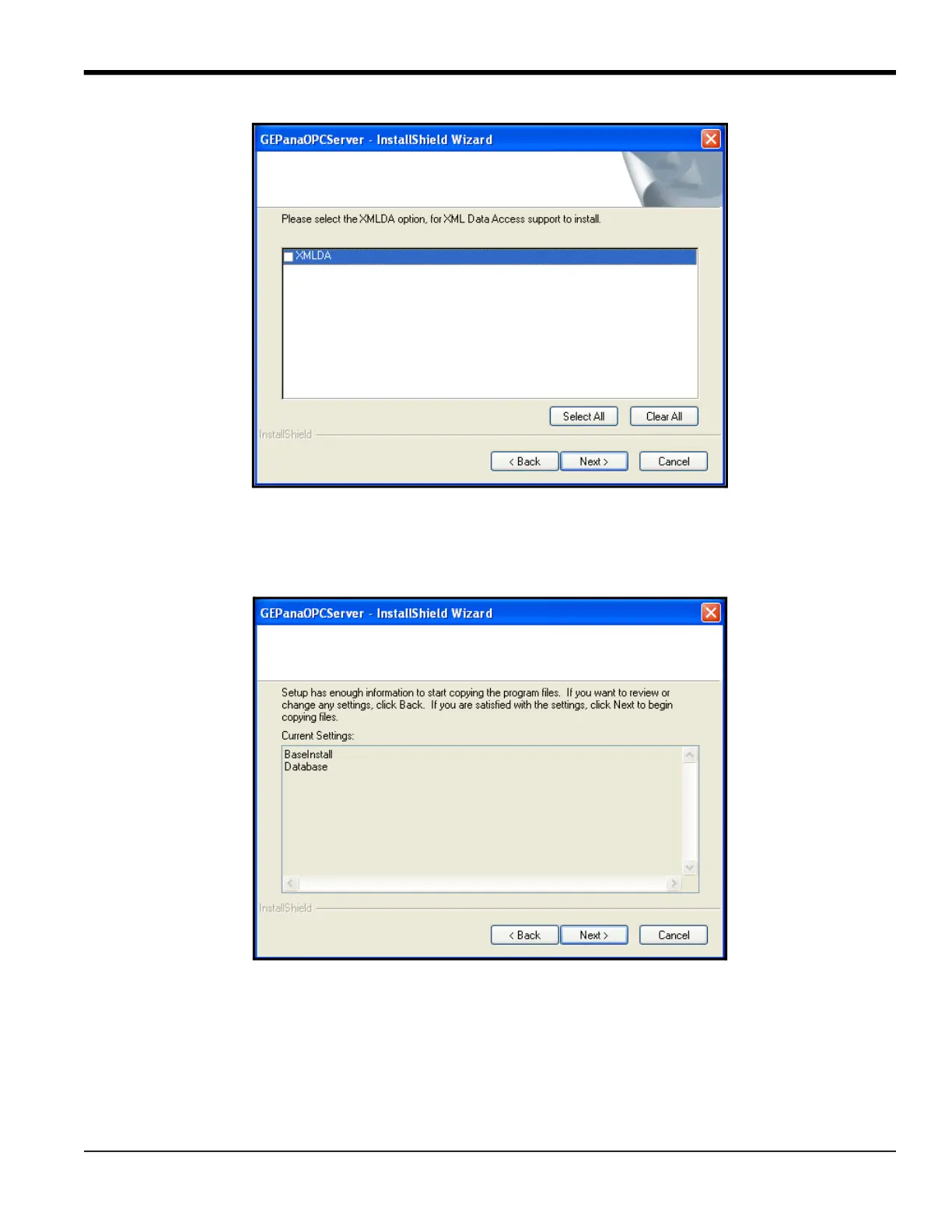
Figure 47: Select All / Clear All Window
4. Click on Select All to install the XML-DA option, or on Clear All to omit XML-DA. Then click Next. (The default setting
omits the installation, as XML-DA is only necessary if you will use an XML interface.)
Note: RF ValProbe users should uncheck this box, as XML-DA is not available for RF ValProbe.
Figure 48: Copying Files Window
5. The Wizard now asks if you wish to start copying the program files. Click Back to review or change any settings, or
Next to begin copying the files.
Note: If you later uninstall and reinstall the OPC Server, the InstallShield Wizard will ask if you wish to overwrite the
database and BaseInstall. If you do not overwrite the database and BaseInstall, only BaseInstall appears in
the above window.
6. The Wizard now copies the program files. When installation is complete, the following window appears:











 To Next Page