4.2 Registration in I/O Map
4.2.1 Settings Using FPWIN GR7 (For CPU with built-in SCU)
● For the CPU with built-in SCU, there is no need to set with FPWIN GR7 because the
following fixed areas are allocated.
Unit type
Model number
No. of occupied words (No. of occupied
points)
Input Output
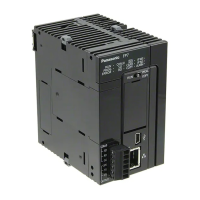
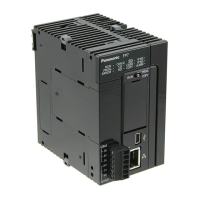
CPU unit CPU with built-in SCU Common
2 words (32 points)
WX0 to WX1 Fixed
2 words (32 points)
WY0 to WY1 Fixed
4.2.2 Settings Using FPWIN GR7 (For Serial Communication Unit)
The explanation below shows the case that the serial communication unit is registered in the
slot number 1.
1. Select Options>FP7 Configuration in the menu bar.
The "FP7 Configuration" dialog box opens.
2. Select "I/O map" in the left pane.
The "I/O map" dialog box is displayed.
3. Double-click Slot No. 0.
The "Unit selection [Slot No. 0]" dialog box is displayed.
4. Select "CPU unit" for Unit type, select a CPU unit used for Unit name, and press the [OK]
button.
The "CPU unit" is registered. Only CPU unit can be registered in Slot No. 0. Slot No.1 and
subsequent numbers cannot be set unless Slot No. 0 is set.
4.2 Registration in I/O Map
WUME-FP7COM-07 4-7


 To Next Page
 Loading...