SGM700 Digitizer
First use of indicator -continue-
First use by using PI Mach II software -continue-
Here you can set:
Protocol: set the Protocol for CANBUS. options are None or Buslink.
Buslink Address: Set the Buslink Address for the communication between
PENKO devices.
Buslink Subaddress: Set the Buslink Subaddress for the communication
between PENKO devices.
Baudrate: Set the commication speed of the SGM730 options are: 100k, 125k,
250k, 500k. (the speed of all PENKO devices in the communication bus must be
the same).
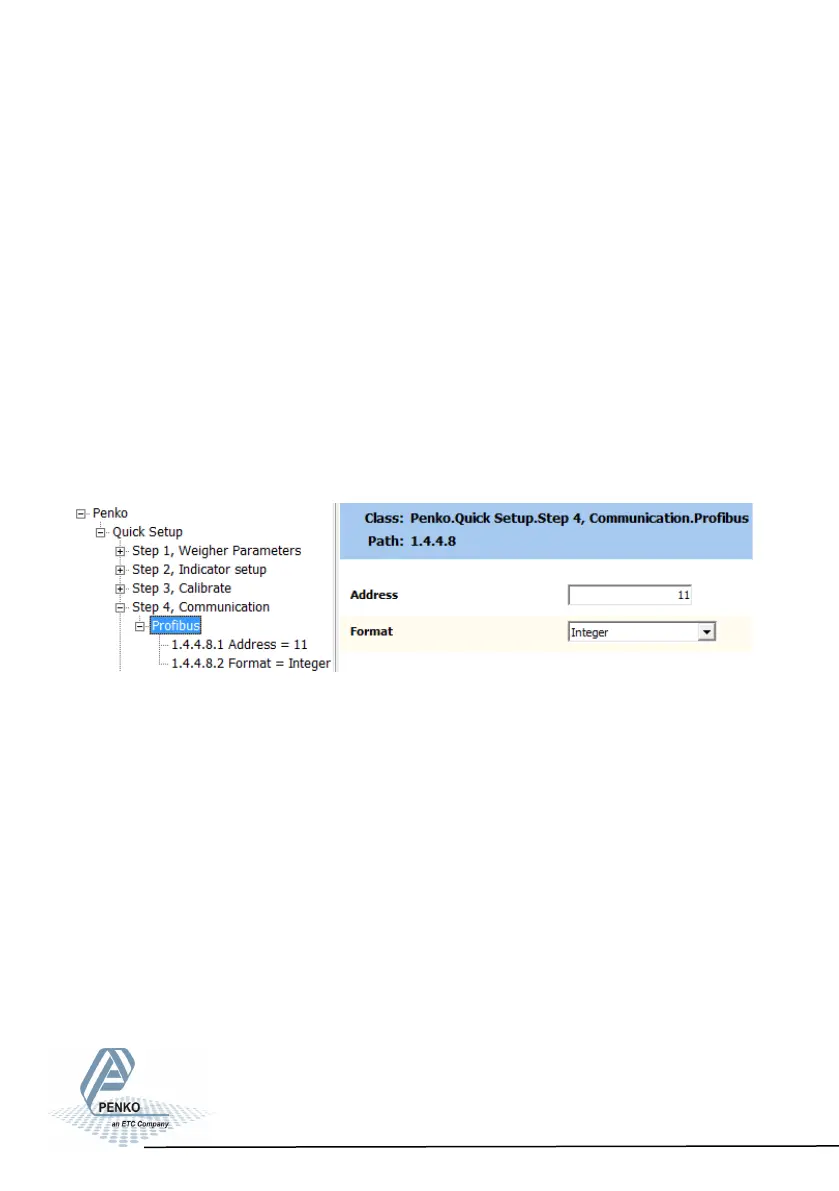
SGM740 (PROFIBUS):
Here you can set:
Address: Set the Profibus address of the SGM740
Format: Set the format of the values sent over Profibus (Integer or Floating
Point)
26



 To Next Page