37
5. ANGLE MEASUREMENT
5.1 Measuring an angle
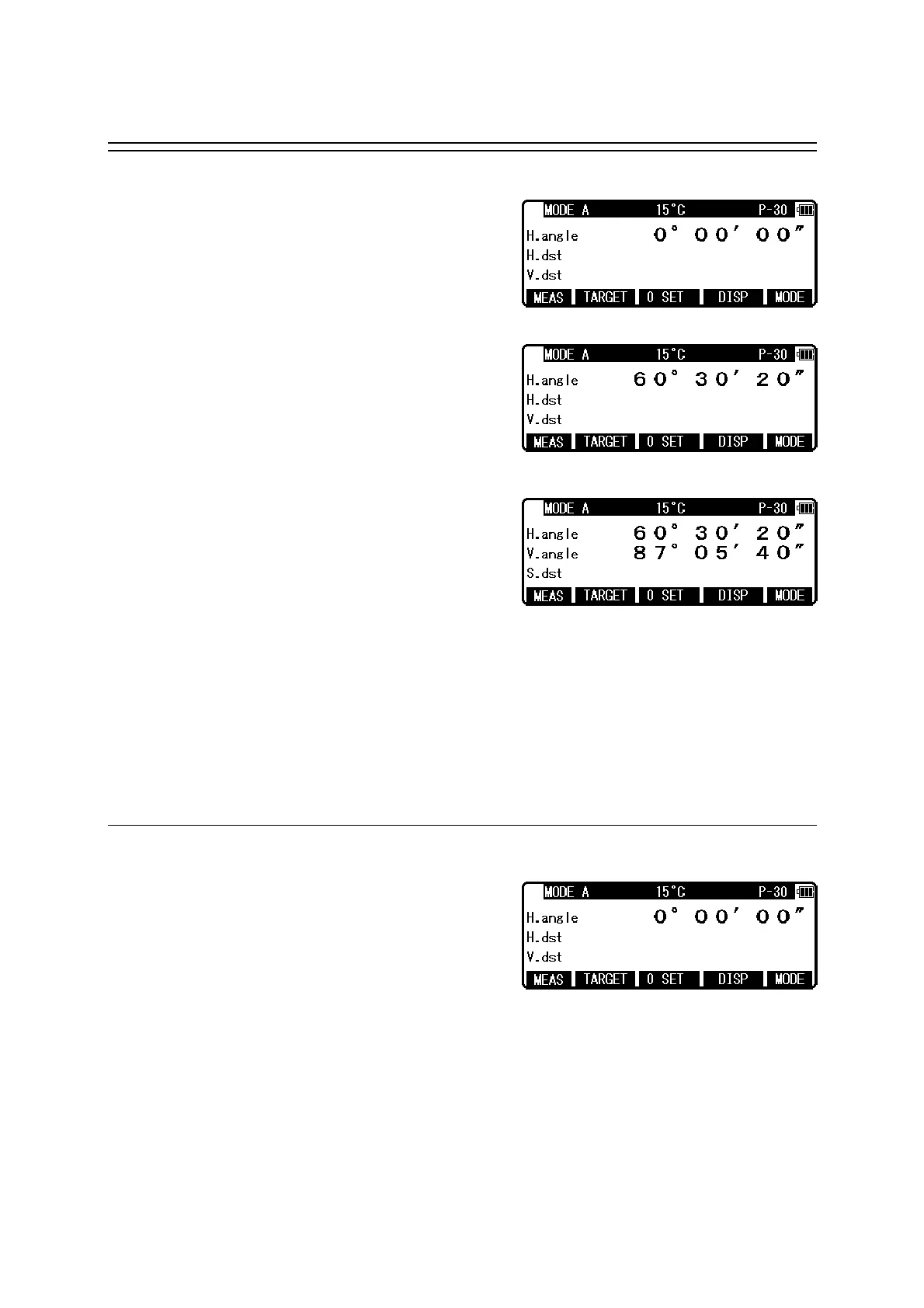
Aim at the first target, then press [F3] [0 SET] twice
in succession to reset the horizontal angle to 0.
Aim at the second target,then read the horizontal
angle.
Pressing [F4] [DISP] displays the vertical angle.
• The [F3] [0 SET] key cannot reset the vertical angle to 0.
• Pressing the [F4] [DISP] key cycles through the sets of display items :
“H.angle/H.dst./V.dst.”, “H.angle/V.angle/S.dst.”, and
“H.angle/V.angle/H.dst./S.dst./V.dst.”.
• Even though you turn the power off during a survey, the horizontal angle displayed last
time is saved, so that it is restored when the power is turned on next time.
• When the restored horizontal angle is not necessary, reset it to 0.
5.2 Resetting the horizontal angle to 0
Pressing [F3] [0 SET] twice in succession resets the
horizontal angle to 0° 0' 0".
• The [F3] [0 SET] cannot reset the vertical angle to 0.
• Pressing the [F3] [0 SET] accidentally during measurement does not reset the horizontal
angle to 0 unless you press it again. Once the buzzer stops sounding, you can go to the next
step.
• You can reset the horizontal angle to 0 any time except when it has been held.



 To Next Page
 Loading...