Using DeviceManager and WebManager 97
Using WebManager to Connect to the IOLAN
Using WebManager to Connect to the IOLAN
WebManager can connect to IOLANs that already have an assigned IP address or wirelessly to an
IOLAN SDS W. See the
WLAN section in this guide for configuration options for Client or Soft AP
mode.
To connect to the IOLAN, type the IP address of the IOLAN into the Address field as such:
http://10.10.234.34.
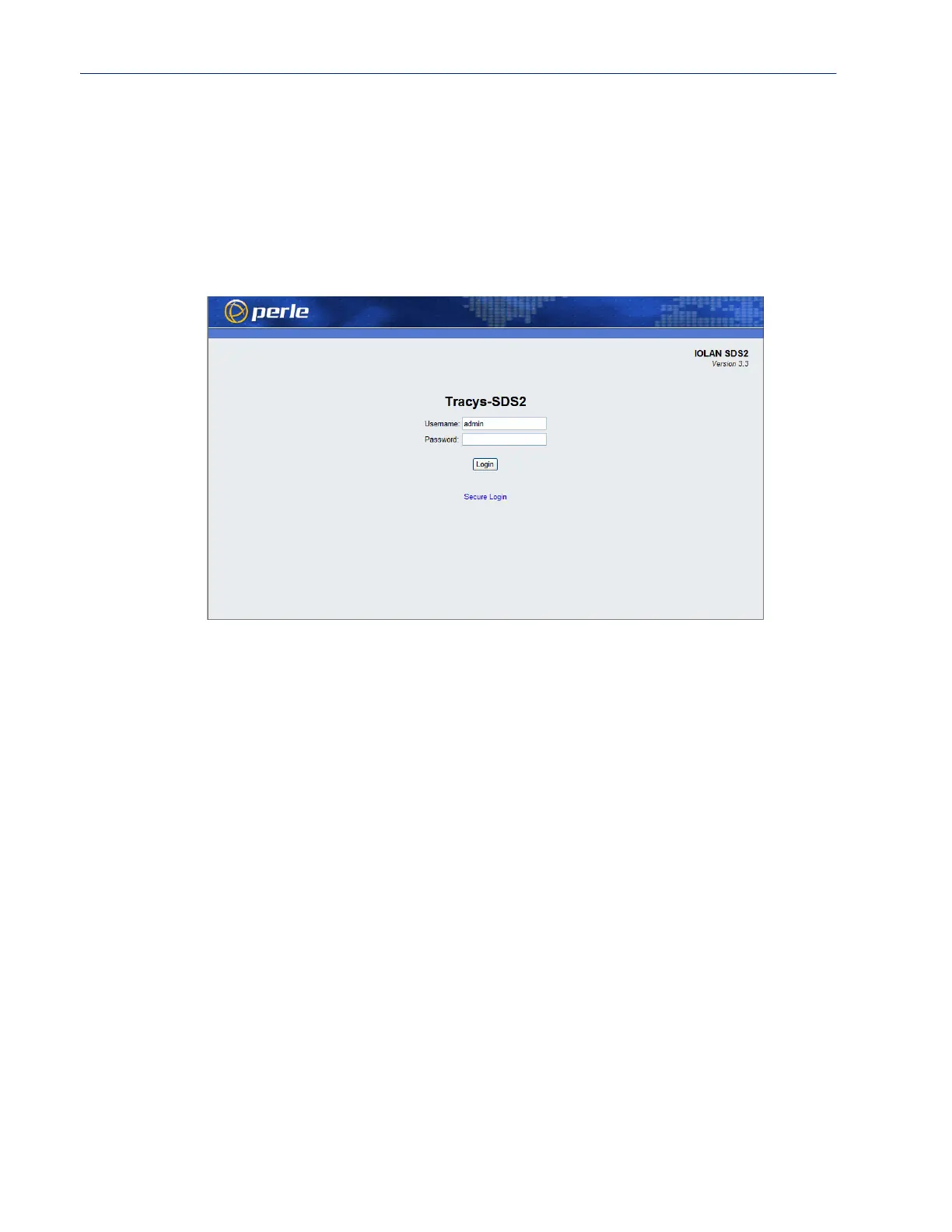
You will see the login screen.
Logging into the IOLAN
Type in the admin password in the Password field and click the Login button. A user who does not
have admin privileges can access EasyPort Web to access clustered serial ports, Perle Remote Power
Switches (RPS), and/or RPS plugs (must already be configured on this IOLAN) by typing their user
name and password on the login screen.



 To Next Page