Setting Jumpers 437
Introduction
1-Port IOLAN DB9 (Jumper Method)
To change the settings, do the following:
1. Unplug the IOLAN from the electrical outlet and disconnect everything from the box.
2. Open the case by unscrewing the two side screws, one on each side, and lifting off the top of the
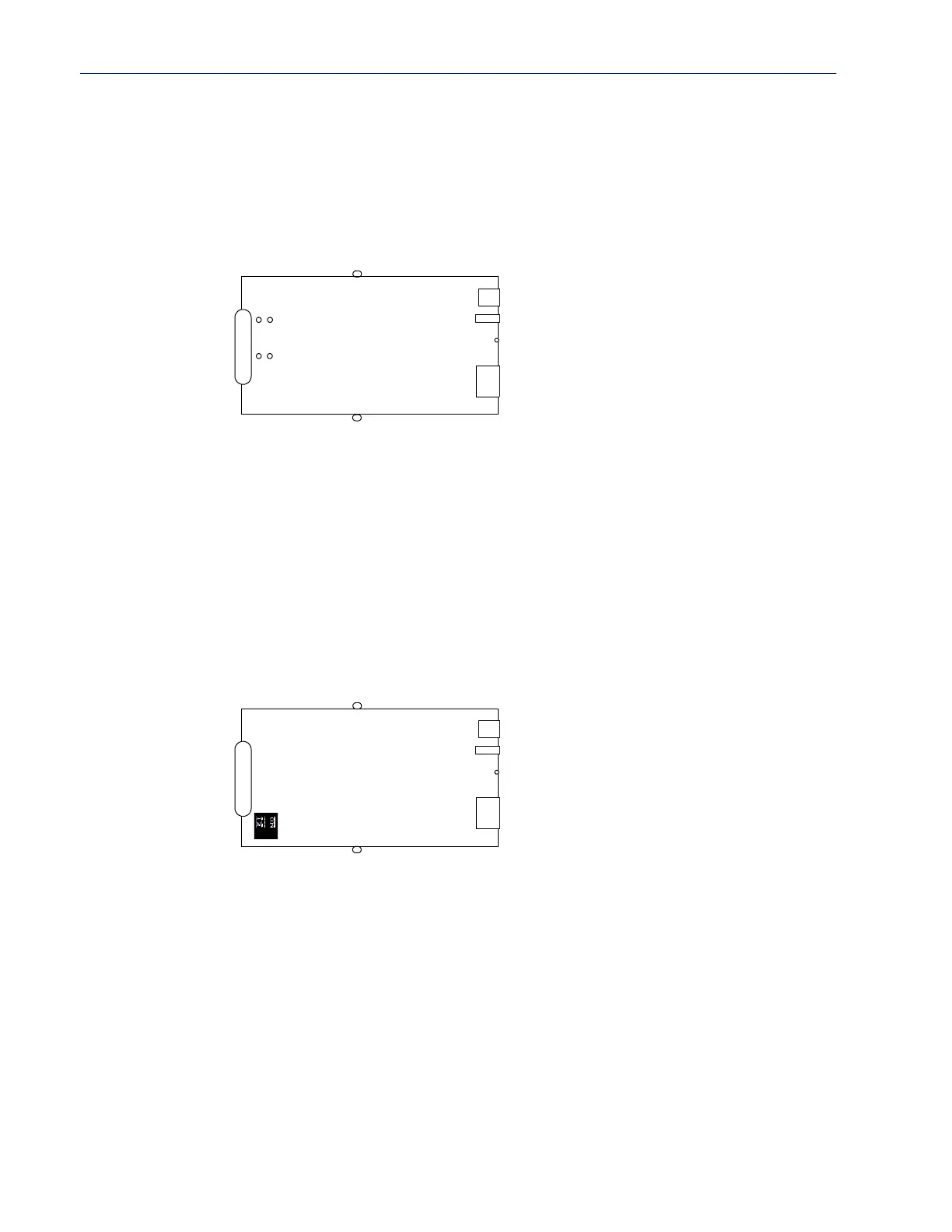
case. You should see the following:
3. To turn line termination on, locate and jumper J1 for Full Duplex Rx (422) or J9 for Half Duplex
Rx/Tx (485).
4. Close the IOLAN case by replacing the case lid and the two screws. You can now power it on
with the new settings.
1-Port IOLAN DB9 (DIP Switch Method)
To change the settings, do the following:
1. Unplug the IOLAN from the electrical outlet and disconnect everything from the box.
2. Open the case by unscrewing the two side screws, one on each side, and lifting off the top of the
case. You should see the following:
3. To turn line termination on, locate the DIP switches to the right of the DB9 Serial port. To
enable for Full Duplex Rx (422) set both 1 and 2 DIP switches to the
on position. To enable for
Half Duplex Rx/Tx (485) set only DIP switch 2 to the
on position.
4. Close the IOLAN case by replacing the case lid and the two screws. You can now power it on
with the new settings.
Power
Reset
RJ45
DB9 Serial
Screw
Screw
J1
J9
ConsoleSwitch
Power
Console Switch
Reset
RJ45
DB9 Serial
Screw
Screw



 To Next Page