Setting Jumpers 435
Introduction
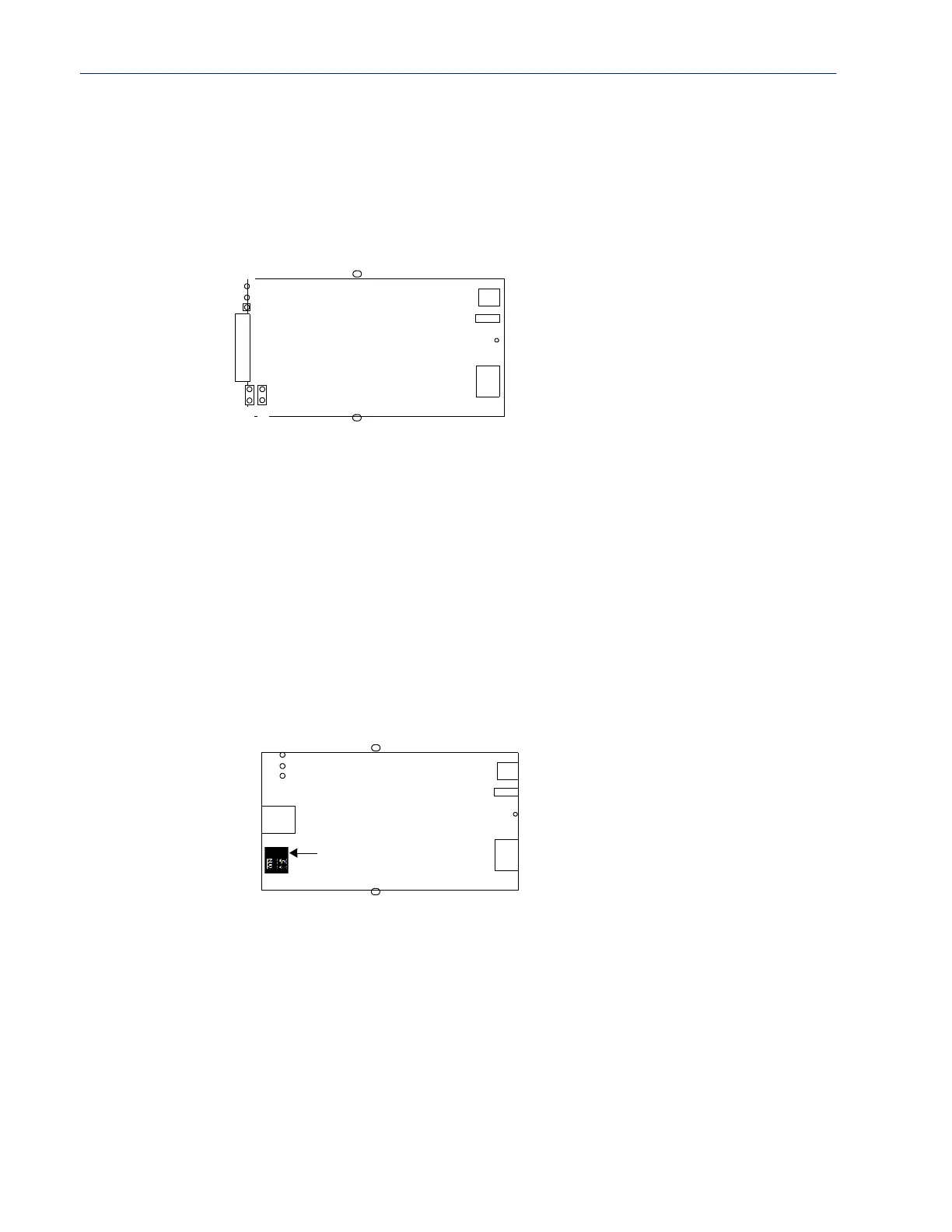
1-Port IOLAN RJ45 (Jumper Method)
To change the settings, do the following:
1. Unplug the IOLAN from the electrical outlet and disconnect everything from the box.
2. Open the case by unscrewing the two side screws, one on each side, and lifting off the top of the
case. You should see the following:
3. To change the power pin out, locate J4. For the fixed 5V DC output, jumper pins 1 and 2. For the
output to equal the external adapter input, jumper pins 2 and 3.
4. To turn line termination on, locate and jumper J1 for Full Duplex Rx (422) or J9 for Half Duplex
Rx/Tx (485).
5. Close the IOLAN case by replacing the case lid and the two screws. You can now power it on
with the new settings.
1-Port IOLAN RJ45 (DIP Switch Method)
To change the settings, do the following:
1. Unplug the IOLAN from the electrical outlet and disconnect everything from the box.
2. Open the case by unscrewing the two side screws, one on each side, and lifting off the top of the
case. You should see the following:
3. To change the power pin out, locate P3. For the fixed 5V DC output, jumper pins 1 and 2. For
the output to equal the external adapter input, jumper pins 2 and 3.
4. To turn line termination on, locate the DIP switch (left of RJ45), set both switch 1 and 2 to on
for Full Duplex Rx (422) or set switch 2 to
on for Half Duplex Rx/Tx (485).
5. Close the IOLAN case by replacing the case lid and the two screws. You can now power it on
with the new settings.
Power
ConsoleSwitch
Reset
RJ45
RJ45 Serial
Pin1
Screw
Screw
J1
J9
J4
Power
ConsoleSwitch
Reset
RJ45
Screw
Screw
RJ45 Serial
Pin 1
P3
DIP Switch



 To Next Page