356
Serial Port Power Control
Serial Port Power Control
Overview
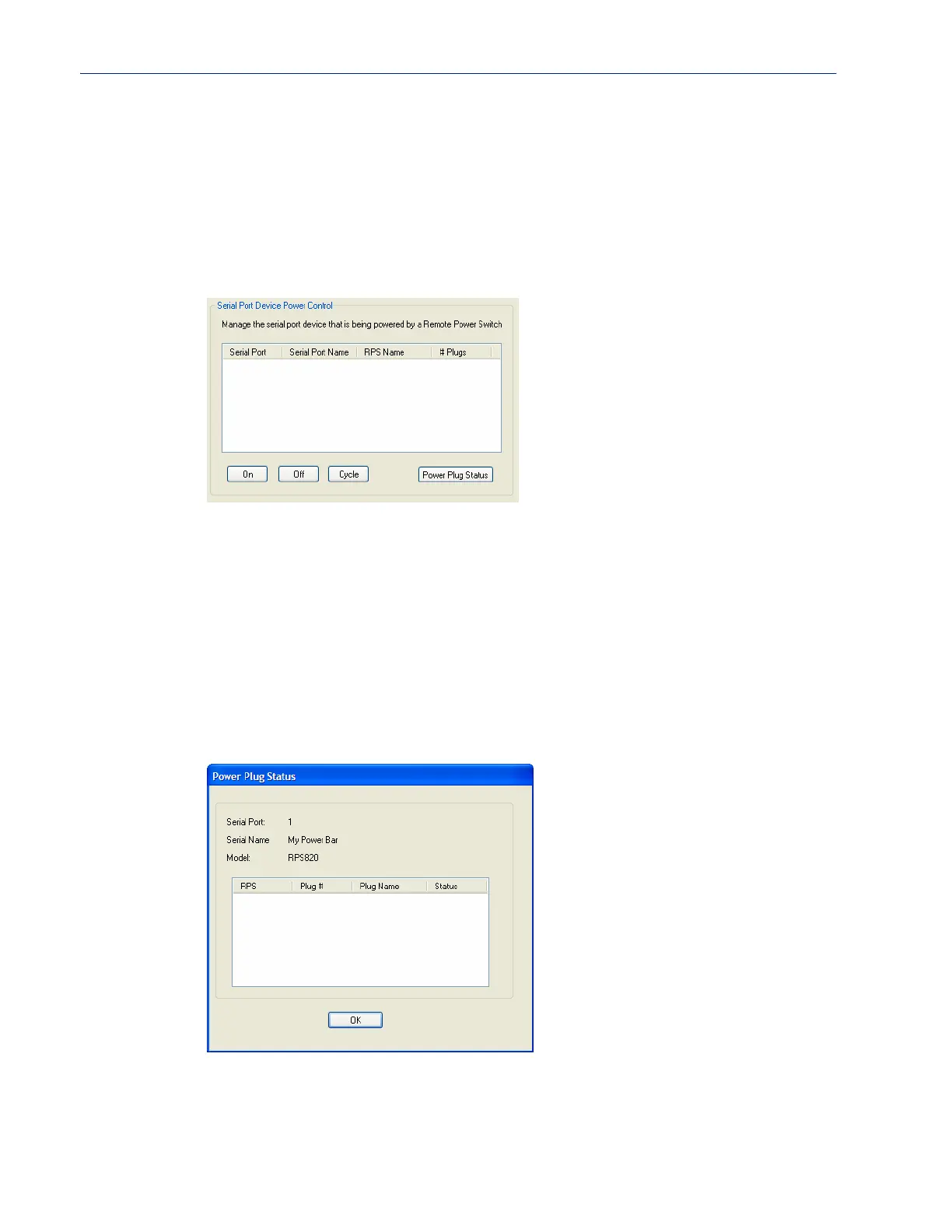
The Serial Port Power Control window allows you to manage the power plugs that have been
associated with the serial devices connected to the IOLAN.
Field Descriptions
The following buttons are available:
Power Plug Status
This Power Plug Status window displays the status of all the plugs associated with a serial port.
Click OK to close this window.
On Button Turns the selected plug on.
Off Button Turns the selected plug off.
Cycle Button Turns the selected plug off and then on.
Power Plug Status
Button
Displays a window that provides the plug status for every plug associated with
the serial port.



 To Next Page