257
SSL/TLS
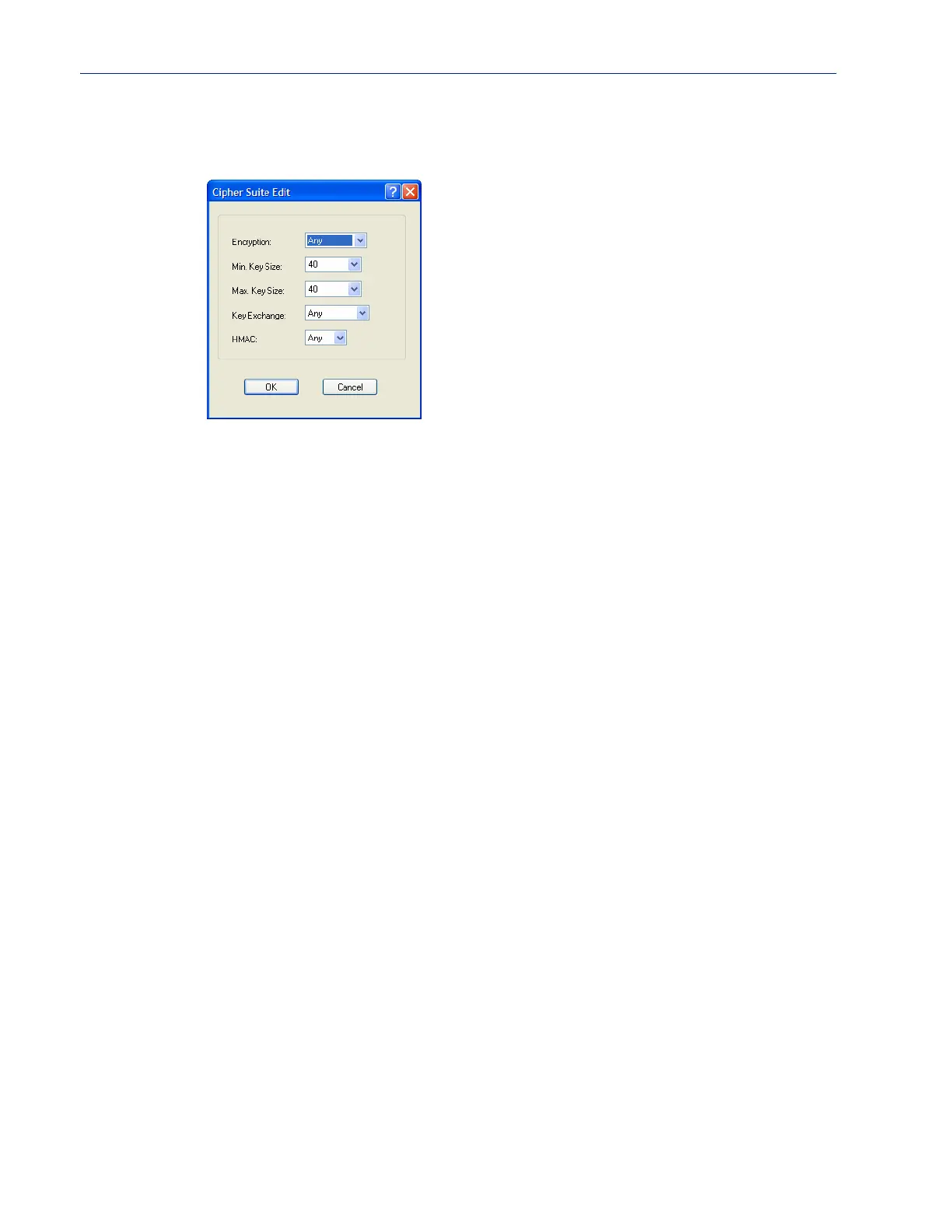
Adding/Editing a Cipher
See Appendix B, SSL/TLS Ciphersfor a list of valid SSL/TLS ciphers.
Configure the following parameters:
Encryption Select the type of encryption that will be used for the SSL connection.
Data Options:
z Any—Will use the first encryption format that can be negotiated.
z AES
z 3DES
z DES
z ARCFOUR
z ARCTWO
z AES-GCM
z Default: Any
Min Key Size The minimum key size value that will be used for the specified encryption
type.
Data Options: 40, 56, 64, 128, 168, 256
Default: 40
Max Key Size The maximum key size value that will be used for the specified encryption
type.
Data Options: 40, 56, 64, 128, 168, 256
Default: 256



 To Next Page