178
Serial Port Profiles
Advanced Tab Field Descriptions
Configure the following parameters:
UDP Port Determines how the IOLAN’s UDP port that will send/receive UDP messages
is defined:
z Auto Learn—The IOLAN will only listen to the first port that it receives a
UDP packet from. Applicable when Direction is set to LAN to Serial or
Both.
z Any Port—The IOLAN will receive messages from any port sending UDP
packets. Applicable when Direction is set to LAN to Serial.
z Port—The port that the IOLAN will use to relay messages to
servers/hosts. This option works with any
Direction except Disabled. The
IOLAN will listen for UDP packets on the port configured by the Listen
for connections on UDP port
parameter.
Default: Auto Learn
Port The UDP port to use.
Default: 0 (zero)
HTTP Tunnel Specify the HTTP tunnel to be used for this connection.
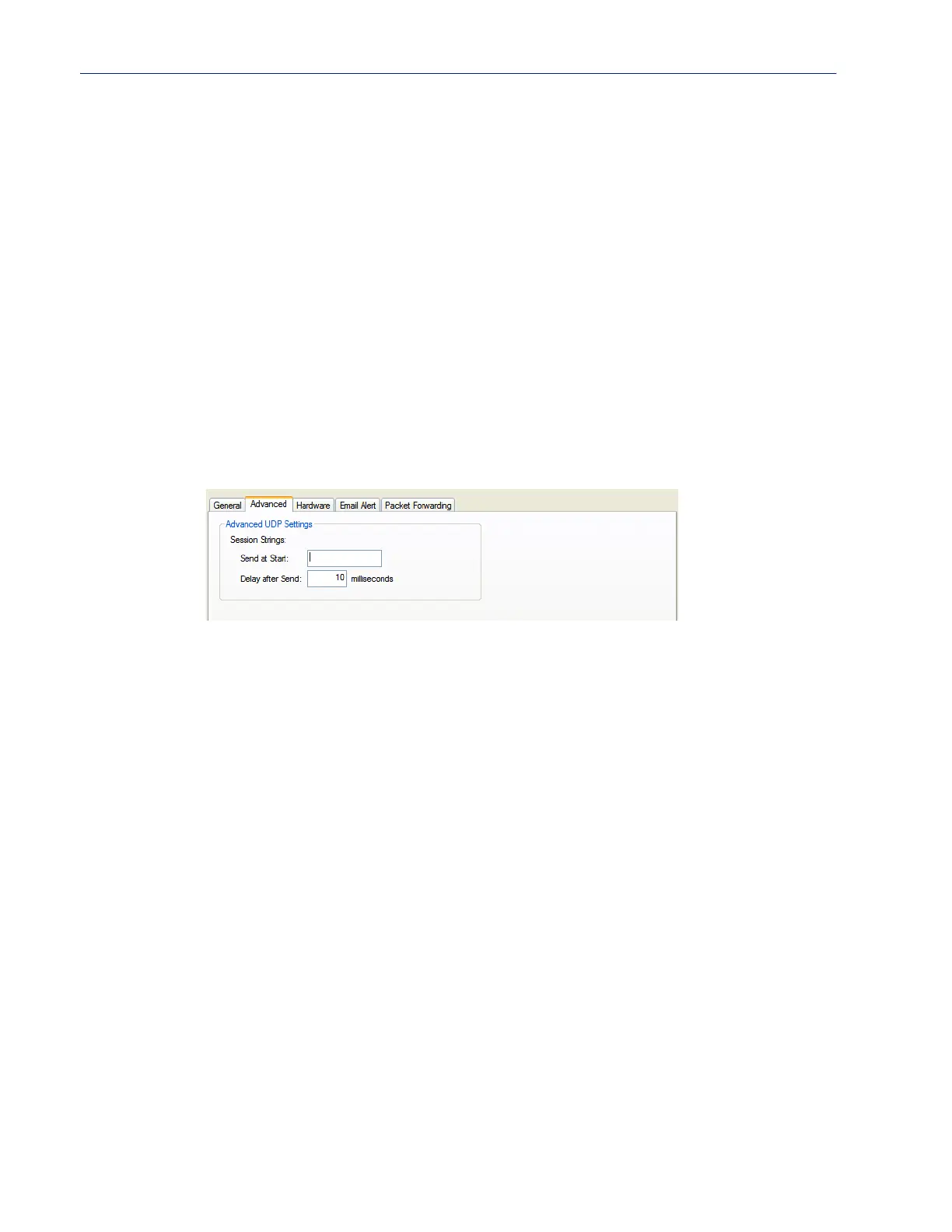
Session Strings
Controls the sending of ASCII strings to serial devices at session start as
follows;
z Send at Start—If configured, this string will be sent to the serial device
on power-up of the IOLAN or when a kill line command is issued on this
serial port. If the "monitor DSR" or "monitor DCD" options are set, the
string will also be sent when the monitored signal is raised.
Range: 0-127 alpha-numeric characters
Range: hex 0-FF
z Delay after Send—If configured, will inset a delay after the string is sent
to the device. This delay can be used to provide the serial device with time
to process the string before the session is initiated or terminated.
Default: 10 ms



 To Next Page