153
Serial Port Profiles
Cipher Suite Field Descriptions
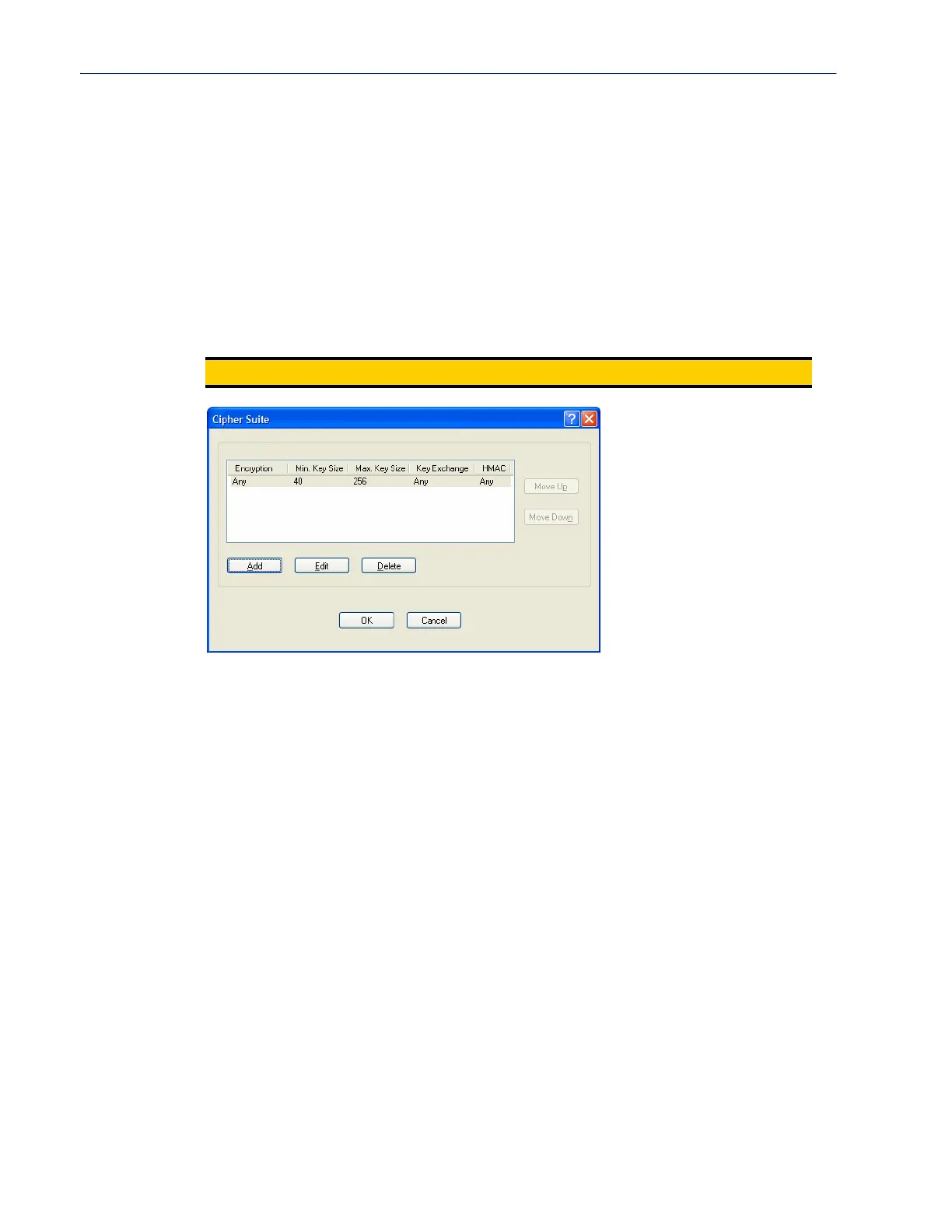
The SSL/TLS cipher suite is used to encrypt data between the IOLAN and the client. You can specify
up to five cipher groups.
The following buttons are available on this window:
Validate Pee r
Certificate
Enable this option when you want the Validation Criteria to match the Peer
Certificate for authentication to pass. If you enable this option, you need to
download an SSL/TLS certificate authority (CA) list file to the IOLAN.
Default: Disabled
Validation Criteria
Button
Click this button to create peer certificate validation criteria that must be met
for a valid SSL/TLS connection.
See Validation Criteria Field Descriptions for more information.
Note:
Some combinations of cipher groups may not be available on some firmware versions.
Add Button Adds a cipher to the cipher list.
Edit Button Edits a cipher in the cipher list.
Delete Button Deletes a cipher from the cipher list.
Move Up Button Moves a cipher up in preference in the cipher list.
Move Down Button Moves a cipher down in preference in the cipher list.



 To Next Page