174
Serial Port Profiles
UDP Sockets Profile
Overview
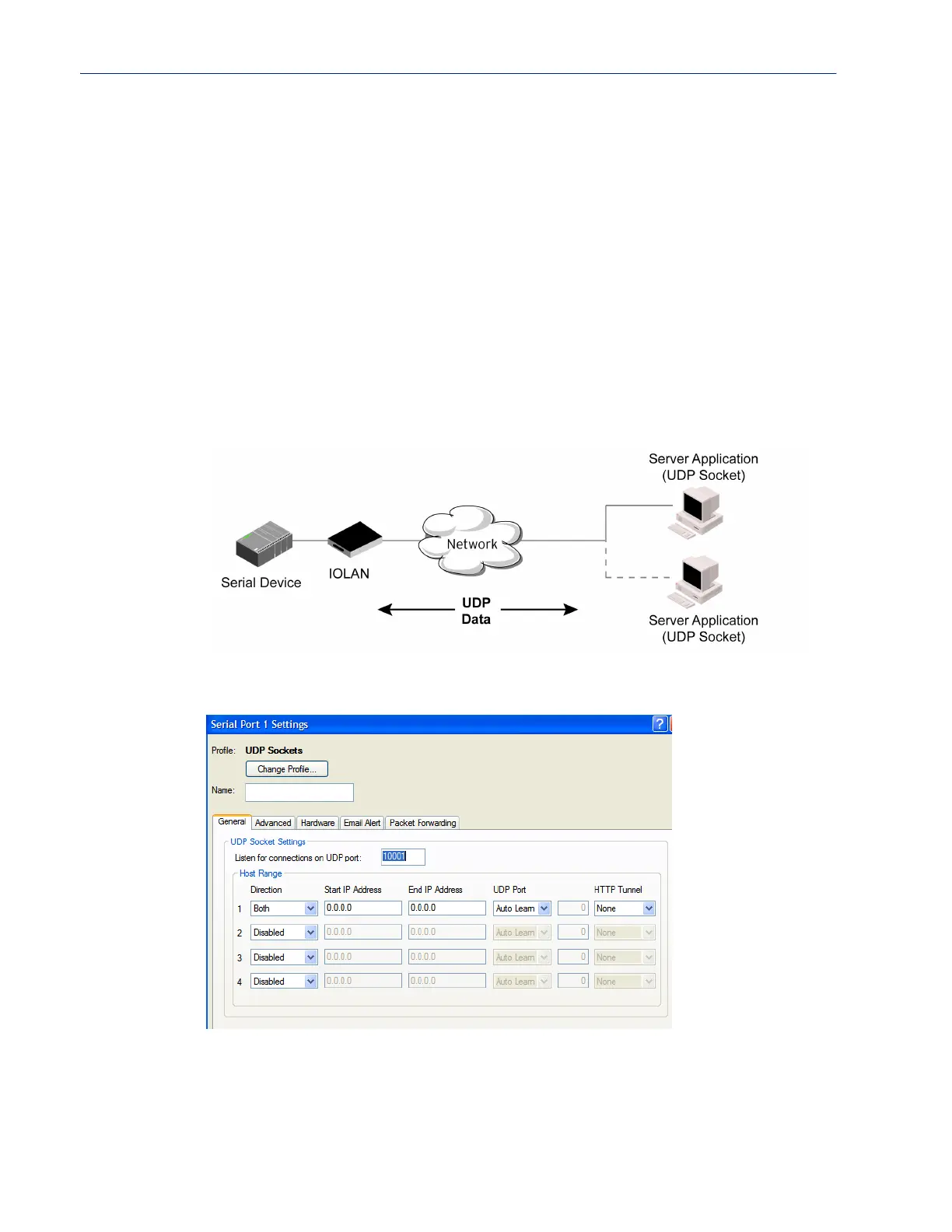
The UDP profile configures a serial port to send or receive data to/from the LAN using the UDP
protocol.
Functionality
When you configure UDP, you are setting up a range of IP addresses and the port numbers that you
will use to send UDP data to or receive UDP data from.
When you configure UDP for LAN to Serial, the following options are available:
z To send to a single IP address, leave the End IP Address field at its default value (0.0.0.0).
z The IP address can be auto learned if both start/end IP address are left blank/default.
If the Start IP Address field is set to 255.255.255.255 and the End IP Address is left at its
default value (
0.0.0.0), the IOLAN will accept UDP packets from any source address.
Sample UDP Sockets configuration screen.
Four individual entries are provided to allow you greater flexibility to specify how data will be
forwarded to/from the serial device. All four entries support the same configuration parameters. You
can configure one or more of the entries as needed.
The first thing you need to configure for an entry is the “Direction” of the data flow. The following
options are available;



 To Next Page