112
WLAN
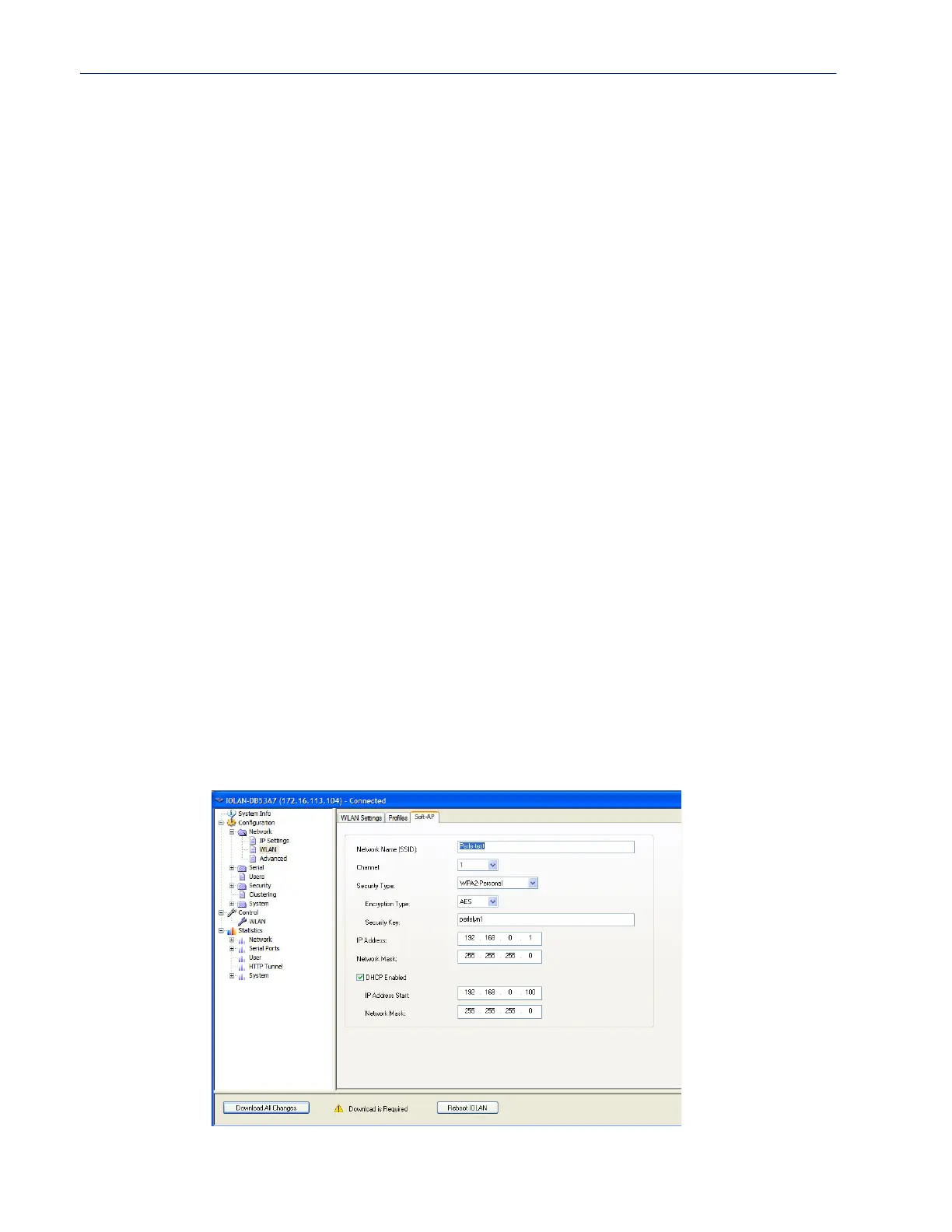
Soft-AP Mode
Overview
Wepkey1
Enter a wep key.
Values: (5 or 13 characters) or (10 or 26 hexidecimal digits)
Wepkey2
Enter a wep key.
Values: (5 or 13 characters) or (10 or 26 hexidecimal digits)
Wepkey3
Enter a wep key.
Values: (5 or 13 characters) or (10 or 26 hexidecimal digits)
Wepkey4
Enter a wep key.
Values: (5 or 13 characters) or (10 or 26 hexidecimal digits)
Tx-key index
Select the TX key index to use. Values: 1-4
Username Specify a username to identify the IOLAN to the Radius server.
Values : max of 254 characters
Default: none
Password Specify a password to identify the IOLAN to the Radius server.
Values : max of 128 characters
Default: none
Validate server
certificate
Enable this option if you want the Radius server to validate that the IOLAN’s
server’s certificate has been signed by a SSL/TLS certificate authority (CA). If
you enable this option, you need to download an SSL/TLS certificate authority
(CA) list file to the IOLAN.
Values: yes or no
Default: no



 To Next Page