171
Serial Port Profiles
Configure the following parameters:
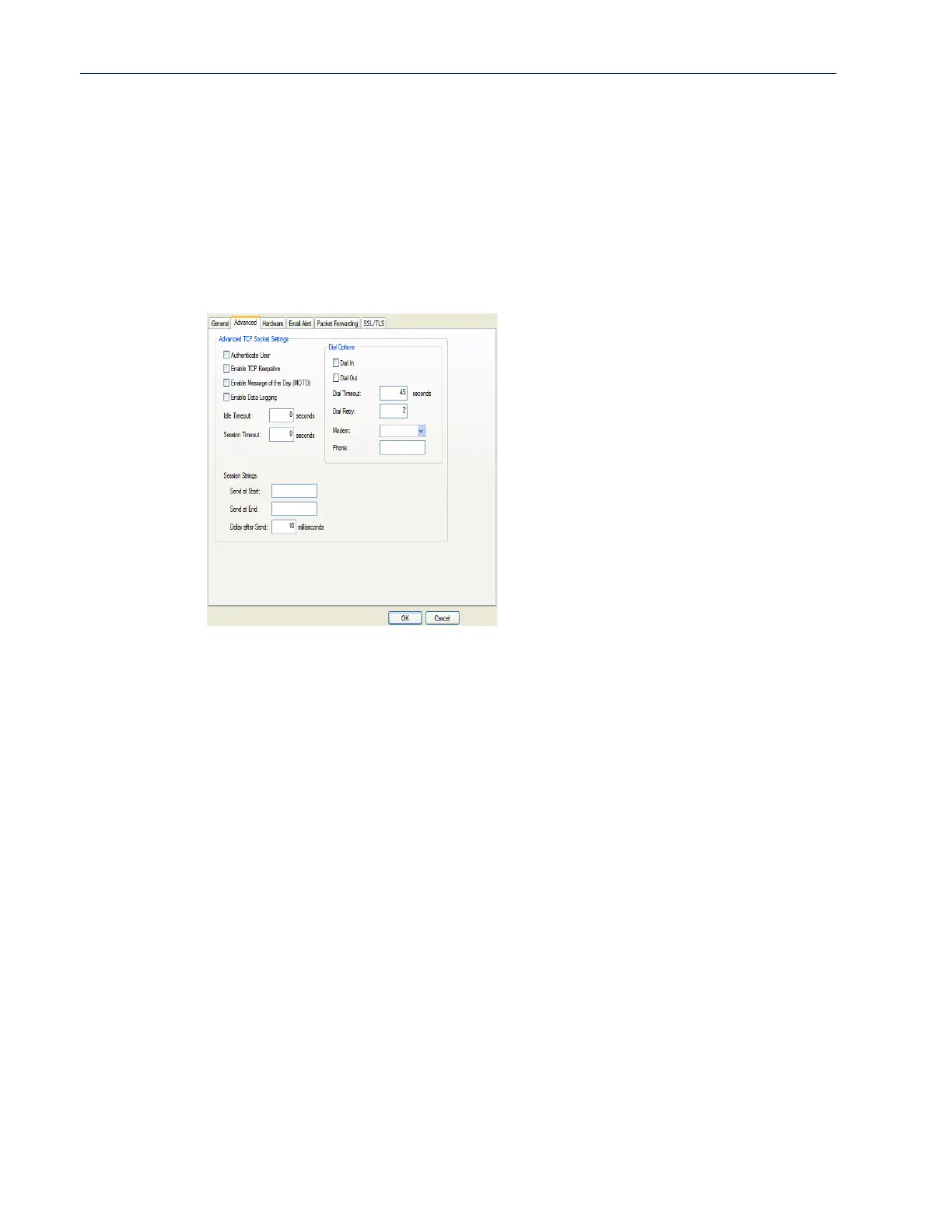
Advanced Tab Field Descriptions
Configure the following parameters:
Host Name Specify the preconfigured host that will be in the multihost list.
Default: None
TCP Port Specify the TCP port that the IOLAN will use to communicate to the Host.
Default: 0
Authenticate User Enables/disables login/password authentication for users connecting from the
network.
Default: Disabled
Enable TCP
Keepalive
Enables a per-connection TCP keepalive feature. After the configured number
of seconds, the connection will send a gratuitous ACK to the network peer,
thus either ensuring the connection stays active OR causing a dropped
connection condition to be recognized.
This parameter needs to be used in conjunction with
Monitor Connection
Status Interval
parameter found in the Serial, Advanced, Advanced Settings
tab. The interval specifies the inactivity period before "testing" the connection.
Default: Disabled
Enable Message of
the Day (MOTD)
Enables/disables the display of the message of the day.
Default: Disabled



 To Next Page