149
Serial Port Profiles
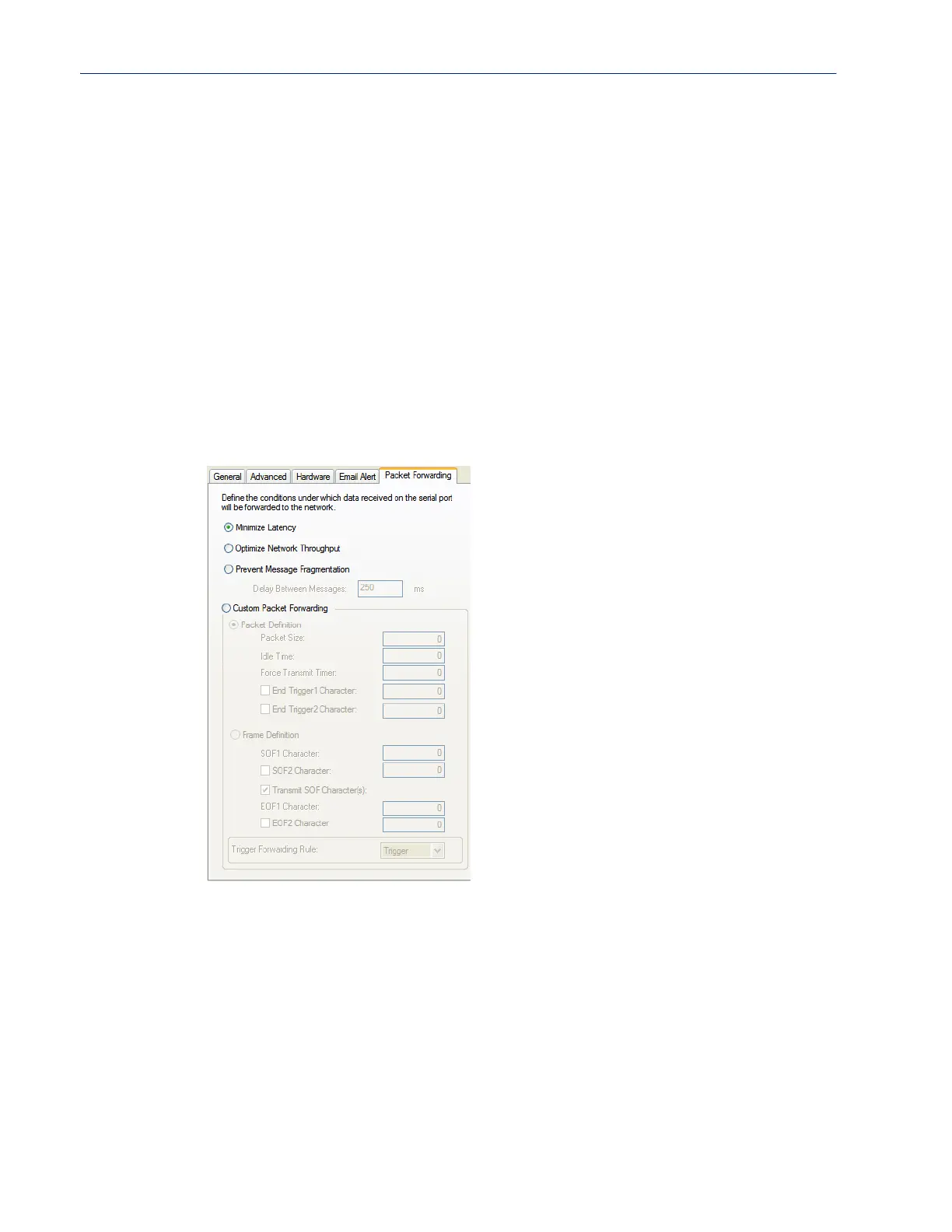
Packet Forwarding Tab Field Descriptions
The Packet Forwarding tab can be used to control/define how and when serial port data packets are
sent from the IOLAN to the network.
Configure the following parameters:
Use System Setting By default, the fields are populated with the "global email" parameters. If you
wish to override a field you must uncheck this field.
To An email address or list of email addresses that will receive the email
notification.
Subject A text string, which can contain spaces, that will display in the Subject field of
the email notification.
From This field can contain an email address that might identify the IOLAN name or
some other value.
Reply To The email address to whom all replies to the email notification should go.
Minimize Latency This option ensures that all application data is immediately forwarded to the
serial device and that every character received from the device is immediately
sent on the network. Select this option for timing-sensitive applications.
Default: Enabled
Optimize Network
Throughput
This option provides optimal network usage while ensuring that the application
performance is not compromised. Select this option when you want to
minimize overall packet count, such as when the connection is over a WAN.
Default: Disabled



 To Next Page