Sealing
50
If another area is added after the last area with the editor, the stop function is activated in
the new last area and deactivated again in the next to last area. However, these automatic
sequences can be corrected at any time with the stop button in each area.
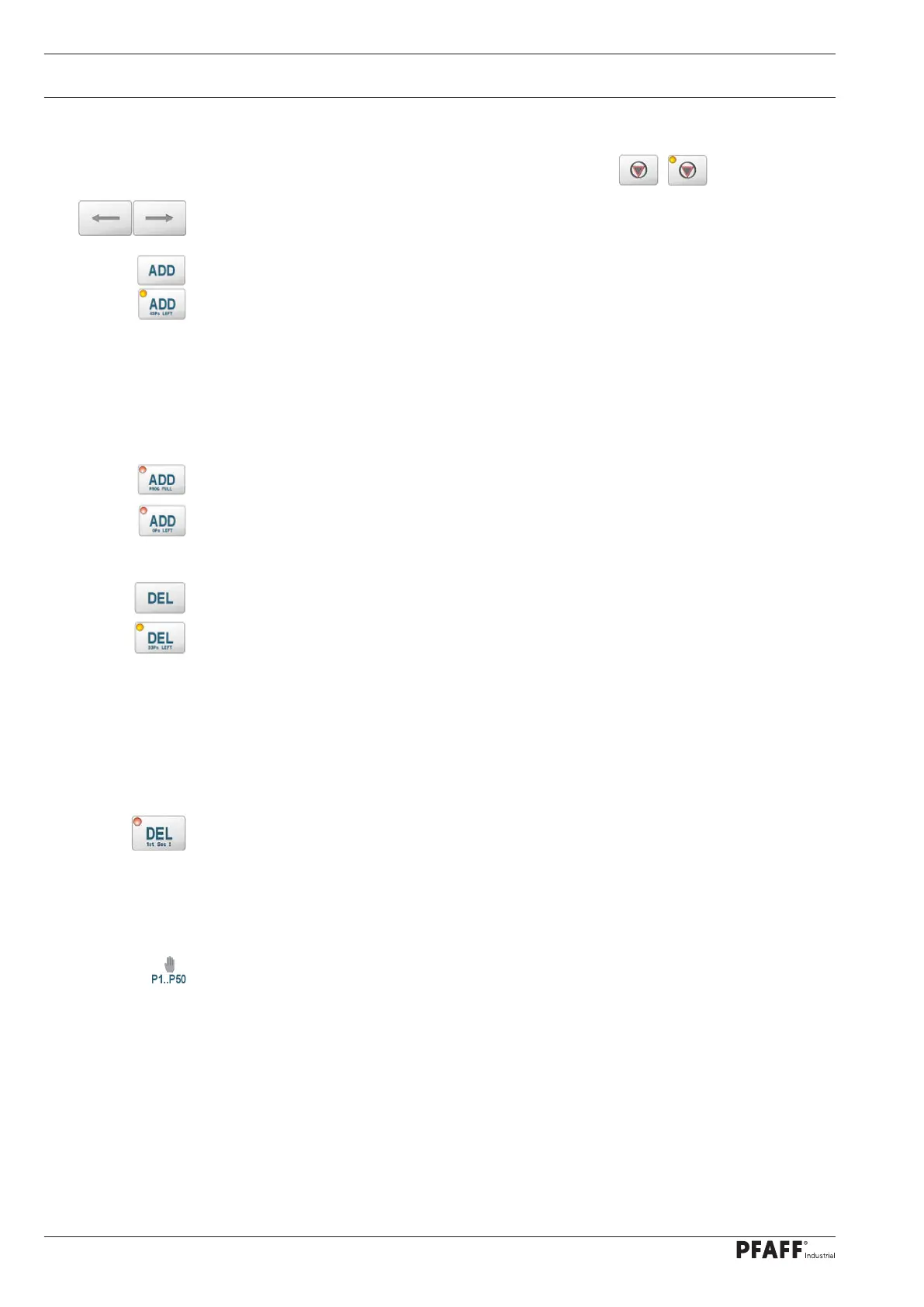
The arrow keys can be used to navigate between the areas in programs with several areas.
Adds another area to the program up to a maximum of 12 areas. For this, a free welding
parameter set between P1..P50 is linked with the program. The function works in two
stages. The first press activates an LED in the function key and the currently available
number of free welding parameter sets (43Ps LEFT) is displayed. With the second actuation,
a free data record is inserted behind the position of the current area and existing following
areas are pushed back one position. The welding parameters are those of the original area.
Only the comment and a set route are not copied. The display changes to the inserted data
record.
If there are already 12 areas, this is indicated by a red error LED and the information PROG
FULL.
If no free welding parameter sets are available, a red error LED and the information 0Ps
LEFT are also displayed
With the DEL key, areas can be removed from a program and released again.
The function also works in two stages again to avoid accidentally deleting areas. The first
time the button is pressed, the number of free welding parameter sets (before deletion) is
displayed again. With the second actuation, the currently displayed area is deleted and the
assigned data record is released. If the deleted area was the last area, the display changes
to the area before. Otherwise the following areas will be shifted one place forward and the
display will remain on the area. The first area has a special position. This area must not be
deleted with the editor because all other areas are linked to it. If the following areas are
deleted from the first area, the 2nd area is deleted and released and then the following
areas are advanced to the 2nd area. The first area always remains intact.
If only the first area is left, the function is canceled with the error message 1st Sec! (1st
Section) canceled.
Note:
If the program is to be completely removed, the remaining first area can be converted into a
manual data record using the program number selection.
The Reset welding parameters function (page 31) can also be used to elegantly delete entire
program links



 To Next Page