Input
75
Set parameters
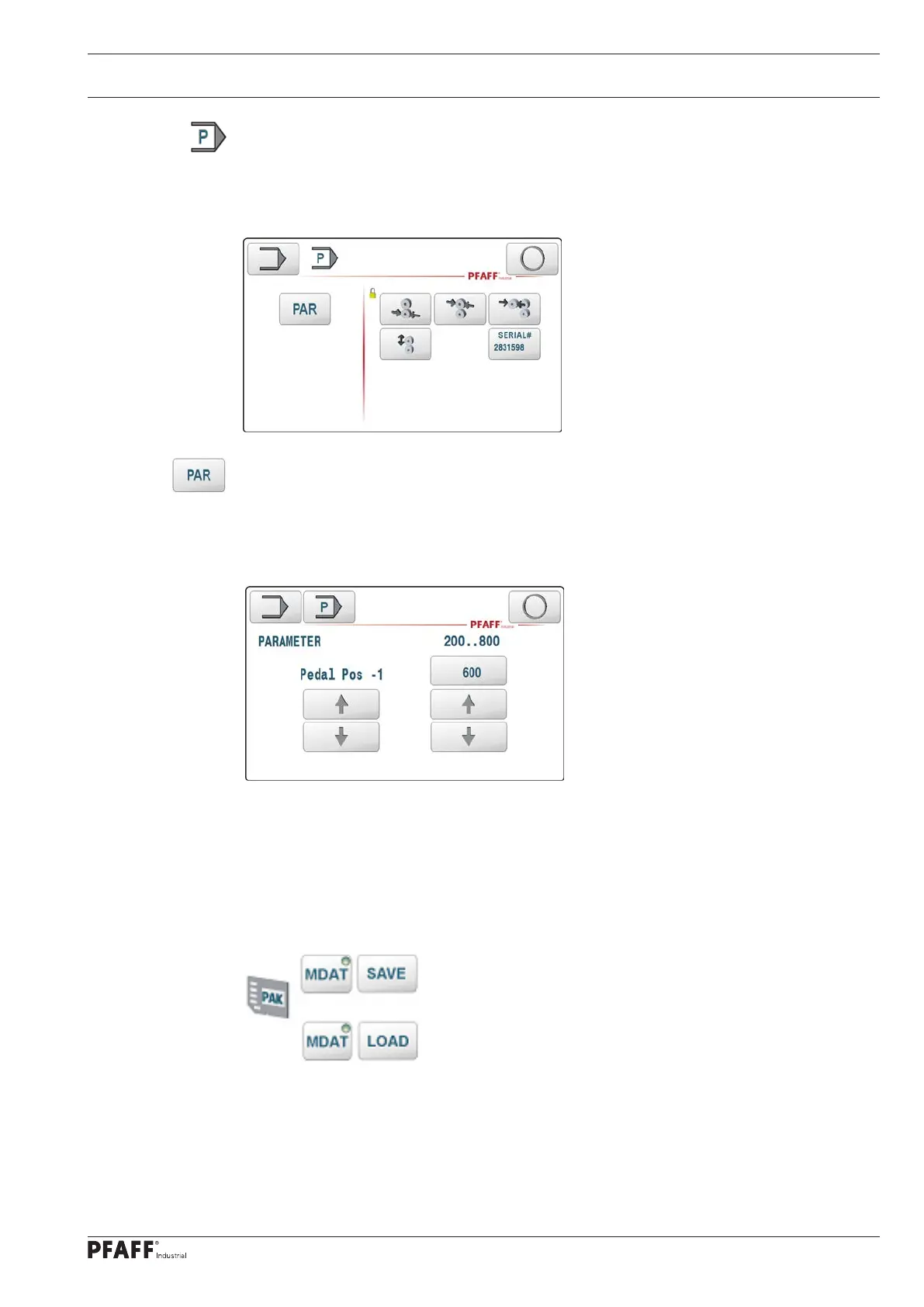
This key opens another menu:
The keys to the right of the vertical line lead to functions that are not accessible to the user
and installer. They are protected with special passwords. The closed lock should illustrate
this state.
Set other parameters
This key takes you to the menu to set up other machine parameters. A separate function has
been programmed for this so as not to overload the configuration screen.
Use the left arrow keys to select the parameter; the parameter can be changed using the
scroll key or entering the value directly with the right arrow keys and the input field.
Note:
The settings take effect immediately on the selected parameters. This function should only
be carried out by specially qualified people (in some cases after consultation with PFAFF).
Various parameters are linked to one another and are only displayed if the machine configuration is
suitable.
The parameters can be changed with the function
or
saved or loaded.



 To Next Page